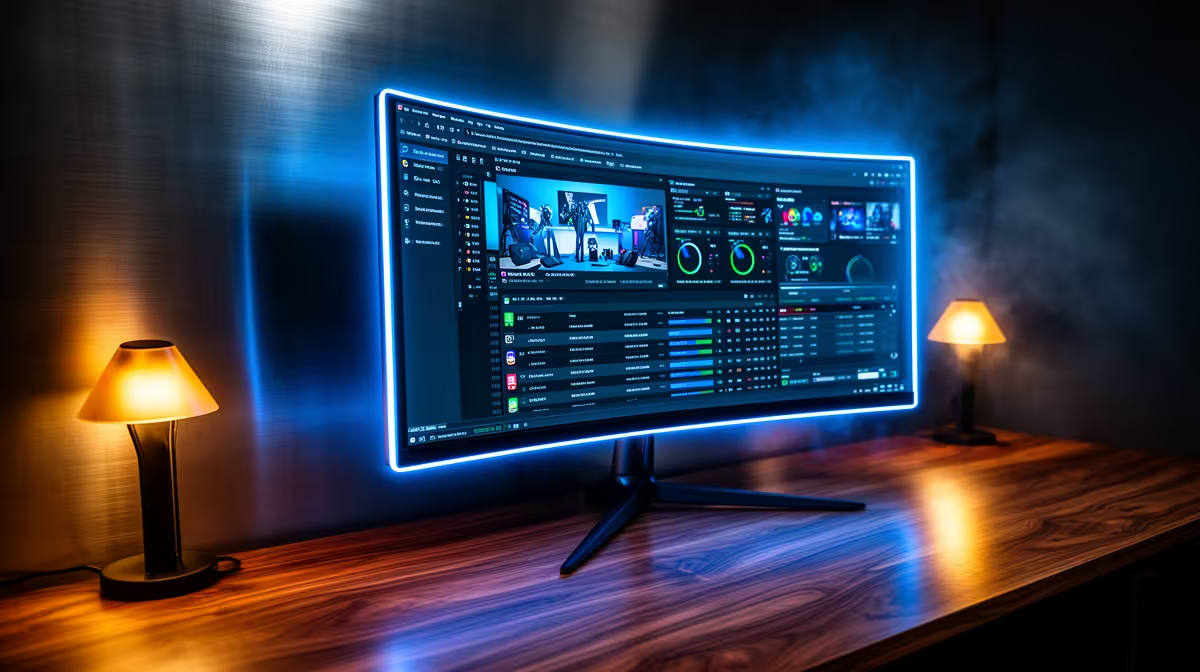
For a small business or home office, an ultrawide monitor replaces a dual-screen setup with one seamless surface, improving focus and reducing desk clutter.
Quick Answer
For small business and home office use on around an R20,000-context budget, a 34-inch 3440x1440 ultrawide is ideal. It shows two documents or a spreadsheet and a video call side by side without a bezel between them. Quality office ultrawides run roughly R7,000 to R13,000 in SA.
Why Ultrawide Fits Office Work
A single ultrawide removes the bezel gap of a dual-monitor setup, giving a continuous surface for spreadsheets, documents, and video calls. The extra width is ideal for finance, admin, and content work where you compare two windows constantly.
Look for a panel with a USB-C input that charges a laptop and carries video over one cable, plus a built-in hub for peripherals. These features cut cable clutter and make a tidy, professional desk.
Comfort And Connectivity
A height-adjustable stand and flicker-free, low-blue-light modes matter for full working days. A subtle curve keeps the panel edges at a comfortable viewing distance. For business buyers, a 3-year or longer warranty and a reliable stand are worth prioritising over gaming features.
FAQ
Is one ultrawide better than two standard monitors?
For many office users, yes. A single ultrawide gives a seamless surface with no centre bezel, which suits comparing documents and joining calls while working.
Does USB-C connectivity matter for office use?
It is very convenient. A single USB-C cable can carry video and charge a laptop while a built-in hub connects peripherals, reducing desk clutter.
What size ultrawide suits a home office?
A 34-inch 3440x1440 panel balances workspace and desk footprint well, comfortably showing two windows side by side without overwhelming a desk.
Choose a 34-inch 3440x1440 ultrawide with USB-C and an adjustable stand to replace dual monitors and tidy your home-office desk.