A podcast mixer is useful for a homeschooling family only when several local voices need separate microphones, individual level control or live audio routing. One learner attending lessons can use a straightforward USB headset or microphone. The verified facts contain no podcast mixer, so source one elsewhere after the number of inputs, outputs and computer connections is known.
Start with the actual lesson arrangement
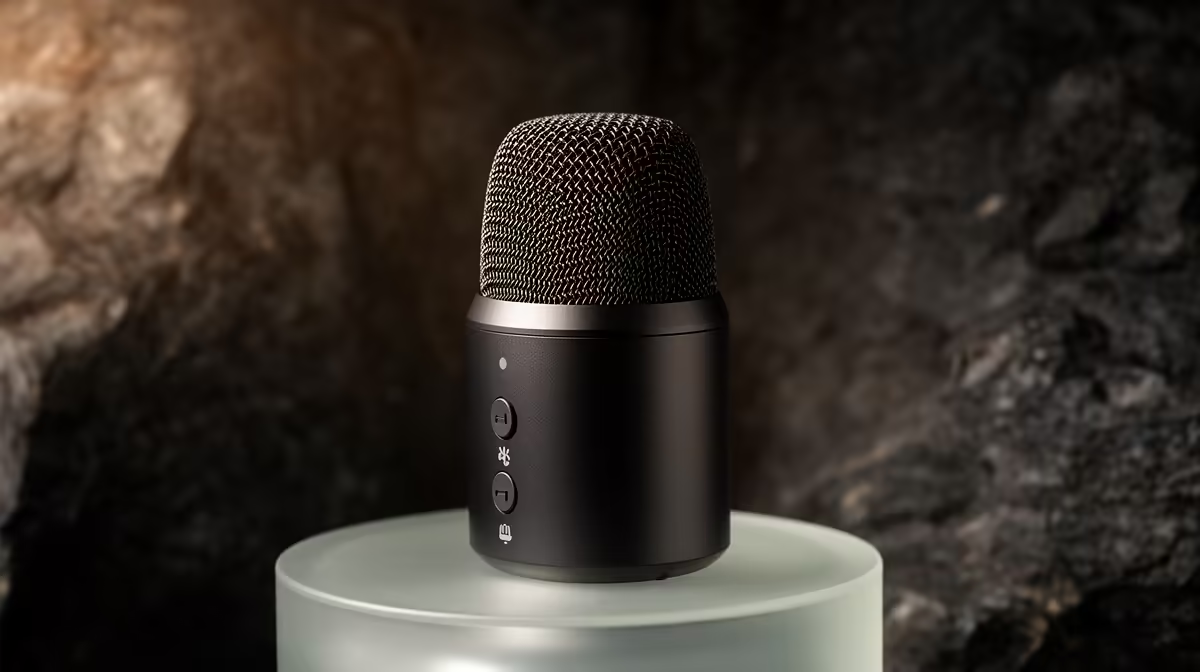
The Logitech H390 USB headset at R320 is a verified simple option for one learner. The HyperX SoloCast 2 USB microphone at R690 and NearStream AM10X-P USB/XLR microphone at R730 are verified desk-microphone choices. Each solves a different recording path, so test room noise and shared-device needs before combining equipment.
Add controls only when sessions demand them
For a family podcast or multi-learner presentation, list every microphone, headphone feed and remote guest. Confirm whether the software can record separate tracks and whether the mixer provides the required computer interface. Keep cables labelled and create a saved startup checklist that children can follow. For ordinary online lessons, extra knobs can increase muting and routing mistakes. Clear speech, echo control and a stable class connection should be proven before a mixer enters the plan.
A small tabletop stand can improve microphone placement without adding routing complexity. Keep controls simple enough that any supervising adult can recover the lesson setup.
Planning family learning audio? > Give Evetech the number of learners, devices and microphones.