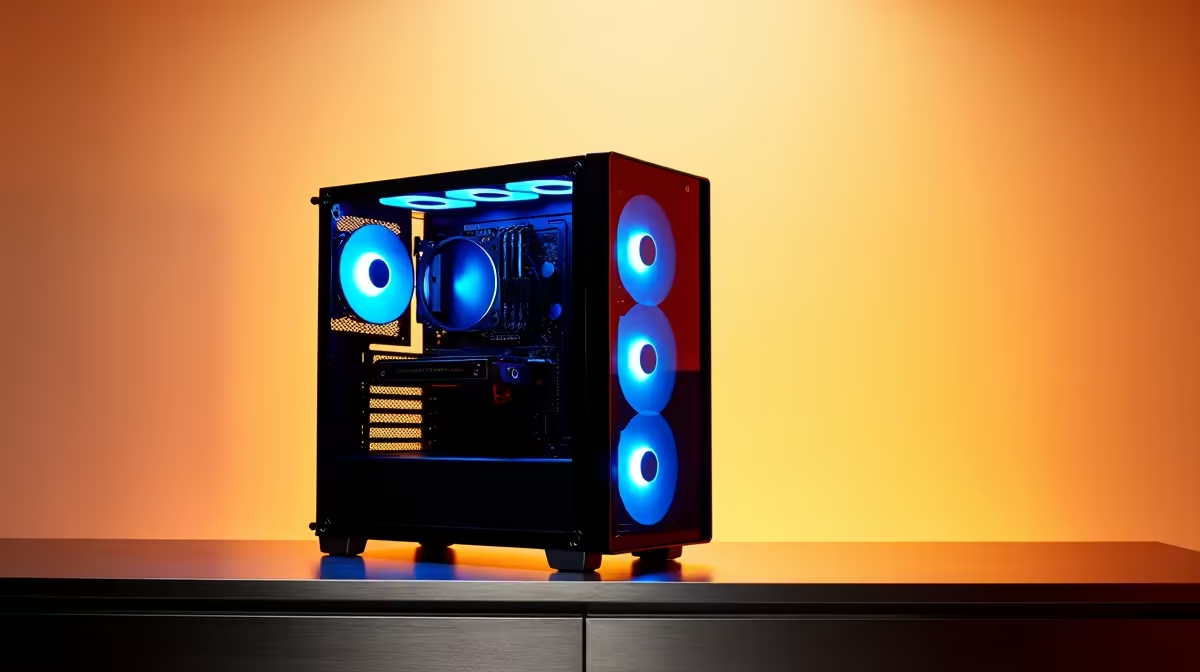
A postgraduate researcher should choose a photo-editing PC from image volume, RAW format, editing software, colour requirements and any scientific analysis involved. Large batches reward memory, fast storage and a capable processor. Publication-quality colour work also needs a suitable display and controlled review process, not merely a computer labelled for creators.
Benchmark a representative dataset
At R12,700, the verified ASUS Vivobook S14 P5405 gives a travelling researcher Core Ultra 5 hardware, 16GB memory and 512GB storage. The Dell S2725QC 27-inch 4K USB-C monitor at R6,128 offers verified high-resolution workspace, while the Hiksemi Pocket 1TB external SSD at R900 provides verified portable project capacity. Confirm software, port and colour specifications before combining them.
Protect research integrity
Import an anonymised sample, generate previews, apply the usual corrections and export the required format while monitoring resource use. Keep untouched originals, editing catalogues and final figures in versioned approved storage. Record colour profile, crop and adjustment decisions when images contribute to research evidence. A fast machine does not justify altering data beyond the methodology. Test restoration of a complete project and preserve metadata needed for later verification.
Researchers who travel between field and campus should encrypt portable media, carry a known-good cable and retain an approved copy away from the laptop. Add the time needed to generate previews when estimating a deadline.
Choosing a research imaging PC? > Tell Evetech the RAW format, batch size, editor and display standard.