



Hot-Swappable PCB Architecture in Modern Keyboards: Guide
Learn hot-swappable PCB architecture in modern keyboards—what it is, how sockets and traces work, and how to pick the right board. Speed up swaps, reduce risk, and upgrade faster 🔧⚡
Read moreEvery spec on vrm explained in plain English. What matters for gaming and creator work in 2026, what's marketing fluff, and how each number translates to real-world performance.
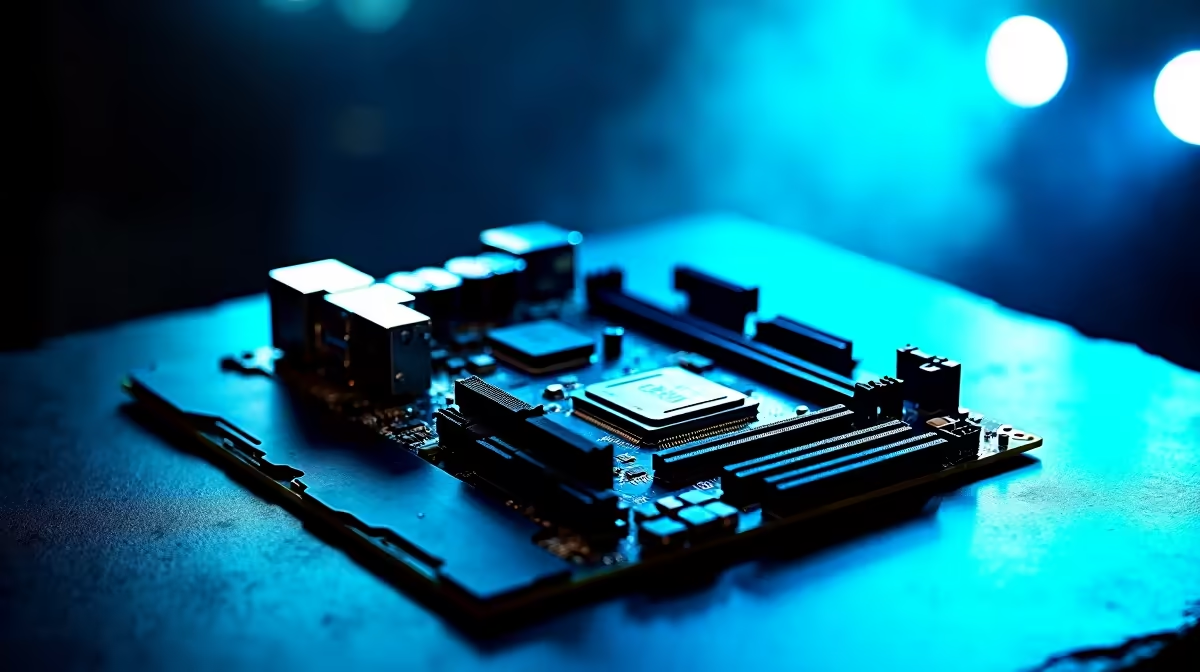
Imagine dropping R10,000 on a top-tier processor, only for your rig to throttle during an intense competitive match. The hidden culprit usually isn't your cooler... it is your motherboard's power delivery. Understanding why robust VRM design matters for overclocking and sustained workloads is absolutely crucial to getting exactly what you paid for. Let us unpack how clean voltage keeps your PC running at peak performance.
What exactly is a Voltage Regulator Module (VRM)? Simply put, your power supply sends 12 volts to your motherboard. If that 12V hit your CPU directly, it would instantly fry the silicon. The VRM steps that voltage down to the roughly 1.2V to 1.4V your processor actually needs to function.
A typical VRM consists of MOSFETs, chokes, and capacitors. Together, they filter and deliver the current. When you are running a demanding title on one of our custom gaming PCs, your system demands clean and stable power. A robust VRM design uses multiple phases to share the electrical load. Think of it like adding more lanes to a busy highway. This prevents any single component from overheating and ensures a steady stream of power... which is vital when you push your hardware to the absolute limit.
Overclocking forces your CPU or GPU to run faster than factory specifications. To achieve this stability, you have to feed the silicon more voltage. Cheap motherboards with basic power delivery struggle to provide this extra juice without severe voltage drops under load.
If the voltage dips even for a millisecond, your system crashes. A high-quality motherboard with a robust VRM setup maintains a perfectly flat voltage line. This allows you to squeeze out every last drop of performance safely and optimise your frame rates. If you are upgrading your rig to handle heavier tasks, keeping an eye on our component specials is a smart way to secure premium boards at exceptional ZAR prices.
Gaming is actually quite forgiving on power delivery because the load constantly shifts. Sustained workloads are a completely different beast. Tasks like 3D rendering, video encoding, or compiling heavy code will pin your CPU at maximum usage for hours on end.
During these sustained workloads, the VRMs generate a massive amount of heat. If the VRMs overheat, the motherboard will automatically throttle your processor to protect itself. You end up losing performance... even if your CPU temperatures look totally fine. This principle applies to mobile computing too, which is why top-tier high-performance laptops feature advanced power delivery cooling to prevent thermal throttling during intense mobile rendering sessions.
Always check the VRM heatsinks before buying a motherboard for heavy workloads. A board with massive metal blocks over the VRMs will dissipate heat much faster than a board with bare components. Pair this with excellent case airflow to keep your power delivery icy cold during those long rendering sessions.
Ready to Power Up Your Next Build? Don't let weak power delivery hold back your high-end processor. If you want to conquer heavy workloads and push your overclocks to the absolute limit, you need the right foundation. Explore our massive range of premium motherboards and build a PC that never backs down.
The products, tools and accessories referenced in this article are stocked at Evetech.co.za with local SA warranty, ZAR pricing and nationwide delivery.
The article breaks down the real-world impact on gaming FPS, creator workflows and everyday responsiveness — not just raw spec numbers.
Only a handful of specs meaningfully change your experience. The guide ranks them by real impact so you spend on what counts.
We cover upgrade headroom, platform longevity and the specific features worth paying extra for if you plan to keep this build for several years.
The article includes a clear generational uplift summary so you can judge whether upgrading from your current hardware is worthwhile.
Learn hot-swappable PCB architecture in modern keyboards—what it is, how sockets and traces work, and how to pick the right board. Speed up swaps, reduce risk, and upgrade faster 🔧⚡
Read more
Mechanical switch lifespan explained—what the 50 million keystroke rating really means, plus tips to extend switch life and reduce double-press issues 🔧⌨️
Read more
60-percent vs full-size mechanical keyboard layouts—learn what each layout includes, who it suits, and how to choose the right fit 🧩⌨️ for typing, gaming, and productivity.
Read more
Double injection keycaps last far longer than standard printed keycaps in most setups. Learn typical lifespan ranges, what shortens them, and how to maximize durability for smoother daily typing and gaming 😊⌨️
Read more
Full-key anti-ghosting: does it stop missed inputs during fast-paced gaming? We break down latency, polling, and key matrix limits so you can buy smarter 🎮⚡
Read more
Protect mechanical keyboard switches from South African dust and summer humidity with practical cleaning and storage habits. Keep your switches smooth, reduce failures, and extend lifespan. 🌬️💧
Read more
Wondering if a TKL wireless mechanical keyboard is worth it for everyday productivity? We break down latency, battery life, comfort, and workflow gains for real work. ⚡⌨️

Maximise battery life on a fanless 15-inch laptop using efficiency core architecture. Cut idle drain, tune power profiles, and improve thermals for longer runtime. 🔋⚙️

Learn how to reduce desk clutter with a TKL wireless keyboard using fewer cables, smart placement, and tidy essentials. Get a faster, calmer workspace with better ergonomics. ✅🧼

RGB keyboard lighting too distracting? Learn how to manage backlight modes, set brightness, and reduce distraction for focus and productivity 😌🖱️

Are themed gaming keyboards worth the extra cost? Compare build quality, switch options, features, and resale value to find the best fit for your setup 🎮⌨️

Full-Size vs Tenkeyless mechanical keyboards for gaming: find out if a smaller layout truly improves aim, speed, and comfort. We break down layout, desk space, latency-feel, and keybinds 🎮⌨️

Dedicated media rollers vs function key shortcuts: learn which setup gives you better workflow control, faster media access, and fewer mistakes. 🖱️🎧

Best Mechanical Switch Type for Gaming: Clicky vs Linear vs Tactile. Find your feel, speed, and noise balance with practical guidance for FPS, MOBA, and productivity 😄🎮

Direct mouse answer: Mouse not keeping up with your work? Everything that matters about dual-mode 2.4GHz + BT 5.0: DPI behaviour, channel switching, battery curves and per-app button mapping. Covers when 2.4GHz USB wins (low-latency desk) and when BT 5.0 wins (laptop, d

Plain wireless mouse guide: Mouse not keeping up with your work? Everything that matters about wireless productivity mouse: DPI behaviour, channel switching, battery curves and per-app button mapping. Includes DPI tuning tips, channel switch shortcuts, and ZAR-aware fea

Real productivity numbers: Set up your wireless mouse in this order: everything that matters about wireless productivity mouse: DPI behaviour, channel switching, battery curves and per-app button mapping. Includes DPI tuning tips, channel switch shortcuts, and ZAR-aware

Pen not feeling like paper? Stylus lag and skipping usually trace to old drivers, dirty nibs, or display refresh mismatches, not the pen itself. Covers pressure curve tuning, tilt thresholds, nib swap timing, and SA pricing brackets.