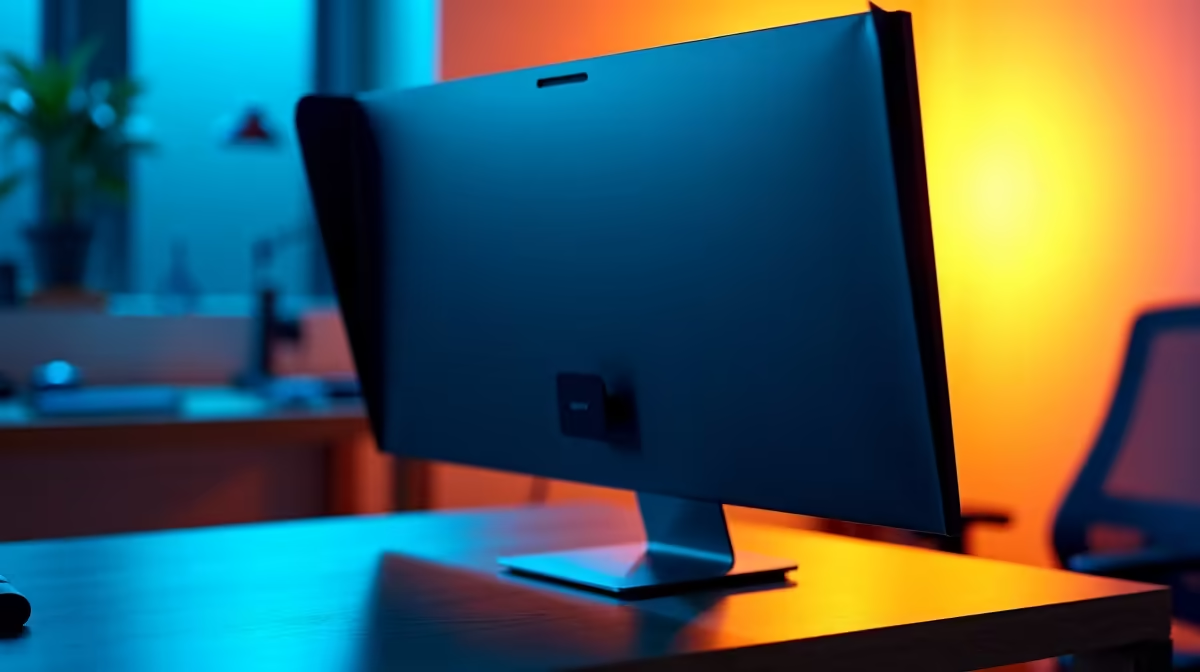
Ever felt that prickle on the back of your neck in an open-plan office? Or maybe you're finalising a sensitive quote at a coffee shop, acutely aware of wandering eyes. In today's hybrid work world, visual privacy isn't just a luxury… it's a necessity. A simple privacy shroud add-on for your work monitor can be the most effective tool in your arsenal, keeping your data for your eyes only. Let's dive in. 🛡️
Why Your Work Monitor Needs a Privacy Upgrade
Visual hacking is a real threat. A single glance at your screen from a colleague or a stranger can expose confidential client information, financial data, or your next big project. While we love the collaborative energy of shared spaces, it creates a massive security blind spot. This is where a dedicated privacy filter for your monitor becomes essential, not just for corporate compliance, but for your own peace of mind.
It’s not just about security, either. Constant self-consciousness about who might be watching drains mental energy and kills focus. By creating a private digital workspace, you empower yourself to concentrate fully on the task at hand. Whether you're using one of the best PC monitor deals for your home office or a company-issued screen, adding a layer of privacy is a smart move.
How Do These Privacy Add-Ons Actually Work?
It’s not magic, it’s clever engineering. Most privacy shroud add-ons for work monitors use something called microlouver technology. Think of it as a tiny set of vertical blinds layered onto a thin film.
When you're looking directly at the screen, your view is crystal clear. But from an angle—typically 30 degrees or more to the side—the microlouvers block the light, making the screen appear black. It’s a simple yet incredibly effective way to guard your screen against prying eyes. This technology works on all sorts of PC monitors, from standard flat panels to fancy high-resolution screens. ✨
Measure Twice, Buy Once
you buy a privacy screen, measure your monitor's display area diagonally. Also, check if it's a standard (16:9) or ultrawide (21:9) aspect ratio. The wrong size won't fit properly and will leave gaps, defeating the purpose.
Choosing the Right Privacy Shroud for Your Setup
Not all privacy filters are created equal. The best one for you depends on your specific monitor and how you work.
Sizing and Screen Type
The most crucial factor is getting the right size. A filter designed for a 24-inch screen won't cover a 27-inch one properly. This is especially important for high-resolution 4K or 5K displays, where edge-to-edge clarity is key. While many of us use our screens for work and play, remember that the goal here is different from what you'd want from our list of all our gaming monitors, where wide viewing angles are a feature, not a bug.
Attachment Methods
You'll typically find two types:
- Adhesive Strips: These filters stick directly onto your screen. They offer a seamless look but are less ideal if you frequently need to remove the filter to share your screen.
- Slide-in Tabs: These use small plastic tabs that stick to your monitor's bezel, allowing you to easily slide the privacy screen in and out. This is perfect for flexible work environments.
Beyond the Shroud: Other Ways to Boost Screen Privacy
A privacy shroud add-on for a work monitor is your first line of defence, but you can enhance it further. For instance, the natural shape of curved monitors already limits side-on viewing angles slightly. For those constantly on the move, pairing a privacy filter with one of the latest portable monitors creates a secure, go-anywhere workstation. 🚀 Simple adjustments like positioning your desk against a wall can also make a huge difference.
Secure Your Screen Today
Your data's security is too important to leave to chance. A privacy shroud is a small investment for massive peace of mind, letting you work with confidence anywhere. Ready to lock down your workspace? Explore our range of monitor accessories and find the perfect fit for your setup.