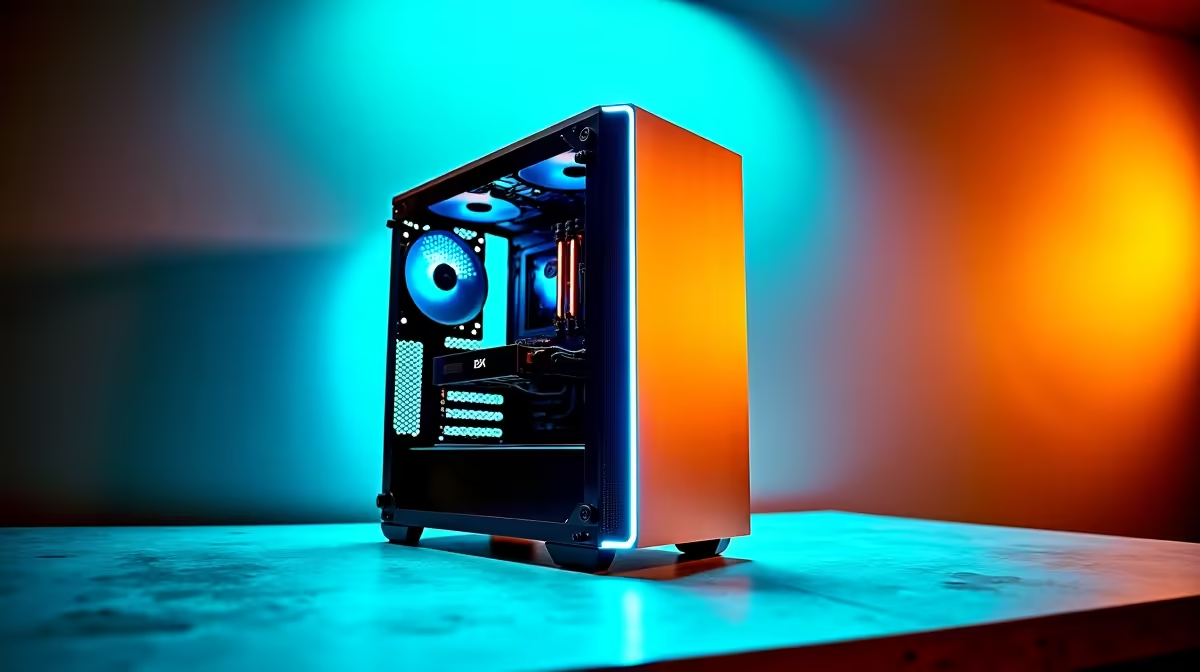
So, you're ready to go from lurking in Twitch chats to owning them? Awesome. Building a professional streaming PC setup in South Africa isn't just about plugging in a webcam anymore. This guide will walk you through the essentials, helping you build a rig that performs under pressure without completely emptying your wallet. 🚀
The Core of Your Professional Streaming PC Setup
Before you even think about fancy lights, let's talk about the engine of your stream: the PC itself. For a long time, a dual-PC setup was the gold standard—one PC for gaming, one for encoding and streaming. Today, thanks to powerful multi-core CPUs and clever GPU encoders like NVIDIA's NVENC, a single, well-built machine is more than capable of delivering a flawless pro streaming setup.
Your focus should be on two key parts:
- CPU (Central Processing Unit): This is your rig's brain. A CPU with more cores and threads (like an AMD Ryzen 7 or Intel Core i7) can handle gaming, encoding your stream, and running background apps like Discord without breaking a sweat.
- GPU (Graphics Processing Unit): While its main job is to give you high FPS in-game, modern GPUs are also encoding powerhouses. They take the load off your CPU, ensuring your game performance doesn't tank the moment you click 'Go Live'.
When you're choosing the heart of your build, from the motherboard to the memory, grabbing reliable parts is crucial. You can find a wide range of essential Corsair components that are trusted by streamers worldwide for their performance and reliability.
Crystal-Clear Audio and Flawless Video
Here’s a secret the pros know: viewers will forgive a bit of video lag, but they will click away instantly for bad audio. Your voice is your connection to your community, so make it count.
A quality USB microphone is the perfect starting point. It's plug-and-play and delivers crisp, clear sound. Pair it with a decent 1080p webcam, and you've got the foundations of a professional broadcast. Remember, good lighting can make a R1000 webcam look like a R10,000 camera. You don't need to spend a fortune; you can find plenty of affordable streaming essentials under R6000 to get you started on the right foot. 🎤
Pro Tip: Optimise Your Bitrate
Your internet upload speed is king. For Twitch, a bitrate between 4500-6000 kbps for 1080p60 is the sweet spot. Run a speed test on your fibre line and set your OBS output accordingly to avoid dropped frames. Your viewers will thank you!
Setting the Scene: Lighting and Studio Vibe
Once your technicals are sorted, it's time for the fun part: creating your unique streaming environment. A visually appealing background does more than just look good—it builds your brand and makes your stream instantly recognisable.
This is where creative lighting comes in. A simple three-point lighting setup (key light, fill light, and a backlight) can make you pop from the background. Add some personality with RGB light strips or modular panels behind you. These touches transform a simple bedroom corner into a proper studio. For a splash of dynamic colour, check out some vibrant Cololight kits to really make your background come alive. ✨
This complete streaming PC setup guide shows that going pro is an achievable goal. It's about making smart choices, investing in the gear that matters most, and building a setup that lets your personality shine.