Quick Answer
Programmable buttons measurably speed up repetitive tasks. For anyone spending more than four hours daily in spreadsheets, design tools, or browser-based work, a mouse with four or more programmable buttons cuts repetitive keystrokes and reduces context-switching.
What Programmable Buttons Actually Do 🖱️
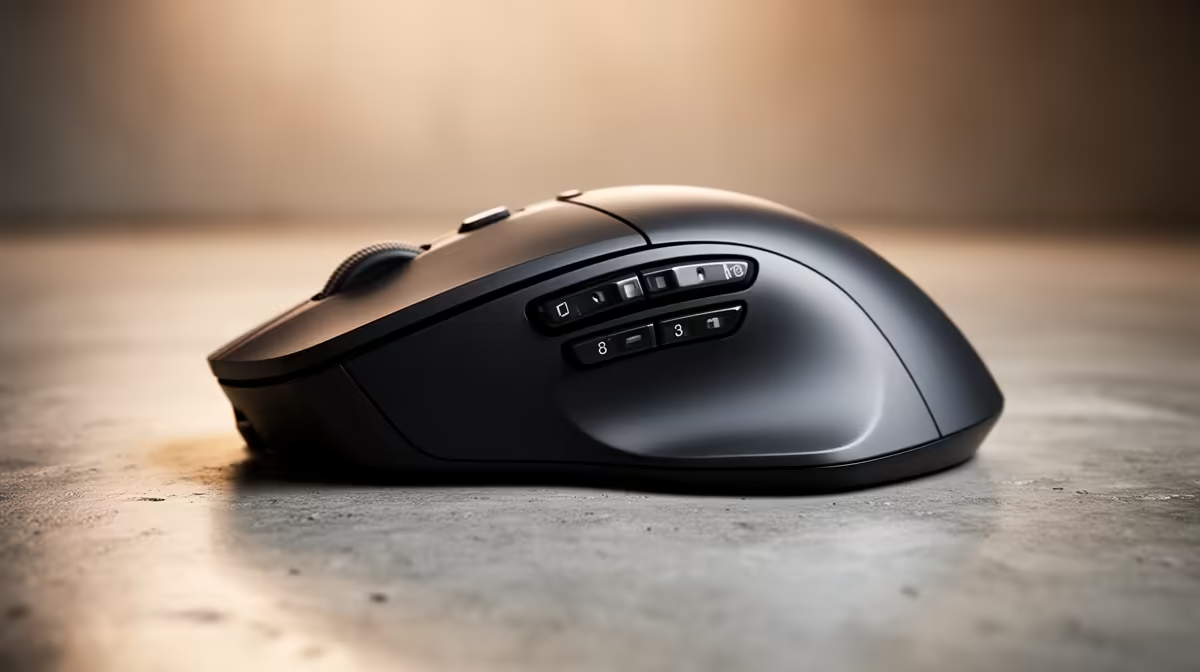
A standard mouse ships with left-click, right-click, and a scroll wheel that also clicks. Every other action requires a keyboard shortcut or a menu click. A programmable mouse reassigns spare buttons to any function: copy, paste, undo, switch browser tab, zoom in, run a macro, or trigger an application shortcut. The Logitech MX Master 3S, for example, ships with seven buttons plus a horizontal scroll wheel, each configurable through software. For a financial analyst working in Excel on a Windows laptop, mapping Ctrl+Z to thumb button one and Ctrl+C/Ctrl+V to buttons two and three eliminates dozens of wrist trips to the keyboard per hour.
Where Standard Mice Are Perfectly Fine 📋
If your daily computer use amounts to email, basic document editing, and light web browsing, a standard three-button mouse covers 95% of interactions without any setup. Programmable mice require software installation and a few minutes of configuration per application profile. For users who share a computer or jump between multiple machines, maintaining consistent profiles across devices adds friction. Standard mice are also generally cheaper, starting around R150 to R250 for a reliable wired or 2.4GHz model at Evetech.
Setting Up Profiles for South African Work Contexts 🎯
Logitech Options Plus and Razer Synapse both support application-specific profiles that automatically activate the right button mapping when a particular program is in focus. A graphic designer can have one profile for Adobe Illustrator with zoom and brush-size buttons, and a different profile for Chrome with tab navigation mapped. For South African students managing NSFAS applications, university portal navigation, and research in parallel browser tabs, mapping forward and back browser navigation to the thumb buttons alone saves noticeable time across a long study session.
Start With Three Custom Buttons ⚡
Do not try to programme every button on day one. Pick the three keyboard shortcuts you reach for most often, assign them, and use them for a week before adding more. Building muscle memory one button at a time is faster than configuring a full profile and forgetting what each button does.
FAQ
Do programmable buttons require software to work?
Most programmable mice require the manufacturer's software to assign custom functions. Once saved, many mice store profiles in onboard memory, so the custom buttons work even on machines without the software installed. Check the product spec before buying if onboard memory is a priority.
Will a programmable mouse work on a university or office computer where I cannot install software?
The buttons will still function as their default factory assignments, typically back, forward, and DPI switch. Custom assignments stored in onboard memory will also carry over. You just cannot change the configuration without installing the software on that machine.
Are there any productivity mice with programmable buttons under R700 in SA?
Yes. Several Logitech and HP multi-device mice in the R450 to R700 range include at least two to four remappable buttons. They use companion apps that are free to download and do not require a subscription.
Want to stop reaching for the keyboard every 30 seconds?
Evetech stocks programmable productivity mice at every price point, from straightforward office picks to advanced multi-button models for power users.