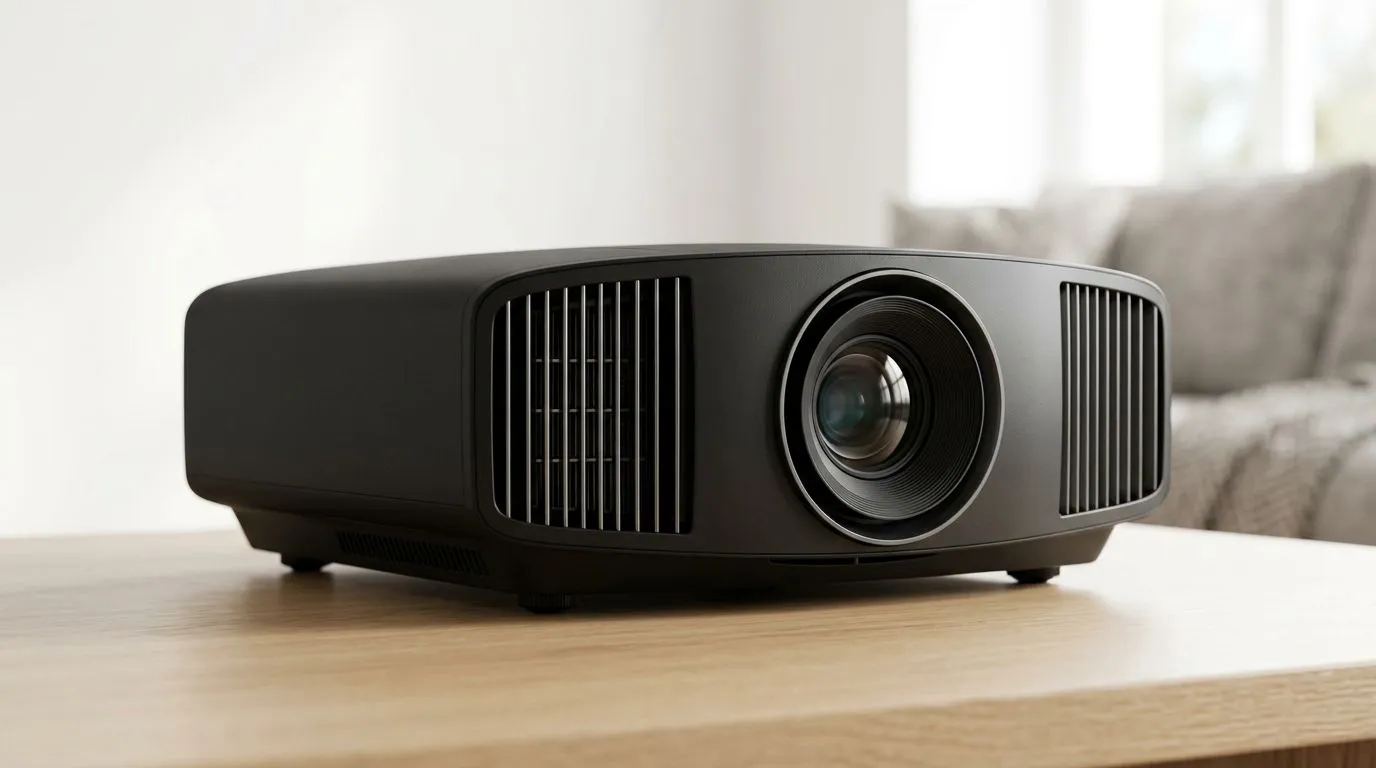
Projector Screen Size and Brightness: Start With the Room You Actually Have
South Africa’s power, budgets, and room setups are… unique. So when you’re buying a projector, don’t just chase “high lumens” on a box. Your viewing distance, screen size, and ambient light level decide whether you get sharp, usable images for gaming sessions, movies, or presentations.
If you’re trying to avoid that classic problem, where the picture looks washed out by evening light… this guide is for you. 🔧
Projector Screen Size and Brightness: How to Choose the Right Screen Size
Screen size is not a “bigger is better” situation. It’s a geometry problem.
Measure distance, then use the throw ratio
First, measure the distance from the projector to where the screen will sit. Then check the projector’s throw ratio (how wide the image becomes at a given distance). If you pick a screen that’s too large for your room, you’ll stretch the image and soften details.
Evetech’s projector range is a great place to start comparing models by use-case and price bracket:
Match screen size to content type
For games, smaller can often look better. Why? Because your eyes track motion. If the pixels are spread too thin across a huge screen, you’ll notice blur faster.
For movies and casual streaming, larger screens can feel more immersive. Just keep brightness in mind… we’ll get to that.
Projector Screen Size and Brightness: Brightness (Lumens) Explained Without the Hype
Brightness is commonly measured in lumens. But the real-world result depends on light control and image settings. A projector that looks great in a dark room can look weak in a bright lounge.
Use lumens with your environment, not against it
If you game after sunset with blackout curtains, you can get away with lower brightness. If you have windows nearby or bright indoor lighting, plan for higher brightness and consider dimming lights where possible. ⚡
Beware “marketing lumens” and settings that change the outcome
Most projectors have different brightness modes (like Eco, Standard, or Movie). Eco often reduces lumens, but can improve contrast and reduce fan noise. If you want accurate colours for entertainment, use the mode that makes sense for your room. ✨
Consider screen material and gain
Not all screens reflect light the same. “High gain” screens can boost perceived brightness, but they can also be less forgiving off-axis. If your couch is not centred, a perfectly placed audience becomes important.
Projector Screen Size and Brightness: Calculating Your Setup (So You Don’t Guess)
Let’s make this practical.
Step 1: Decide your target screen size
Start with a realistic screen size based on throw distance and how much wall space you have. If you’re tight on space, ultra-short-throw models can help, but only if they fit your room layout.
Step 2: Estimate brightness needs
Think in ranges:
- Dark room: you can prioritise resolution and contrast.
- Semi-lit room: you’ll want more brightness.
- Bright room: you’ll likely need the brightest option you can afford and you should reduce ambient light where possible.
If you’re comparing brands, it helps to focus your shortlist:
Step 3: Confirm features that matter for gaming
For gaming, input lag and refresh support matter. Also look at connectivity (HDMI ports) and whether the projector can handle your console or PC output properly. The best spec on paper is the one that works with your devices.
Projector Screen Size and Brightness: Pro Tips for a Sharper Picture 🔧
Productivity Pro Tip ⚡
On Windows, use the PowerToys FancyZones utility to create custom snap layouts for your windows. It's a lifesaver for managing multiple apps on an ultrawide monitor, letting you organise your timeline, preview window, and asset folders perfectly for video editing.
Add these upgrades before you buy a bigger screen
- Turn down ambient light: even a couple of shaded lamps can make the image pop.
- Set the correct throw and focus: small alignment tweaks can improve sharpness instantly.
- Use the right aspect mode: stretch modes can make text and HUD elements look weird.
A quick micro-scenario from SA living rooms
One afternoon, we tested a projector in a lounge with the curtains half-open. The image looked fine on the first minute… then the room got brighter and the picture softened. After closing the curtains fully, the same projector looked more “alive”. That’s brightness working with your actual conditions, not the brochure.
Projector Screen Size and Brightness: Where to Shop the Right Models
If you want to compare a wide range quickly, start here:
Don’t get stuck on a single spec. Compare brightness needs, screen size fit, and the devices you’ll connect. The “best” projector is the one that matches your room and your habits.
Ready to Find Your Perfect Match?
The Mac vs Windows debate is complex, but for maximum power, choice, and value in South Africa, Windows is hard to beat. Explore our massive range of laptop specials and find the perfect machine to conquer your world.