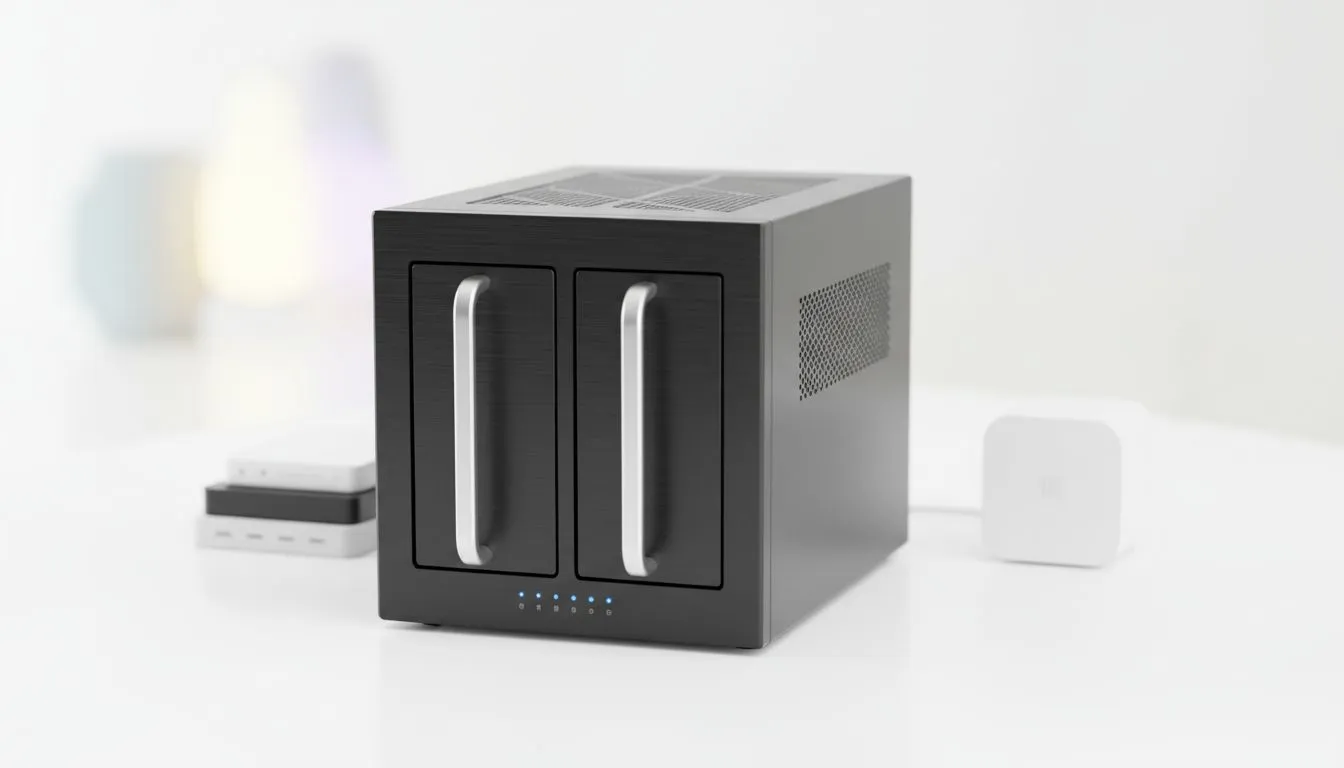
Tired of seeing R159.00 leave your bank account every month just to keep your photos safe? For South African households, the debate over public cloud vs private NAS cost is becoming a major financial decision. While cloud services feel affordable today, those monthly debits add up quickly over several years. Let's break down which storage solution actually saves you money in the long haul... 🚀
The True Cost of Subscription Fatigue
Public cloud providers like Google, Apple, and Microsoft offer convenience. However, they trap you in a cycle of "renting" your digital life. In South Africa, a 2TB cloud plan can easily cost over R1,800 per year. Over five years, you have spent R9,000 and still own zero hardware. If you stop paying, your data is locked away.
When comparing public cloud vs private NAS cost, the cloud wins on initial entry price. You can start for the price of a takeaway coffee. But for gamers with massive libraries or families with thousands of 4K videos, that monthly fee only goes up.
Investing in Your Own Data Fortress
A Network Attached Storage (NAS) device requires an upfront investment. You are buying the hardware and the drives. However, once the initial cost is covered, your monthly fee drops to zero. If you look at diskless NAS storage options, you can customise your capacity based on your specific budget.
A typical 2-bay NAS setup might cost more initially, but it pays for itself within 24 to 30 months. After that point, every month of use is essentially "free" storage. Plus, you get much faster transfer speeds over your local home network... especially useful when Eskom decides to flip the switch and your internet goes down.
Choosing the Right Hardware for SA Homes
Not all NAS units are built the same. If you are looking for a sleek, budget-friendly entry point, checking out Orico NAS solutions is a smart move. They offer reliable enclosures that don't break the bank.
For those who need more "oomph" for media streaming or running local servers, Minis Forum NAS hardware provides the processing power required for transcoding high-resolution video. When you calculate the public cloud vs private NAS cost, remember to factor in the extra features like Plex media serving or automated PC backups that a NAS provides for free.
Data Safety Tip ⚡
Always use a RAID 1 configuration (Mirroring) if you have a 2-bay NAS. This ensures that if one hard drive fails, your data remains safe on the second drive. It is the cheapest insurance policy for your digital memories and work files.
Final Verdict: Which is Cheaper?
If you only need 50GB for a few documents, the cloud is the winner. But for the modern South African household with multiple devices, a NAS is the clear financial champion over a three-year period. You gain privacy, speed, and total ownership of your files without the looming threat of price hikes from overseas tech giants.