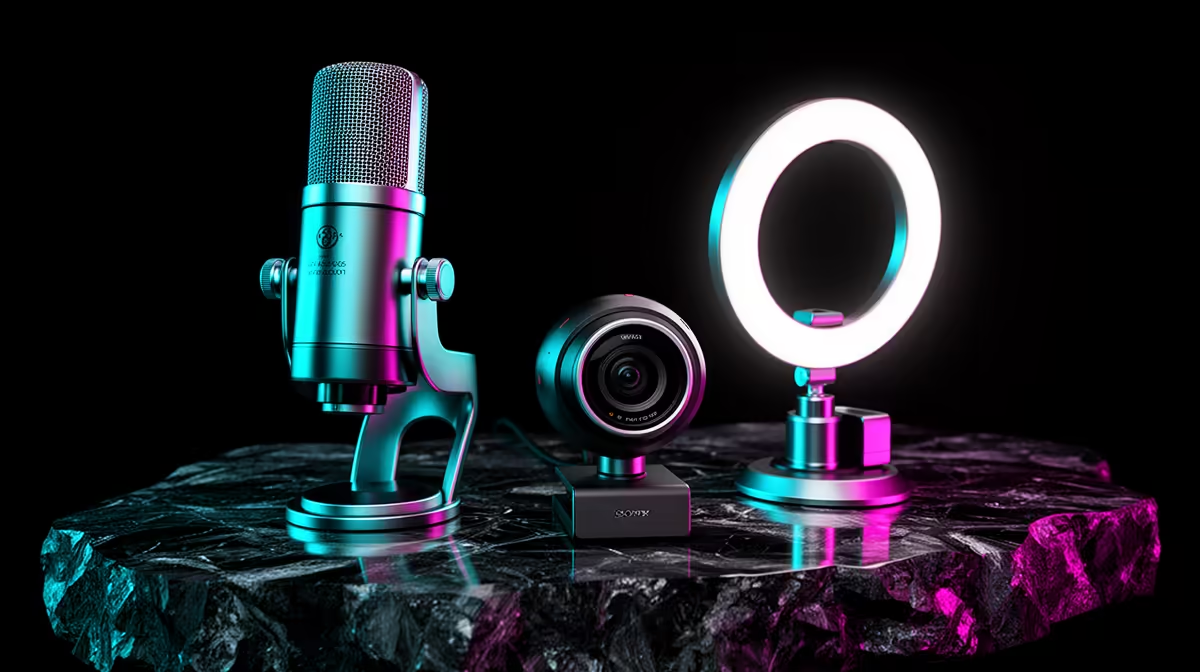
A R3,500 streaming kit can cover the three things a new channel needs: a USB microphone, a basic webcam and a small soft light. It cannot cover every mixer, arm and scene-control accessory. Put speech first, light the face second and let the webcam work with the remaining budget. The R3,500 is a basket cap, not a live category price.
Quick Answer
Choose a cardioid USB microphone that includes a usable desk stand, a 720p or 1080p webcam and one dimmable light with diffusion. Keep the microphone close to your mouth and the light near the camera. Use headphones you already own. Skip the mixer, capture controller and decorative background until the stream's sound and exposure are stable.
Start by listening to the room
Record your voice with the current headset or phone. Sit where you will stream and let the PC run a game. Include keyboard and mouse input. Listen for echo, traffic, fan noise and a thin distant voice.
A tiled room with bare walls needs a microphone used close. A soft room with curtains can tolerate a more sensitive condenser. Cardioid pattern means the mic is most sensitive in front, but sound still reaches it from the sides and rear. Point the rejection area at the keyboard or fan where the design permits.
Do not spend the budget on a microphone that must sit half a metre away because the stand cannot reach. Placement can matter more than the capsule.
Give the microphone the largest share
A USB microphone includes its own converter and computer interface. That keeps the R3,500 build free of an external audio interface. Look for physical gain or mute controls and a headphone output where direct monitoring matters.
Check whether the box includes a stand, cable and thread adaptor. A pop filter can soften plosive bursts, but moving the mic slightly off-axis can work at the start. A shock mount helps only when desk vibration is a real problem.
Browse the streaming essentials range and open each exact product. The category contains accessories, so its lowest figure cannot establish a microphone price. Build from named items and date any price you quote as of July 2026.
Use a webcam that covers the frame
Evetech's dated snapshot put the Logitech C270 720p HD webcam at R329 as of July 2026. That named example shows how a basic camera can leave most of the R3,500 envelope for sound and light. Check its current product page and compare field of view, focus and mounting with other options before buying.
720p can be enough for a small face window in a 1080p stream. A 1080p camera gives more crop room, but a weak sensor in a dark room may look worse than a modest camera with good light.
Use the webcam range to compare the exact frame-rate modes and operating-system support. Confirm the clip fits your monitor without covering important screen area.
Add one light, not a collection
A small ring light is compact, though it can create circular eye reflections and flat light. A diffused panel or lamp through safe diffusion can create a softer shape. Use a product designed for the heat and electrical load; do not cover a hot household bulb with improvised material.
Place the light just above eye height and off to one side. Move it closer to make it softer, then lower brightness. Keep the background a little darker so the webcam does not fight two exposure targets.
South African mains frequency can reveal flicker in some lights. Use the camera's supported anti-flicker mode and test a recording before going live. Do not rely on what your eyes see because the sensor shutter can expose a pattern you miss.
Build the basket in this order
Pick the microphone and confirm included mounting. Pick the webcam and use one named current price. Then assign what remains to the light and any essential cable. If the total crosses R3,500, step down the camera before weakening microphone placement.
Do not assign a precise price to a generic microphone or ring light from memory. The local price pack supports named products, and the product pages give the current basket. The budget title describes the goal, not guaranteed stock.
Keep a small margin for a USB extension only if the measured cable is short. A powered hub should not enter the kit unless the PC lacks stable ports. Direct connections are easier to diagnose.
Set the microphone before software filters
Place it about a hand span from your mouth and speak across the capsule rather than breathing into it. Set gain so normal speech remains clear and a laugh does not clip. Watch the meter and make a test recording.
Noise suppression can reduce steady fan sound, but aggressive settings make speech watery and remove consonants. A noise gate can cut the start or end of words. Fix distance and room noise before adding a light filter chain.
Use closed headphones for monitoring if speakers feed back into the mic. Keep headphone volume comfortable and direct monitoring balanced with game audio.
Set the webcam manually where possible
Frame from the chest or shoulders upward and keep the lens near eye height. Clean the lens with a suitable cloth. Lock white balance after the light settles so skin tone does not shift with the game.
Reduce exposure until movement stops smearing, then add light rather than camera gain. Leave autofocus on if you show products; lock focus when it hunts during a fixed seated shot.
Test the stream as one load
Run the game, streaming software, microphone, camera and overlays together. Watch encoder and rendering dropped frames. A webcam can consume USB bandwidth, while software noise removal uses CPU or GPU resources.
Record locally before broadcasting. Play it through phone speakers and headphones. Speech must remain understandable at low volume, and the face must stay exposed during bright and dark game scenes.
Upgrade from the first ten streams
If desk vibration reaches the mic, add a boom arm or shock mount. If the background echoes, improve placement and soft furnishings. If the camera hunts, change focus or lighting. If all three are stable, there is no need to spend the next rung at once.
Frequently Asked Questions
Is R3,500 enough for a complete streaming kit?
It can cover a named USB mic, basic webcam and small light when the current basket fits. It does not need to include a mixer or controller.
Is 720p webcam video enough?
Yes for a small face window when lighting and exposure are sound. Full-screen camera work benefits more from 1080p detail.
Should I buy a ring light or boom arm first?
Buy the item that solves the test recording. Distant audio points to the arm; noisy dark video points to the light.
Build the R3,500 stream kit from a close USB microphone, one named webcam and a soft light, then test the whole signal before adding extras.