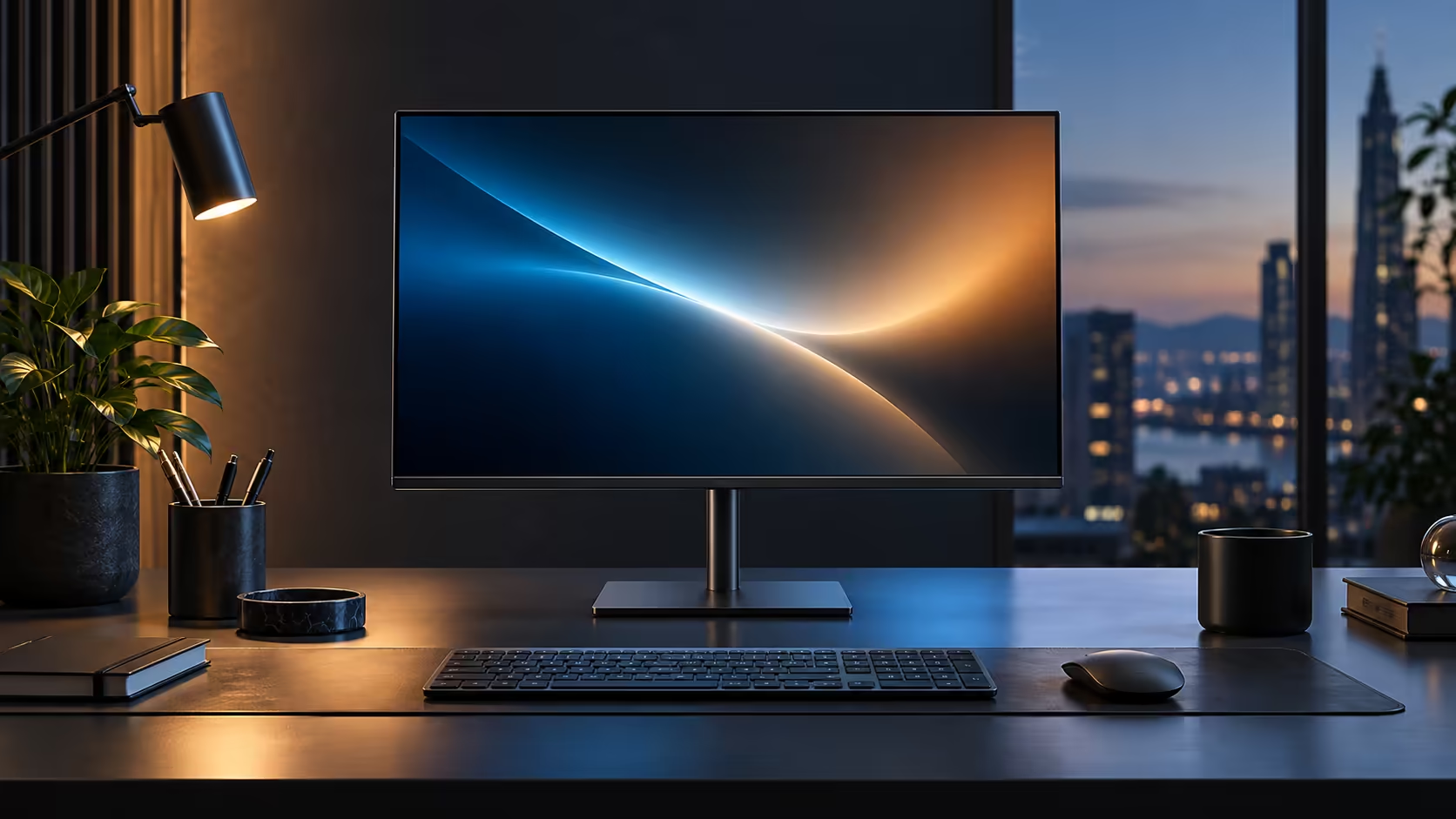
Neck strain rarely announces itself as a monitor problem. It shows up as a stiff shoulder by Wednesday or a dull ache at the base of the skull by Friday, and the actual cause is usually a screen sitting a few centimetres too low for hours at a stretch. A stand with height, tilt, swivel and pivot adjustment, like the one bundled with Dell's Pro 24 Plus P2425DE for R6,099, addresses the mechanics directly rather than treating the symptom.
Quick Answer
Height does the most for the neck; tilt, swivel and pivot fine-tune the rest. Lifting the top edge to eye level ends the chin-down slump that builds through the afternoon. A height-adjustable stand comes with the R6,099 Dell Pro 24 Plus P2425DE, which also adjusts for tilt, swivel and a full 90-degree pivot.
🦴 What the chin-down posture actually does over hours
Understanding the mechanism makes it obvious why this specific fix works.
A screen sitting even 5 to 8cm below eye level tilts the head forward and down to compensate, which shifts load onto the muscles at the back of the neck and top of the shoulders that were not designed to hold that position continuously. Held for an hour it barely registers; held for six or seven hours across a working day it accumulates into the stiff, dull ache most people describe as "just tired," without connecting it back to screen height. Raising the top of the screen to eye level removes that forward tilt entirely, letting the neck sit in a more neutral position.
📐 Finding your actual correct height
This takes under 1 minute and does not need any tools.
Sit in your normal working posture with your chair adjusted so your feet sit flat and your elbows are roughly level with the desk. Close your eyes for a moment, then open them: wherever your gaze naturally lands is close to the correct monitor height. Adjust the stand so the top third of the screen sits at or just below that point. People who wear bifocal or progressive lenses often prefer the screen slightly lower, since the natural head position for reading through the lower part of those lenses already tilts the chin down a little.
🔄 Where tilt, swivel and pivot come in after height is set
These three do not replace correct height, but each solves a specific secondary problem.
Tilt angles the top of the screen back a few degrees, which helps when overhead lighting or a window behind you throws a reflection across the glass rather than only being a comfort preference. Swivel turns the whole screen toward a colleague briefly without repositioning the stand, useful in any desk occasionally shared for a quick review. Pivot rotates the panel into portrait orientation for reading long documents or reviewing code vertically, which reduces the need to scroll constantly and, with it, the repetitive downward eye movement that also contributes to neck fatigue over a long stretch. Browse monitor accessories for a VESA arm with greater height travel, or an office chair if your seated posture, not the screen, turns out to be the real starting problem.
📏 When the bundled stand's height range is not enough
Not every desk and chair combination fits inside a bundled stand's travel, and it is worth knowing when to look elsewhere before assuming the monitor itself is the problem.
A very tall or very short desk, or a chair that cannot lower or raise enough to compensate, can put a comfortable eye level outside the range a standard bundled stand offers. In that case a VESA-mount monitor arm with a longer vertical travel range solves the height problem independently of the desk itself, since the arm clamps to the desk edge rather than relying on the desk's own height. Check the monitor's VESA mounting pattern, typically 100 x 100mm on panels this size, before buying an arm to confirm compatibility.
🧍 Standing desks change the maths slightly
A sit-stand desk adds a second height target to hit, not just one.
If your desk moves between sitting and standing through the day, sometimes shifting by 30cm or more, the monitor height that is correct seated will be too low once you stand. A monitor arm mounted to the desk itself moves with it automatically as the desk height changes between its sitting and standing positions, keeping the screen at the correct relative eye level in both, where a fixed stand sitting on the desk surface would need manual readjustment every time you change posture.
⏱️ Building the habit, not just the setup
Even a correctly adjusted monitor does not undo hours of unbroken sitting, and it is worth being honest about that limit.
Height, tilt, swivel and pivot all reduce the strain a static posture causes over time, but none of them replace standing up, stretching, or simply looking away from the screen every so often. A monitor set up correctly makes those breaks more comfortable to return to rather than removing the need for them altogether, and pairing the ergonomic adjustment with a habit of moving every hour or so gets more benefit than either change made on its own. The office monitor range lists other panels sharing this same four-way stand adjustment, worth a look if you are weighing up more than one model.
Frequently Asked Questions
How much does monitor height actually affect neck strain?
Significantly. A screen sitting noticeably below eye level forces a sustained forward head tilt that is the single biggest contributor to desk-related neck discomfort.
Should the monitor be exactly at eye level or slightly below?
Slightly below for most people, with the top third of the screen roughly at eye height, adjusted lower for bifocal or progressive lens wearers.
Does portrait pivot mode help with neck strain specifically?
Indirectly, by reducing the amount of scrolling and repeated downward glances needed to read long vertical content, which contributes to the same fatigue as poor height alone.
Can chair height fix neck strain if the monitor height is wrong?
Only partly. Chair height sets your eye level in the first place, so both need to be adjusted together rather than treated as separate problems.
How often should I recheck my monitor height once it is set correctly?
Recheck it whenever your chair, desk or seating habits change, such as a new chair or a different desk, since the correct monitor height depends on where your eyes naturally sit once seated.
Ready to fix neck strain at the source instead of just stretching it out later?
Adjust height first using the eyes-closed test, then use tilt, swivel and pivot for the rest.