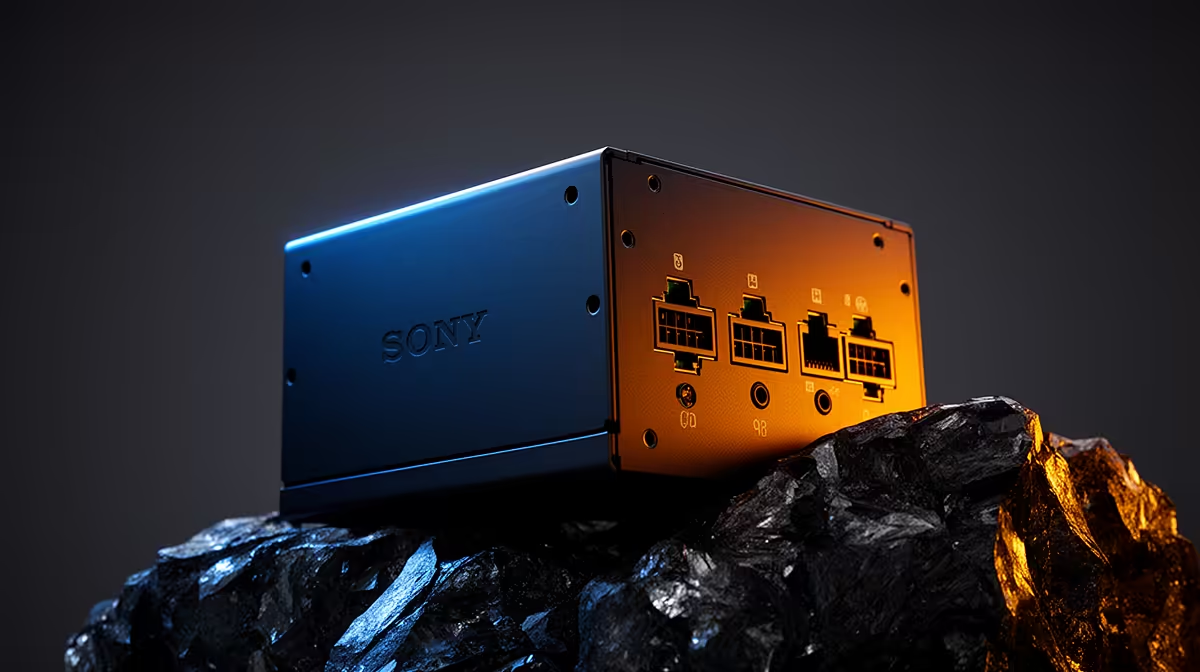
A remote worker should choose a 750W power supply only after listing the components inside a desktop tower. Office applications and video calls do not need that capacity by default. The DeepCool PF750 750W 80 Plus Standard PSU costs a verified R550 and fits a compatible build whose connectors, dimensions and output meet the parts list.
Calculate from the tower
Write down the CPU, graphics card, motherboard, storage, fans and future upgrade. Follow component-maker guidance and allow suitable headroom. Check PSU length, cable reach, connector count, efficiency, warranty and case airflow. Never reuse modular cables from another unit unless the manufacturer approves them for both exact models.
The Cooler Master Elite 850W 80 Plus Gold ATX 3.1 supply carries a verified R930 price for a higher-capacity comparison. Extra wattage brings no improvement to email or spreadsheets when the computer draws far less. Choose it only when a graphics card or planned upgrade creates a real requirement.
A remote worker who needs mobility may get more value from a laptop. The ASUS ExpertBook P5405 is verified at R12,700 with a Core Ultra 5 226V processor, 16GB memory and 512GB storage after application and port checks. Its internal power design removes desktop PSU selection from the user.
Test the working day
Run video calls, the heaviest work application and any approved graphics task while monitoring temperatures and unexpected resets. Keep external surge protection and backup plans separate from PSU efficiency. Stop using equipment that smells burnt, crackles or shows connector damage.
Buy 750W capacity when the component calculation supports it, not because the computer handles work from home.
Powering a remote-work tower? > Ask Evetech to compare 750W and 850W supplies against the exact component list.