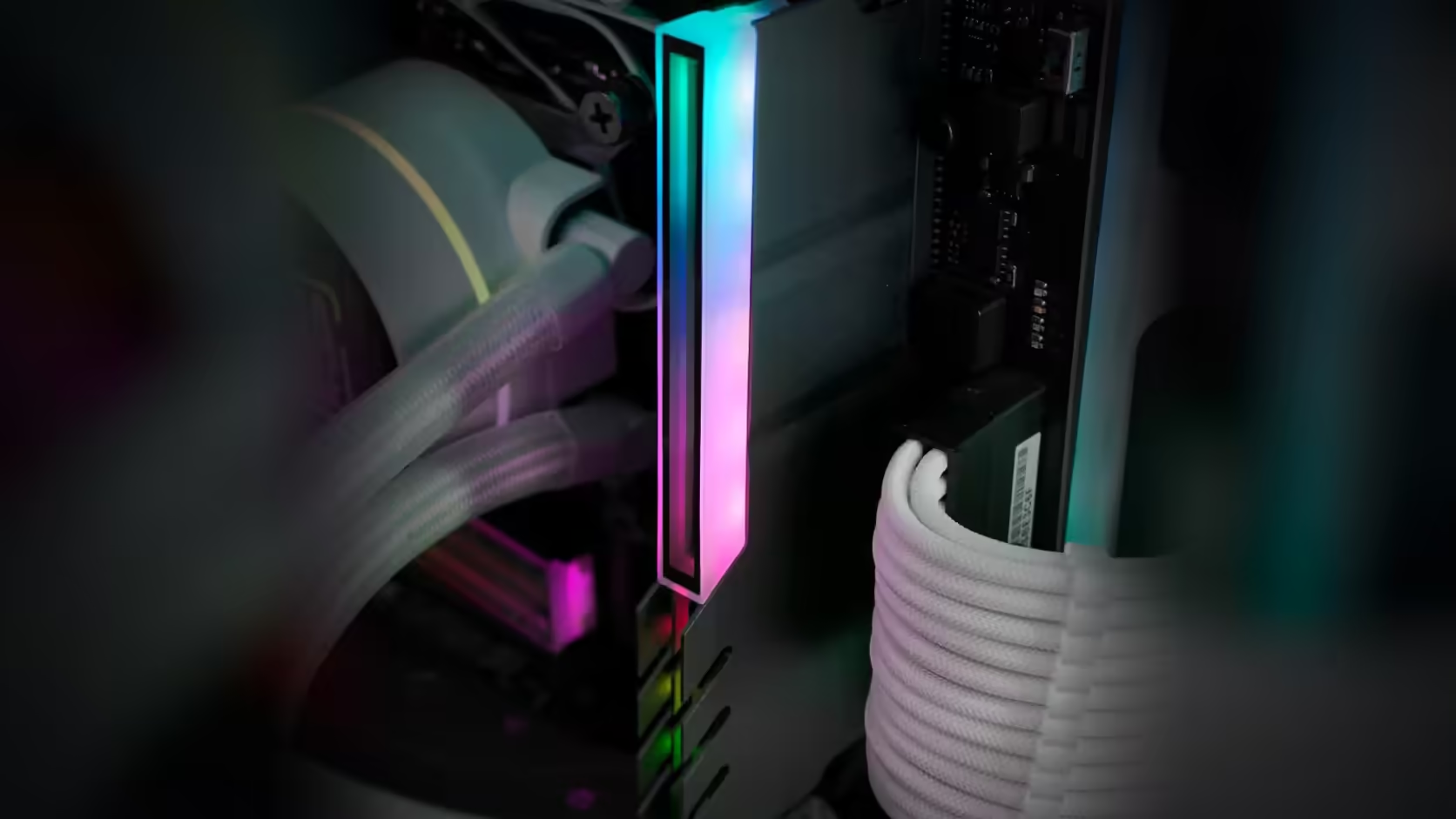
There is a specific moment in almost every build where the memory starts to bother someone: four slots, two different heatspreader shapes, one shiny and one matte, and a side panel that shows all of it. The instinct is to replace the offending sticks. A RAM cover solves the same visual problem for a fraction of the cost, and it is worth understanding exactly where each option actually belongs before spending anything.
Quick Answer
Swapping out memory that still works, purely because it looks mismatched, typically runs several times the price of a single AsiaHorse RAM Cover ARGB Heatsink and changes nothing about how the machine performs. That cover is R249 per module, VAT included, fits DDR4 or DDR5 sticks, and unifies their appearance under one aluminium-alloy, ARGB-lit shell instead - the modules underneath keep doing exactly what they were doing before.
💰 What replacement actually costs
New memory is priced by capacity and speed, not by how well it will match the slot next to it. A single module swap to fix an aesthetic complaint routinely runs into several hundred to over a thousand Rand, and buying a full matched kit to replace working parts multiplies that. None of that spend touches performance if the existing sticks were already doing the job - it buys a look, at a price the look alone rarely justifies.
🪞 What the cover changes instead
The AsiaHorse cover sits over the module you already have. It is built from aluminium alloy and topped with an infinity-mirror ARGB panel, wired through a 5V 3-pin lead whose male and female ends let it join the rest of an addressable lighting setup and take instructions from the same board software already running your fans. Nothing about the memory itself is opened, reseated, or reconfigured - the appearance changes, the module underneath does not.
⚙️ When replacement is the right call
There is a real line here, and it has nothing to do with looks. If a machine is short on capacity for the workload running on it, or the speed is genuinely holding back a platform that could run faster memory, a cover cannot fix either of those. Buying new DDR5 memory or DDR4 memory is the correct move in that case, and a cover afterwards is simply the finishing touch on modules that actually needed to change anyway.
🧮 Doing the sums before deciding
Line the two paths up honestly. A cover per module is R249, so even four covers for a fully populated board sit below the price of a single mid-range memory kit. Replacement only wins that comparison when capacity or speed genuinely need to move, at which point the appearance argument becomes irrelevant because the modules are being swapped anyway for a working reason. Buying covers first, before deciding whether an upgrade is really needed, is usually the cheaper way to find out how much the appearance alone was bothering you.
🧾 What a "just replace it" impulse skips over
The instinct to replace mismatched memory usually shows up in the moment - a glass panel catches the light and the difference suddenly looks worse than it did yesterday. What that impulse skips is the actual audit: how many slots are populated, whether the existing sticks meet the capacity and speed the machine genuinely needs, and what a matched replacement kit would cost against simply covering what is already there. Running that audit before buying anything, rather than reacting to the visual complaint alone, is what separates a considered upgrade from an expensive fix for a problem a R249 cover would have solved.
A five-minute check covers most of it: open the system's memory information, note capacity, speed and how many slots are filled, then compare that against what the machine is actually asked to do day to day. If a gaming or productivity workload is comfortably served by what is installed, the case for replacement evaporates and the only question left is appearance - exactly the one a cover answers.
🏗️ Building this into future upgrades
Anyone adding a single stick to an existing build for a capacity bump is choosing, right then, to accept a future cosmetic mismatch unless the new module happens to match the old one exactly. That is rarely a reason to avoid the cheaper upgrade path - buying one module to reach a needed capacity almost always beats buying a full matched pair just to keep the visual finish consistent. Knowing a cover exists for R249 per module removes the pressure to chase a perfectly matched kit every time capacity needs to grow, which keeps future upgrades cheaper and less constrained by appearance alone.
🔁 Mixing memory changes more than the look
It is worth separating two things that get bundled together in this decision. Mismatched memory in terms of brand or heatspreader design is purely cosmetic and is exactly what a cover addresses. Mismatched memory in terms of speed, timings, or rank arrangement is a different and genuinely technical question, and it can affect stability or the speed the whole set settles on. A cover does nothing to that second problem - the modules keep running at whatever configuration they agreed on before the cover went on, for better or worse.
Frequently Asked Questions
When is replacing memory justified?
When capacity or speed is genuinely limiting the machine, since those are things a cover cannot change.
And when is a cover enough?
When the modules work perfectly well and the only complaint is that they look mismatched or plain in the build.
What does mismatched memory look like?
Different heatspreader designs, heights or colours across the slots, which is common when memory is added rather than bought as a set.
Does covering affect performance?
No. The cover sits outside the module, so the memory continues to run exactly as it did before.
Is mixing memory a problem otherwise?
Mixing modules can affect stability and speed, but that is a separate question the cover does not address.
Can covers be added later?
Yes, since they fit over existing sticks, so the decision can wait until the rest of the build is settled.
Does buying one cover commit me to a full set?
No. A single cover on one module is a complete, valid choice on its own, and the remaining slots can be covered later or left as they are indefinitely.
Weighing up a memory upgrade against a simple refresh?
Have a look through Evetech's current DDR4 and DDR5 memory range before deciding which path your build actually needs.