Quick Answer
Choose a computer for Information Systems that can handle the heaviest practical assignment, not only notes and email. For Rhodes University students in Makhanda working between residence, labs, and home during recess, the sensible floor is Core i5-13400H, Ryzen 5 7640HS, or better, 16GB RAM, a 512GB NVMe SSD, and 32GB RAM if datasets or virtual machines are common. Budget around R10,000-R22,000 for a new local machine, because the NSFAS R5,200 allowance does not cover even the cheapest practical laptop on its own.
Spec That Matches The Coursework
Information Systems work usually means SQL, Python, Excel, Power BI-style dashboards, browsers, and project tools. That workload needs enough memory to keep files, browser tabs, and course software open together. A 512GB SSD is the practical minimum; 1TB is better for media, CAD, datasets, or large PDF libraries.
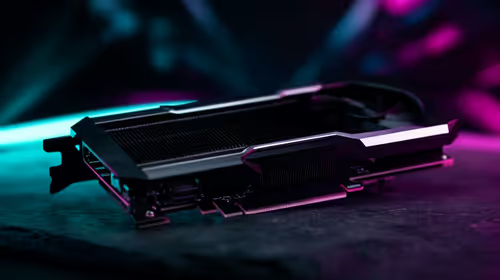
For a named baseline, compare machines around Intel Core i5 or AMD Ryzen 5 first, then step up to Core i7, Ryzen 7, RTX 4060, or RTX 4070 only when the course software benefits from it. 16GB RAM prevents notebook, browser, and database work from stalling during 2-3 hour practical sessions. Students should also check HDMI, USB-C, Wi-Fi 6, and whether the keyboard is comfortable for long report sessions.
Budget And Campus Routine
A lower-cost computer can be correct for reading-heavy modules, but weak storage and 8GB RAM become expensive frustrations during deadlines. Keep the spend focused on RAM, SSD size, screen quality, and warranty support before decorative features. If the student moves between residence, labs, and home, weight and battery life matter as much as peak speed.
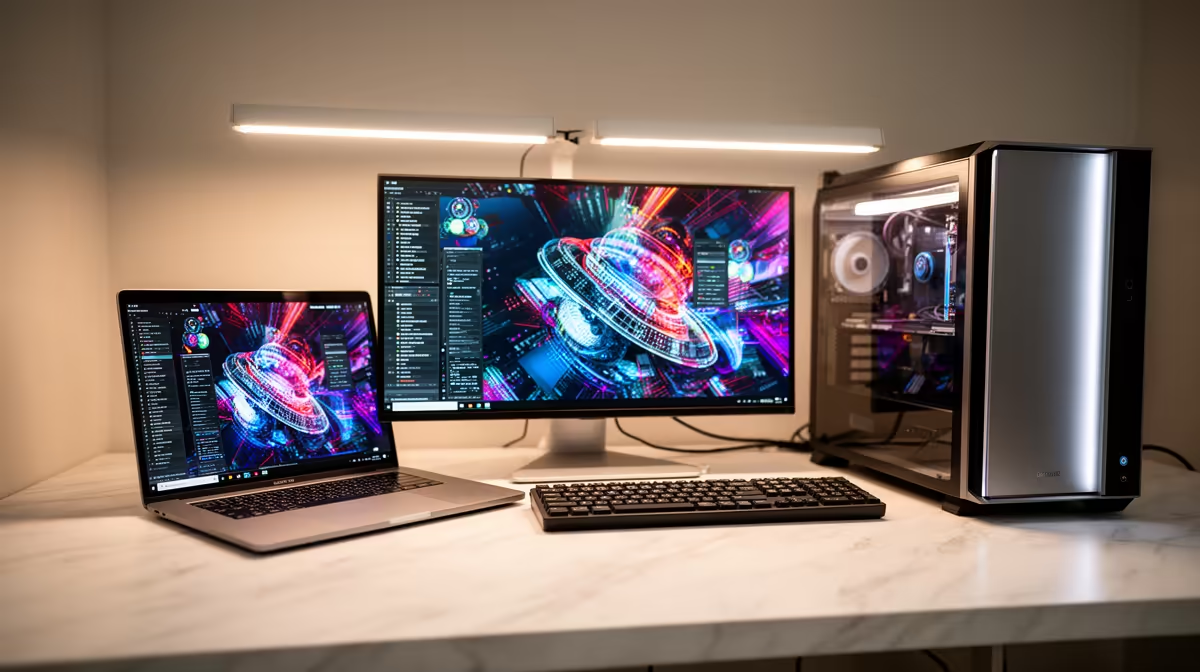
For parents comparing options, the clean shortlist is three tiers: R8,000-R12,000 for basic study use, R12,000-R18,000 for stronger multitasking, and R18,000+ for creator, engineering, game, or media workloads. A desktop can give more performance per rand, but a laptop is easier for campus days.
What To Check Before Checkout
Confirm the faculty software list before buying and write down the heaviest local task: a render, CAD model, dataset, exam browser, or PDF bundle. If that task needs a GPU, do not buy a machine with only entry-level integrated graphics. If it is mostly documents and research, spend the extra money on a better screen, 16GB RAM, and a reliable SSD.
FAQ
Is 8GB RAM enough for this course?
No, 8GB is only a fallback for very light notes and browsing. 16GB is the safer floor because South African students often run course portals, PDFs, video calls, and Office apps at the same time.
Should students buy a laptop or desktop?
A laptop is the safer first choice when campus movement matters. A desktop makes sense if the student works from one desk and needs stronger cooling, a larger monitor, or better performance for the same spend.
What is the safest budget range?
Plan from R8,000 for a basic student laptop, R12,000-R18,000 for smoother multitasking, and R10,000-R22,000 when Information Systems software needs stronger CPU or GPU support. Do not assume the NSFAS R5,200 allowance is enough for a complete new setup.
Pro Tip
Confirm the exact software list first, then choose the cheapest machine that still gives 16GB RAM, SSD storage, local warranty support, and enough CPU or GPU power for the heaviest assignment.