



Hot-Swappable PCB Architecture in Modern Keyboards: Guide
Learn hot-swappable PCB architecture in modern keyboards—what it is, how sockets and traces work, and how to pick the right board. Speed up swaps, reduce risk, and upgrade faster 🔧⚡
Read moreDiscover realistic RTX 5080 gaming laptop battery life. Maximize gaming sessions with power efficiency insights ⚡🎮
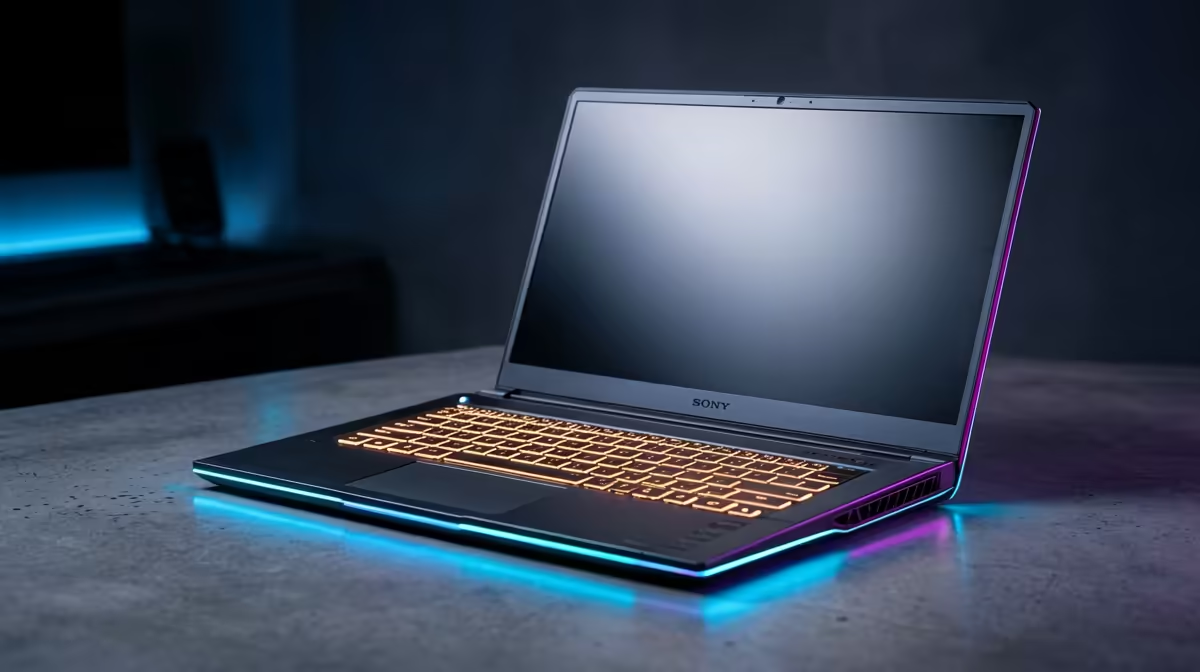
Picture this: you’re about to dominate a crucial ranked match, miles from a power outlet, perhaps chilling at a braai or escaping load shedding. Your brand-new RTX 5080 gaming laptop is humming, ready for action. But then that familiar anxiety creeps in: how long will this powerhouse actually last? The allure of next-gen mobile gaming is immense, yet the real-world RTX 5080 gaming laptop battery life remains a burning question for many South African gamers. Let's set some realistic expectations.
High-performance gaming laptops are, by nature, power-hungry beasts. They pack desktop-class components into a portable chassis. We’re talking about top-tier processors, high-refresh-rate displays (often 144Hz, 240Hz, or even higher at QHD or 4K), and of course, a formidable GPU like the anticipated RTX 5080. All these components demand significant energy, especially when pushed to their limits during an intense gaming session or demanding creative work. It's a fundamental trade-off: raw power versus longevity on the go.
Understanding what influences your laptop’s endurance is key. It’s not just about the battery size; several elements play a crucial role:
So, what can you realistically expect from an RTX 5080 gaming laptop battery life?
For intense gaming sessions, even with a large battery, you’re looking at 1 to 2 hours, maybe 2.5 hours at most. Demanding AAA titles will push the GPU and CPU to their limits, drawing maximum power.
For general productivity, web browsing, and video streaming, with optimisations enabled (like using the iGPU and a lower brightness setting), you could reasonably expect 4 to 7 hours. This varies wildly depending on the specific model, battery size, and how aggressively you manage power settings.
It’s crucial to remember that the pursuit of ultra-thin, ultra-powerful laptops often means a compromise on internal battery volume. Manufacturers aim for a balance, but raw gaming performance almost always takes precedence over unplugged endurance.
While you can't defy physics, you can certainly extend your unplugged time with a few smart tweaks:
Many high-end gaming laptops feature a MUX switch. This lets you disable the integrated graphics for maximum gaming performance, or switch to integrated graphics when on battery for dramatically improved longevity. Check your laptop's control software!
The future is promising for RTX 5080 gaming laptop battery life and beyond. We’re continually seeing advancements in power efficiency from chip manufacturers like Intel, AMD, and NVIDIA. Newer generations of GPUs and CPUs are designed to deliver more performance per watt. Battery technology itself is evolving, with research into higher-density cells. Coupled with smarter software optimisations, we might see incremental improvements in unplugged gaming time. However, for the foreseeable future, a powerful gaming laptop will still perform best when tethered to a power outlet for extended sessions. The ability to game on the go for short bursts, or handle productivity tasks for several hours, is the realistic sweet spot.
Ready for Uninterrupted Power? Don't let battery anxiety hold you back. Explore Evetech’s wide range of cutting-edge gaming laptops designed for performance and reliability, ensuring you stay in the game longer… Shop now at Evetech for performance that leaves lag in the dust.
Expect 4-6 hours gaming/8-12 hours browsing. Depends on usage and model.
Yes, high-performance components reduce battery life by 30-40% vs lighter GPUs.
Use power-saving modes and adjust graphics settings to extend battery life.
Most models allow replacements but check warranty and specifications.
Look for optimized thermal solutions and dedicated power management features.
Only under light usage like web browsing or office tasks.
Learn hot-swappable PCB architecture in modern keyboards—what it is, how sockets and traces work, and how to pick the right board. Speed up swaps, reduce risk, and upgrade faster 🔧⚡
Read more
Mechanical switch lifespan explained—what the 50 million keystroke rating really means, plus tips to extend switch life and reduce double-press issues 🔧⌨️
Read more
60-percent vs full-size mechanical keyboard layouts—learn what each layout includes, who it suits, and how to choose the right fit 🧩⌨️ for typing, gaming, and productivity.
Read more
Double injection keycaps last far longer than standard printed keycaps in most setups. Learn typical lifespan ranges, what shortens them, and how to maximize durability for smoother daily typing and gaming 😊⌨️
Read more
Full-key anti-ghosting: does it stop missed inputs during fast-paced gaming? We break down latency, polling, and key matrix limits so you can buy smarter 🎮⚡
Read more
Protect mechanical keyboard switches from South African dust and summer humidity with practical cleaning and storage habits. Keep your switches smooth, reduce failures, and extend lifespan. 🌬️💧
Read more
Wondering if a TKL wireless mechanical keyboard is worth it for everyday productivity? We break down latency, battery life, comfort, and workflow gains for real work. ⚡⌨️

Maximise battery life on a fanless 15-inch laptop using efficiency core architecture. Cut idle drain, tune power profiles, and improve thermals for longer runtime. 🔋⚙️

Learn how to reduce desk clutter with a TKL wireless keyboard using fewer cables, smart placement, and tidy essentials. Get a faster, calmer workspace with better ergonomics. ✅🧼

RGB keyboard lighting too distracting? Learn how to manage backlight modes, set brightness, and reduce distraction for focus and productivity 😌🖱️

Are themed gaming keyboards worth the extra cost? Compare build quality, switch options, features, and resale value to find the best fit for your setup 🎮⌨️

Full-Size vs Tenkeyless mechanical keyboards for gaming: find out if a smaller layout truly improves aim, speed, and comfort. We break down layout, desk space, latency-feel, and keybinds 🎮⌨️

Dedicated media rollers vs function key shortcuts: learn which setup gives you better workflow control, faster media access, and fewer mistakes. 🖱️🎧

Best Mechanical Switch Type for Gaming: Clicky vs Linear vs Tactile. Find your feel, speed, and noise balance with practical guidance for FPS, MOBA, and productivity 😄🎮

Direct mouse answer: Mouse not keeping up with your work? Everything that matters about dual-mode 2.4GHz + BT 5.0: DPI behaviour, channel switching, battery curves and per-app button mapping. Covers when 2.4GHz USB wins (low-latency desk) and when BT 5.0 wins (laptop, d

Plain wireless mouse guide: Mouse not keeping up with your work? Everything that matters about wireless productivity mouse: DPI behaviour, channel switching, battery curves and per-app button mapping. Includes DPI tuning tips, channel switch shortcuts, and ZAR-aware fea

Real productivity numbers: Set up your wireless mouse in this order: everything that matters about wireless productivity mouse: DPI behaviour, channel switching, battery curves and per-app button mapping. Includes DPI tuning tips, channel switch shortcuts, and ZAR-aware

Pen not feeling like paper? Stylus lag and skipping usually trace to old drivers, dirty nibs, or display refresh mismatches, not the pen itself. Covers pressure curve tuning, tilt thresholds, nib swap timing, and SA pricing brackets.