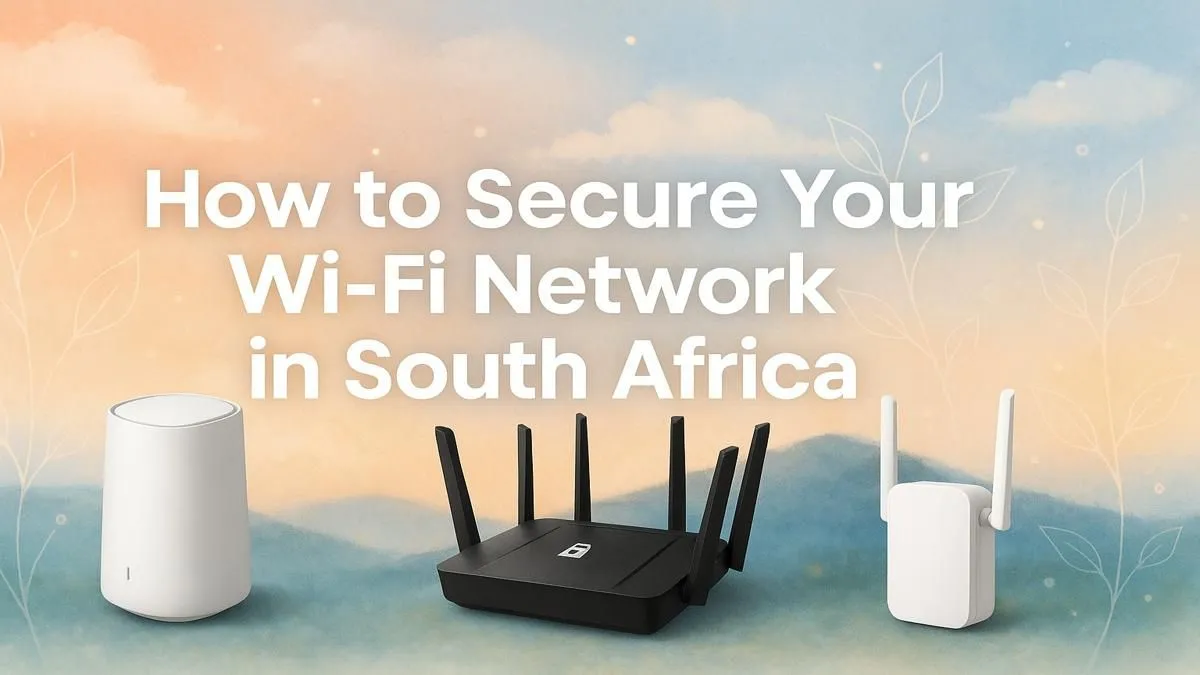
Why Secure Your Wi-Fi in South Africa Matters ⚡
If you’re gaming online or streaming on fibre, unprotected Wi-Fi can be a real weak spot. South African gamers and tech buyers face unique challenges like slow connections or unwanted access that kills your gameplay or privacy. Securing your Wi-Fi means safer browsing, faster speeds, and keeping your data locked down from cyber threats. Ready to protect your network and enjoy a seamless connection? Let’s dive into how to secure your Wi-Fi in South Africa efficiently.
Essential Steps to Secure Your Wi-Fi Network
The first step to securing your home network starts with your hardware. Invest in reliable wireless routers designed for robust security and fast throughput. Evetech offers a great range of wireless routers that come with advanced encryption and firmware updates to keep hackers out.
Upgrade Your Wireless Adapters for Better Control
Older wireless adapters might not support newer security protocols. Switching to modern adapters improves both speed and security. Check out Evetech’s collection of wireless adapters to ensure your devices communicate safely on the network. With better adapters, you can also enjoy wider coverage and fewer dropouts.
Extend Your Secure Wi-Fi Coverage Without Compromise
If your home is large or has tricky Wi-Fi dead zones, consider wireless range extenders. They amplify existing signals but ensure you use extenders that support WPA3 encryption. Browse Evetech’s wireless range extenders to maintain secure and consistent coverage where you game or work.
Advanced Tips for South African Fibre and Wireless Networks 🔧
Many South Africans now enjoy fibre connections with dedicated fibre routers. It’s crucial to configure these routers properly. Change default passwords immediately, disable WPS, and enable network encryption protocols like WPA3 if available.
Explore Evetech’s selection of fibre routers tailored to South African ISPs. Fibre routers with the latest firmware reduce vulnerability and improve your overall Wi-Fi performance and reliability.
Change Default Settings – A Small Step with Big Impact
Many routers ship with default usernames and passwords… the easiest target for attackers. Change these before connecting to the internet. Also, rename your network (SSID) to something unique but avoid personal info.
Pro Tip: Regular Firmware Updates
Keeping your router’s firmware up-to-date patches security flaws. Set reminders to update every few months—your network will thank you.
Protect Your Home Wi-Fi: What Every SA Gamer Needs to Know
South Africa’s varied internet speeds and increasing cyber threats make secure Wi-Fi essential. Consider setting up a guest network with limits to keep visitors off your main network. Regularly monitor connected devices via your router’s interface to spot unfamiliar gadgets fast.
Ultimately, securing your Wi-Fi starts with picking the right hardware and settings—both of which are available at Evetech’s wireless networking section here: wireless networking components.
Secure Your Network Today
Don’t let unsecured Wi-Fi slow your gaming or risk your data. Shop now at Evetech for the best wireless routers in South Africa and power up your connection with confidence.