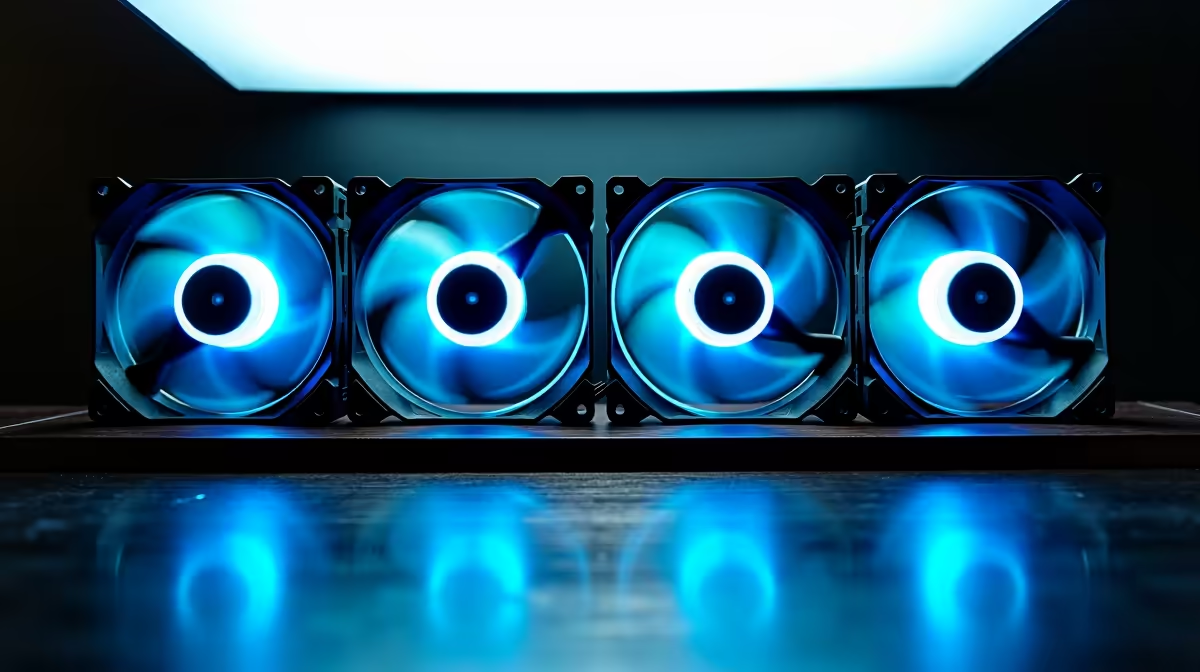
A case fan set is worthwhile for TikTok editing only when heat or poor airflow is limiting the computer. Extra fans will not shorten an export if the processor and graphics card already hold steady speeds at sensible temperatures. They can also make a quiet editing desk noticeably louder.
Diagnose airflow before buying
Run a typical edit and export while watching CPU and GPU temperatures, clock behaviour and fan noise. Check that front intakes are unobstructed, rear exhaust air feels warm, filters are clean and cables are not blocking the main path. A dusty or sealed front panel can matter more than adding another three fans.
No case-fan set or verified fan price appears in the supplied product facts, so there is no honest model recommendation for this category. Confirm fan size, connector type, motherboard header capacity, included hub requirements and maximum thickness before ordering. Prefer a matched set with controllable speed over several unrelated fans running at full speed.
For a conventional layout, place intake low at the front and exhaust high at the rear or roof. Aim for slightly more filtered intake than exhaust, then create a gentle fan curve instead of chasing maximum revolutions. Compare the same export before and after the change. Lower sustained temperature, stable clock speed and tolerable noise are the useful results.
Planning a cooler editing build? > Compare Evetech PC cases by supported fan positions, radiator clearance and component space.