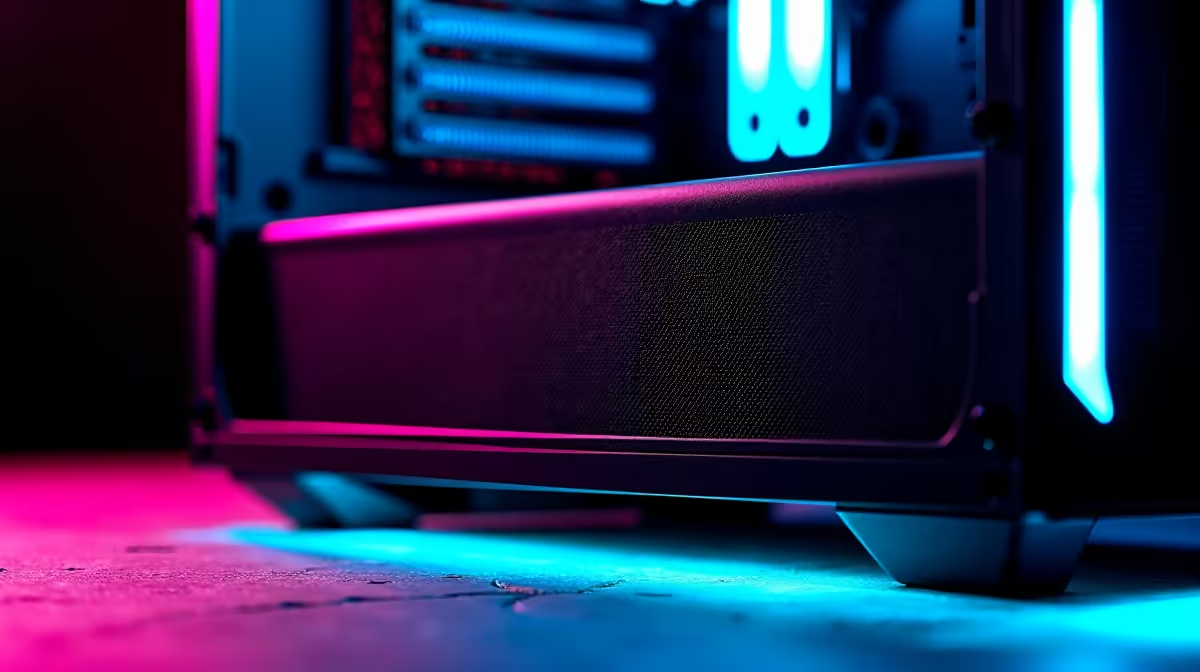
A set of dust filters is worthwhile for a 2D-animation PC when unfiltered intake openings collect visible dust and cleaning interrupts work. Filters do not speed up drawing, rendering or exports, and restrictive mesh can increase fan noise. The supplied factpacks do not verify a filter set, so exact size, attachment and current price need a live check.
Map intake and animation load
Identify which fans pull air into the case and which exhaust it. Filters belong on intake paths unless the case documentation says otherwise. Measure each opening and check whether magnetic, slide-in or screw-mounted frames are suitable. Keep mesh and loose edges away from fan blades, ports and moving cables.
Export a representative animation while logging CPU and GPU temperatures and listening near the microphone. Fit the filters, repeat the same test and compare fan speed. A mesh that raises temperatures or forces louder fans may harm the creator environment. The Gamemax Aeris 330 mATX case at R650 and Deepcool CG330 at R770 are verified case references, but included filtration must be confirmed from exact listings.
Clean filters according to the room’s real dust level. Power down the PC, remove them carefully and reinstall only when dry. Do not place the tower directly on carpet or block lower intake. Buy filters when they reduce internal cleaning without worsening temperature or captured audio. The before-and-after animation export provides better evidence than a generic claim.
Keeping an animation PC clean? > Compare suitable cases with Evetech while matching filters to measured intake openings.