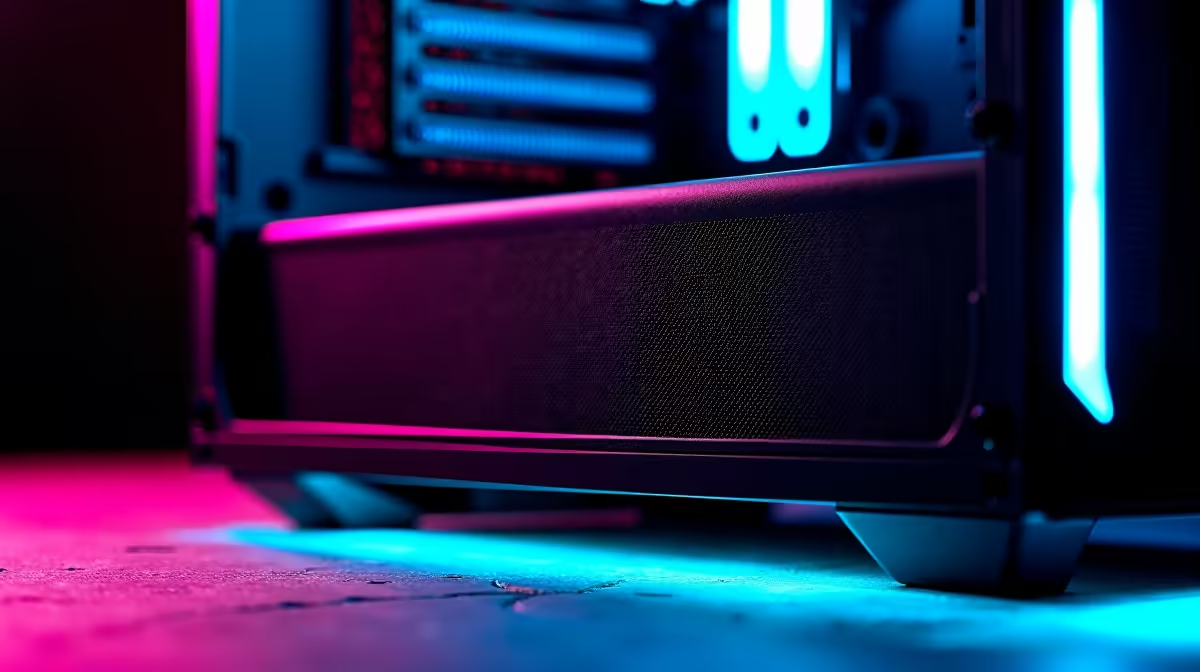
A set of dust filters is worthwhile for a gaming PC when the room is dusty and the case has supported filtered intake positions. Filters do not increase frame rate by themselves. Dense or neglected mesh can restrict airflow and raise temperatures during a long role-playing session.
Inspect the case after real use
Run the game for an hour and record CPU and GPU temperature, fan speed and clock behaviour. Check existing filters, front-panel ventilation and dust trails around intake gaps. Clean the case according to component guidance before adding new material.
The factpack lists no dust-filter SKU or confirmed filter price. For an outside purchase, measure each supported opening and compare mesh density, frame type, magnetic mounting safety, cleaning method and airflow resistance. Never cover a power-supply or graphics-card vent with improvised fabric.
The Gamemax Aeris 330 mATX case is listed at R650. The facts do not confirm its included filters or fans, so verify intake design, filter access, supported fan positions and component clearance before choosing it.
Fit filters only to planned intakes, then repeat the same game area and compare temperatures and noise. Create a cleaning schedule based on visible buildup. Repeat the game test after fan, filter or case changes. A useful filter catches dust without making the cooling system work noticeably harder.
Improving a gaming build? > Compare Evetech cases by ventilation, filter access, fan support and clearance.