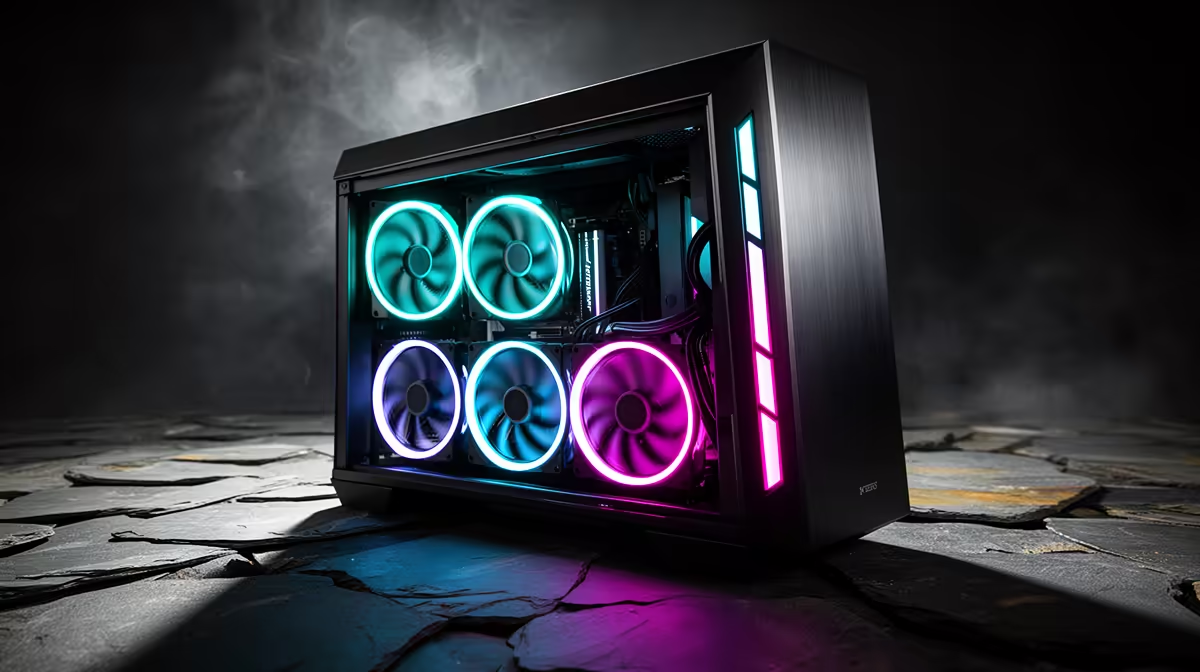
Quick Answer
Yes, choosing a case with four pre-installed 140mm PWM fans is a smart move for any mid-to-high-end build. You get immediate, balanced airflow without buying extra fans, and 140mm PWM units run quieter and move more air per RPM than the 120mm fans that typically ship with cheaper cases.
Why 140mm PWM Fans Are Superior to 120mm Alternatives 🌬️
The 140mm fan diameter gives the blade more surface area, which allows it to shift a higher volume of air at lower rotational speeds. A 140mm fan pushing 1,000 RPM typically moves as much air as a 120mm fan at 1,300 to 1,400 RPM. PWM control adds another layer of efficiency: the fan only spins as fast as the CPU or GPU thermals demand, which keeps noise low during light workloads like browsing or streaming. For gaming builds running an RTX 5070 Ti or similar mid-to-high-end card, pre-installed 140mm fans on the front intake ensure the GPU receives a consistent supply of cool ambient air rather than recycled warm air from inside the case.
The Value Case for Pre-Installed Fans 💰
Buying a case with four quality 140mm PWM fans bundled saves you from purchasing them separately. Individual 140mm PWM fans from reputable brands cost between R250 and R550 each in South Africa. Four fans therefore represent R1,000 to R2,200 in standalone value. Cases that include them tend to price the bundle at a R500 to R900 premium over a bare chassis of similar quality, making the factory fans a genuine cost saving rather than a marketing add-on. Verify that the pre-installed fans connect via PWM headers (4-pin), not DC-only 3-pin connectors, as PWM gives your motherboard or fan controller precise speed control.
Fan Placement and Airflow Strategy 🔧
Four 140mm fans give you enough to establish a positive pressure or balanced airflow configuration. A common layout places three fans as front intake and one as rear exhaust, pulling fresh air across the GPU and CPU cooler before expelling hot air out the back. Alternatively, two fans front intake with two top exhaust works well in cases with a mesh top panel, directing heat upward and away from all components. Avoid putting all four fans as intake without any exhaust, as positive pressure without directed exit points builds up heat pockets near the GPU backplate. Check that the case front panel is mesh or perforated rather than solid, otherwise the 140mm fans will struggle against the restricted inlet.
Check PWM Header Availability on Your Motherboard ⚡
Most mid-range and high-end motherboards provide three to five PWM fan headers, but a case with four pre-installed fans plus a CPU cooler fan may exceed that count. A fan hub or PWM splitter cable, costing around R150 to R300 locally, solves this cleanly without needing an external controller.
FAQ
Are pre-installed case fans as good as aftermarket fans?
Quality varies by brand and price tier. Premium cases bundle fans comparable to standalone mid-range aftermarket units. Budget cases often include basic fans that are worth replacing. Read the fan specifications (CFM or m3/h rating and noise level in dBA) to judge the quality before purchasing.
Can I replace pre-installed 140mm fans with ARGB models later?
Yes, 140mm fan mounting holes are standardised. Any 140mm ARGB or PWM fan will drop into the same mount points. Ensure your motherboard has an ARGB header or add an ARGB controller, which costs around R200 to R400 locally.
Does having four fans instead of three make a noticeable temperature difference?
Yes, particularly under sustained gaming loads. A fourth fan, whether as an additional intake or a dedicated exhaust, typically reduces GPU and CPU temperatures by 3 to 6 degrees Celsius compared to a three-fan configuration in the same chassis.
Want a build that runs cool from day one?
Check out Evetech's selection of PC cases pre-loaded with 140mm PWM fans, ready to drop in your hardware and start gaming.