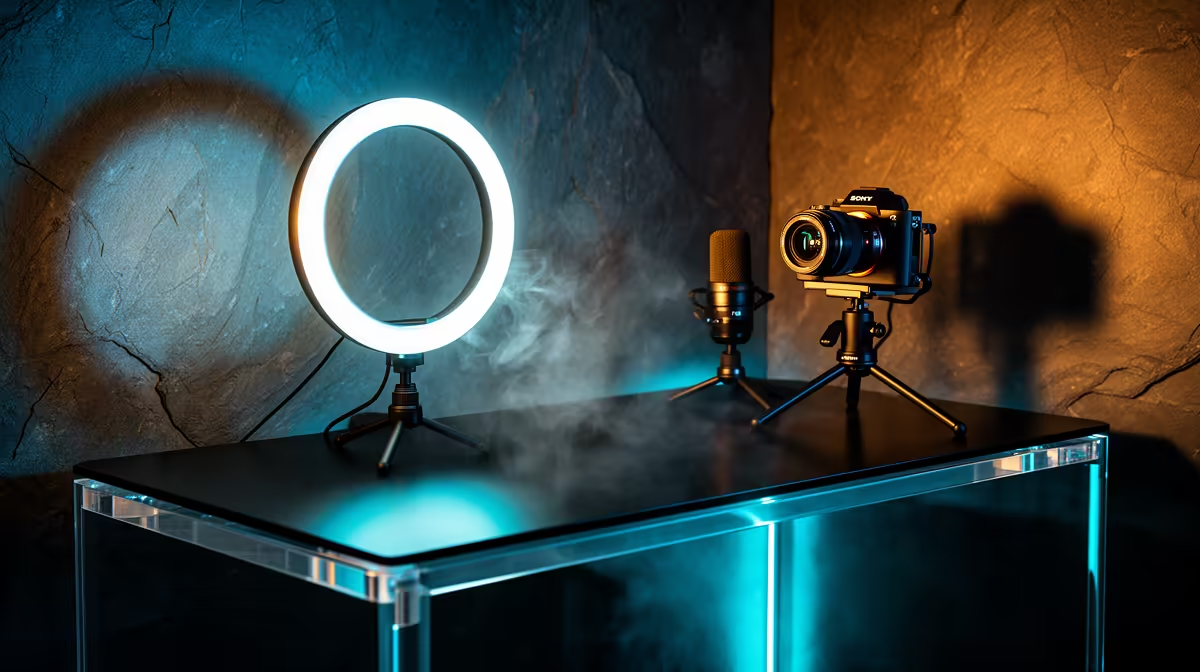
Most new streamers buy too much lighting gear before they've worked out what their room actually needs. A single well-placed led streaming light clipped beside a monitor solves the exposure problem for recording, vlogging and gaming long before a three-point kit becomes worth the shelf space it takes up.
Quick Answer
A complete single-light setup for recording, vlogging and gaming costs R629 when it is built around the NearStream SL10B. That one unit tunes from 700K to 6500K and runs on a built-in 2000mAh battery, so it covers most beginner content needs without a second fixture. A matching second light only becomes worth buying once shadows on one side of the face start showing up on camera.
🎯 Why One Light Beats a Scattered Gear Pile
It is tempting to buy a ring light, a softbox and a clip-on unit all at once, then figure out later which one actually gets used. That approach usually leaves two of the three boxes unopened in a cupboard. Starting with one capable fixture, like the NearStream SL10B's product page shows, means R629 covers the core problem: uneven exposure on a webcam or camera feed.
The bi-colour dial matters here more than most beginners expect. A fixed-colour light forces the room's other lighting to match it, but a 700K to 6500K range lets one unit sit somewhere between a warm desk lamp and cool daylight through a window, so the face on screen does not pick up a colour cast from mismatched sources. Running on a 2000mAh battery also means no extra plug point is needed near the desk, which matters in smaller rooms where power strips are already full of monitor, PC and mic cables.
📐 Placement That Makes One Light Do the Work of Two
A single fixture can still light a face evenly if it sits in the right spot. Positioned slightly above eye level and angled down at roughly thirty to forty five degrees, it fills the face without throwing a shadow under the chin. Angling it slightly off to one side, rather than dead centre behind the camera, adds a touch of shape to the face instead of flattening it completely.
Bouncing the light off a pale wall or ceiling, rather than pointing it straight on, softens the output further and spreads it more evenly across the frame. This trick works particularly well in small home offices or student rooms where the light sits close to the subject, since a direct hit at short range can look harsh even at a lower brightness setting.
Adjusting for a desk that already has a monitor and PC in the way
Most single-monitor desks leave one obvious mounting spot free, usually along the top edge of the screen itself. Clipping the light there keeps it directly in the eyeline of the camera without needing a separate arm or stand competing with a keyboard and mouse for space. If the monitor edge is not usable, a nearby shelf or bookcase at roughly the same height works nearly as well, provided the angle down toward the face stays in that same thirty to forty five degree range.
🎮 What a Single Light Actually Covers: Recording, Vlogging and Gaming
Recording voice-overs and screen capture
For straight screen recording with a webcam picture-in-picture, a single light aimed at the face keeps skin tones consistent from the first take to the last, which matters when a long tutorial gets recorded across several short sessions rather than one sitting.
Vlogging on the move
Because the SL10B runs on its own battery, it travels without needing a power source nearby, so a vlogger can clip it to a bag strap, a shelf or a tripod arm in a different room each time and still get the same bi-colour output.
Gaming streams and webcam overlay
A gaming setup usually already has a monitor, a PC and a headset competing for desk space, so a compact clip-on fixture avoids adding a stand to the mix. Pairing the light with other setup gear from Evetech's gaming accessories range keeps the whole desk arrangement compact rather than sprawling.
🔌 When It's Time to Add a Second Light
A single fixture stops being enough once a hard shadow appears on one side of the face that the first light cannot reach, usually in a room with only one workable angle for the desk. At that point, a second unit of the same colour temperature range keeps the look consistent rather than mixing warm and cool sources awkwardly. Running two lights off separate power banks or a shared charging cable also becomes simpler with the right gear from Evetech's cable solutions, so charging does not turn into a tangle behind the desk.
Frequently Asked Questions
Is one streaming light enough for gaming streams?
Yes, for most home setups a single bi-colour light placed above and slightly to the side of the webcam gives even enough coverage for a gaming stream without needing a second source.
Can the SL10B replace a ring light for vlogging?
It can for most casual vlogging, since the bi-colour range and battery power cover the core need for even, portable light, though a ring light's catchlight look is a different style choice rather than a brightness difference.
Does a single light work for recording video calls too?
Yes, the same placement that works for streaming also evens out skin tone on video calls, which matters for anyone doing client calls from a home office.
How long does the built-in battery last per charge?
Runtime depends on the brightness level chosen, with lower settings extending the session length, since the 2000mAh cell has to work harder at higher output.
What is the benefit of bi-colour tuning over a fixed white light?
Bi-colour tuning lets the light match a room's existing lamps or daylight instead of fighting against them, which keeps skin tone looking natural rather than tinted orange or blue.
Does a single-light setup still look professional on camera?
Yes, provided the placement and colour matching are done properly, since viewers generally notice uneven exposure or an odd colour cast far more than they notice how many fixtures are in the room.
What is the cheapest way to start a single-light setup?
Buying one compact, bi-colour, battery-powered fixture and pairing it with a stable mount already on hand, such as a monitor edge or shelf, keeps the starting cost as low as the R629 unit itself.
Ready to run a whole channel off a single light?
Recording, vlogging and gaming sessions all run comfortably off one NearStream SL10B panel, so a second unit is not needed yet. Evetech prices the streaming light at R629.