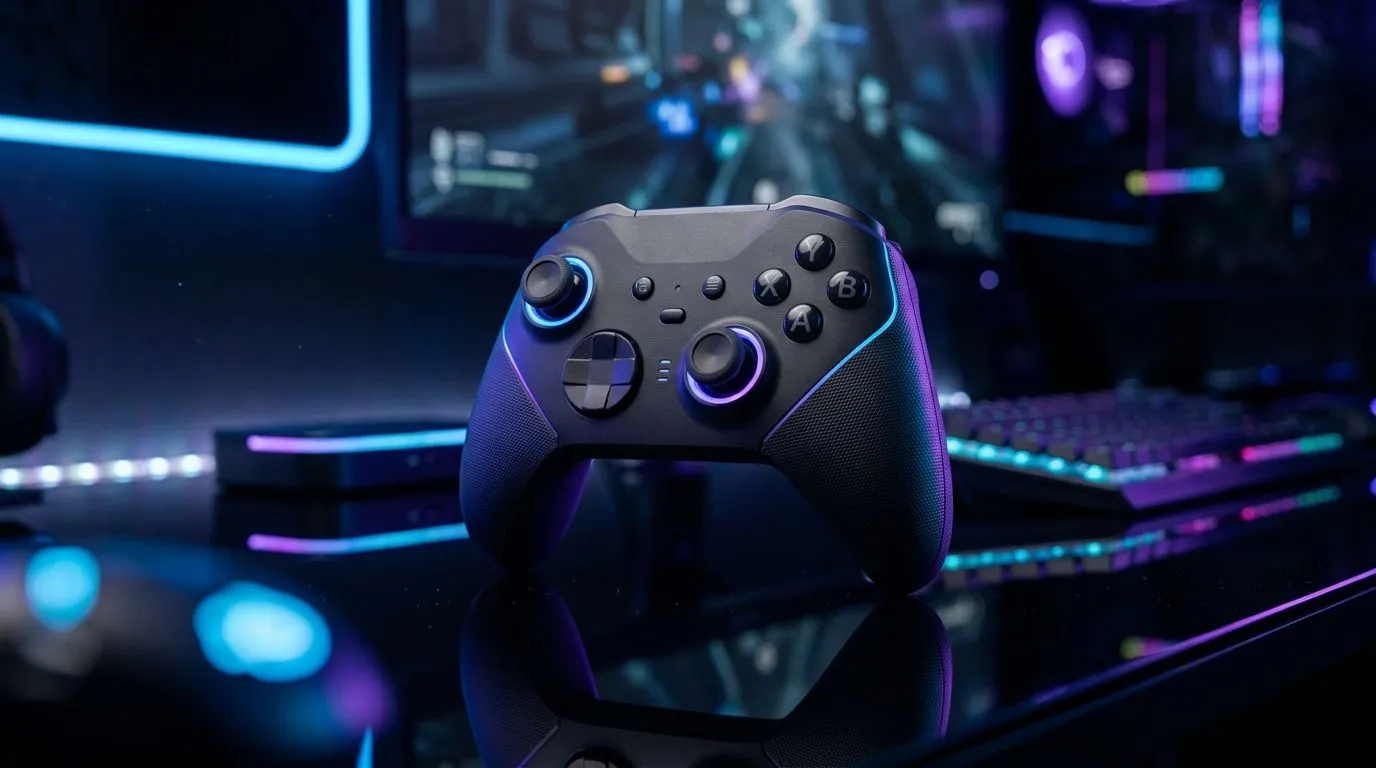
Using a Single Wireless Gaming Controller on Windows and Android
If you’re a gamer in South Africa, juggling between your Windows PC and Android device, you might wonder: can one wireless gaming controller cover both? The good news is yes, but with some nuances. Whether you’re diving into fast-paced PC titles or mobile legends, understanding compatibility, setup, and performance can unlock seamless gameplay without switching gear. Ready to get your dual-platform gaming rig streamlined? 🔧
Compatibility of Wireless Controllers with Windows and Android
Most modern wireless gaming controllers support both Windows and Android via Bluetooth or proprietary dongles. Brands like Razer and Xbox make controllers that easily connect to PCs and mobile devices.
Windows 10 and 11 come with native Bluetooth support and drivers for major controllers. On Android, Bluetooth controllers pair quickly, but performance can vary by device and game. For hassle-free use, the Razer Wolverine V3 Tournament Edition is a popular choice among South African gamers — it offers low latency and excellent build quality for both platforms.
Check out the detailed specs and deals on the Razer Wolverine V3 Tournament Edition if you want a controller that can handle serious gaming across devices.
Setting Up Your Wireless Controller on Both Platforms
Windows Setup Tips
- Bluetooth Pairing: Start by enabling Bluetooth on your PC, then activate pairing on your controller.
- Drivers: Windows usually installs drivers automatically, but you can update these through device manager if needed.
- Customisation: Use the controller’s dedicated software, like Razer Synapse, to program buttons or adjust sensitivity for precision.
Android Setup Tips
- Bluetooth Connection: Turn on Bluetooth in your Android settings and pair your controller.
- Game Compatibility: Not all Android games work flawlessly with controllers, so check input settings in-game.
- Latency Management: Keep your device updated and avoid wireless interference for optimal responsiveness.
We recommend browsing our wide range of options if you're looking to upgrade your setup. Explore reliable picks in gaming controllers available at Evetech.
Pro Tip for Smooth Controller Switching
To switch smoothly, keep your controller in Bluetooth pairing mode when done gaming on one device. This reduces reconnection time and avoids needing to re-pair constantly.
What to Expect in Performance Across Platforms
Using one wireless gaming controller for both Windows and Android means balancing convenience and top-tier performance. PC connections are generally more stable with USB dongles, especially for competitive gaming. Bluetooth is perfect for casual gaming sessions on Android phones or tablets.
Latency can sometimes creep up on Android, mainly due to wireless interference from Wi-Fi or other devices. That's why premium controllers like those from Razer are designed to minimise lag on both systems.
To compare your perfect controller, see the detailed selection of Razer controllers at Evetech. Picking one that performs consistently across platforms gives you an edge whether you play on desktop or mobile.
Final Thoughts on Multi-Platform Wireless Controllers
A single wireless gaming controller able to handle both Windows and Android can save space, cost, and setup time. Prioritise controllers with strong Bluetooth performance and driver support. Gaming peripherals like the Razer Wolverine V3 offer a premium experience that South African gamers value.
Understanding setup details and performance trade-offs will ensure you get the most out of your controller on both platforms. With the right gear, your action-filled sessions stay fluid and lag-free, wherever you play. ⚡
Elevate Your Gaming Experience
Ready for seamless gaming on Windows and Android? Shop now at Evetech for performance that leaves lag in the dust.