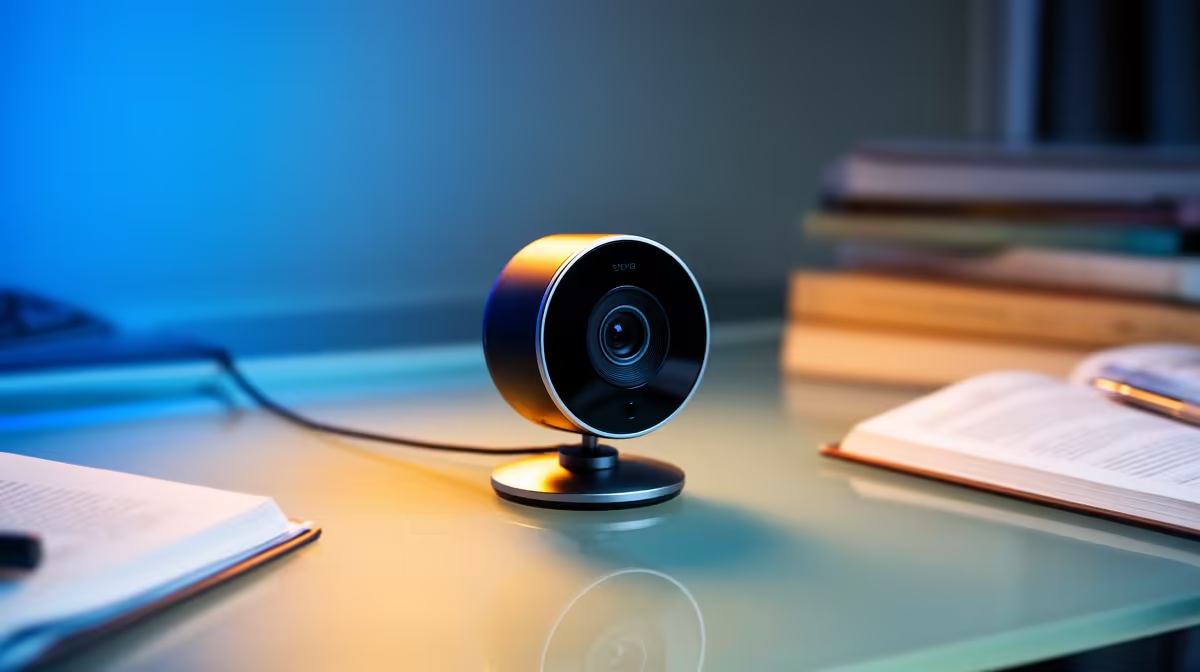
Logitech Brio 100 FHD at R458 suits South African distance-learning students who need a clear, affordable webcam for online classes, tutorial calls, and recorded presentations.
Best starting point for online study
The Logitech Brio 100 FHD R458 is the smart first pick because it gives you FHD video without pushing the budget away from the laptop, headset, desk lamp, or software you may still need for studies under the stated budget. For a student desk, that FHD spec matters most when you need lecturers and group members to see your face clearly during long video sessions.
The Logitech C270 HD R252 is the lower-cost option if the setup is basic and the priority is simply getting online with a recognised HD camera. Its HD spec is enough for routine attendance, quick group meetings, and check-ins where stable framing matters more than extra sharpness.
Student Desk Setup For Distance Learning
The NearStream V08AF 4K R678 is the sharper step-up for students who record presentations, create portfolio clips, or want more detail in a quiet study corner. Its 4K spec gives extra clarity for face-to-camera work, while still staying far below the overall study setup ceiling.
Ready to choose the right webcam?
Keep Logitech Brio 100 FHD at R458 on the list for smart 1080p webcam distance learning; its listed spec is the detail to test against that brief.