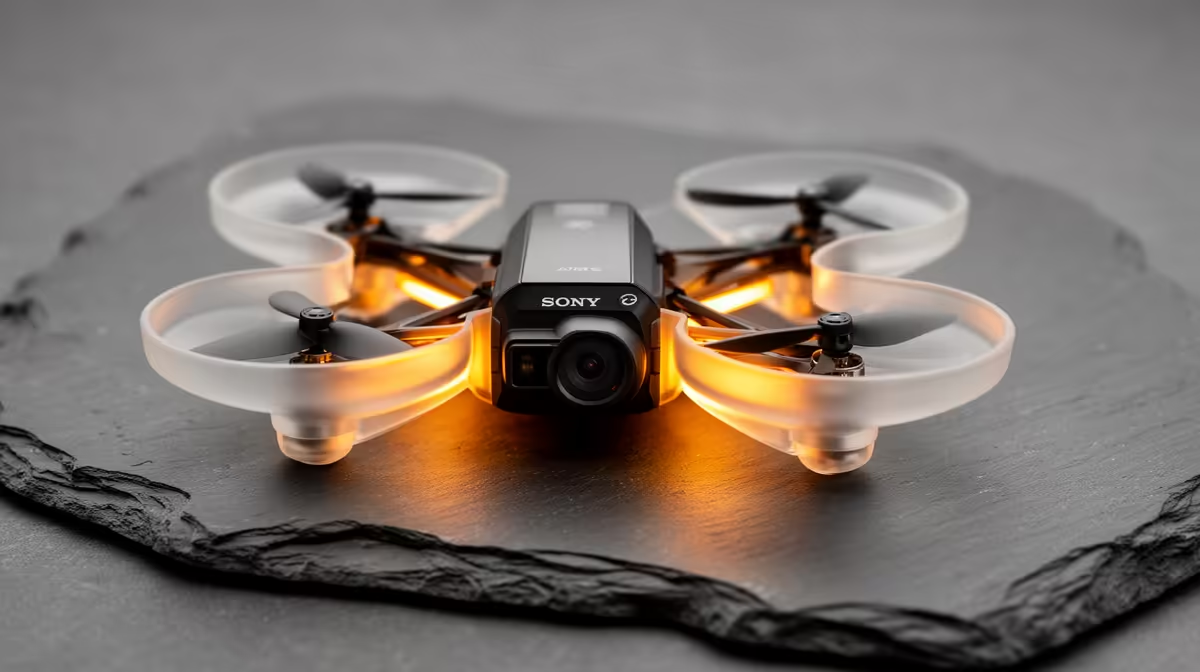
A beginner drone can add aerial footage to an entry-level stream, but it should be chosen as a camera and flight platform, not as a live-stream shortcut. Safe control, lawful operation, stable recording and a practical transfer workflow matter before any broadcast overlay or audience feature.
Rehearse the complete footage journey
Define whether clips will be recorded for later use or sent live through supported software. Check the intended flying location, permissions, wind exposure, battery routine and recovery procedure. Then time the transfer, edit and export of one short test sequence on the existing computer before buying aircraft or creator accessories.
No beginner drone has a verified SKU or price in the supplied factpacks, so no exact aircraft can be responsibly recommended against the title budget. Verified ground-based creator references include the NearStream 4K AI webcam at R678 and NearStream USB/XLR microphone at R676. These products do not replace a drone. Compare flight controls, camera recording, battery availability, spare parts, storage, application support, warranty and local operating requirements.
Never fly over people, roads or private spaces without appropriate permission. Protect recorded location data, keep batteries in manufacturer-approved condition and use a spotter where sensible. Music and third-party footage in a stream still require lawful use.
Start with scripted ground footage if the channel format is unproven. Add aerial work only when the programme benefits from it and the operator can fly responsibly.
Developing a creator workflow? > Compare Evetech cameras and microphones while verifying drones separately.