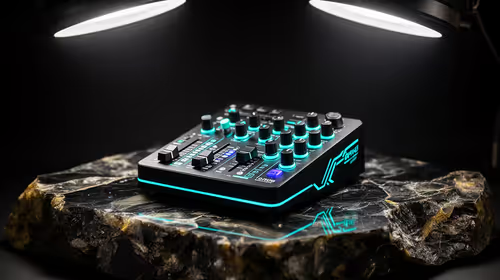
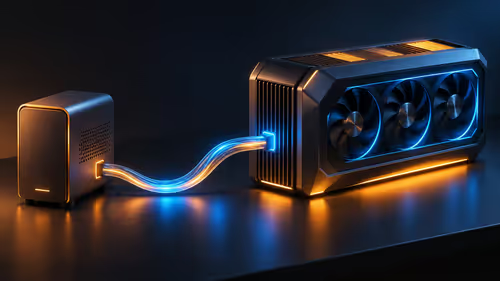
A fan controller for Valorant makes sense when the motherboard lacks enough compatible headers or the current fans cannot be managed safely. It does not create performance by itself. Stable temperatures, predictable frame times and acceptable noise are the goals. The supplied factpacks verify no controller model or price, so compatibility must be checked from the exact hardware.
Map every fan and header
Record each fan size, connector type, current draw and lighting connection. Compare the total with motherboard header limits and the controller instructions. Decide whether the controller needs SATA power, software, a temperature probe or a proprietary fan ecosystem. Never mix connectors merely because they appear to fit.
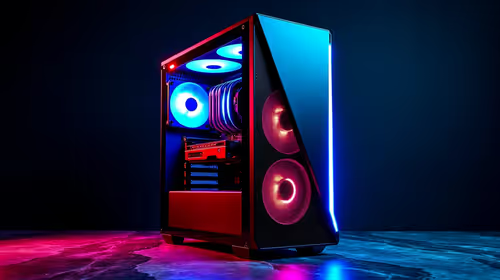
The Gamemax Aeris 330 micro-ATX case is factpack-verified at R650. The DeepCool CG330 case appears at R770. Confirm current fan support, included hardware, radiator clearance, front-panel airflow and motherboard format. Neither case listing verifies an external controller or guarantees a particular acoustic result.
Measure processor and graphics temperatures during a repeatable Valorant session before changing anything. Clean filters, correct fan direction and use a sensible BIOS curve first. Buy a controller when those steps still leave a documented header or control problem. If temperatures are already stable, tune the existing fans and focus on the display, network and input latency. Added cables and software can increase complexity without improving a healthy system.
Refining a Valorant PC? > Compare verified cases with Evetech and confirm controller compatibility separately.