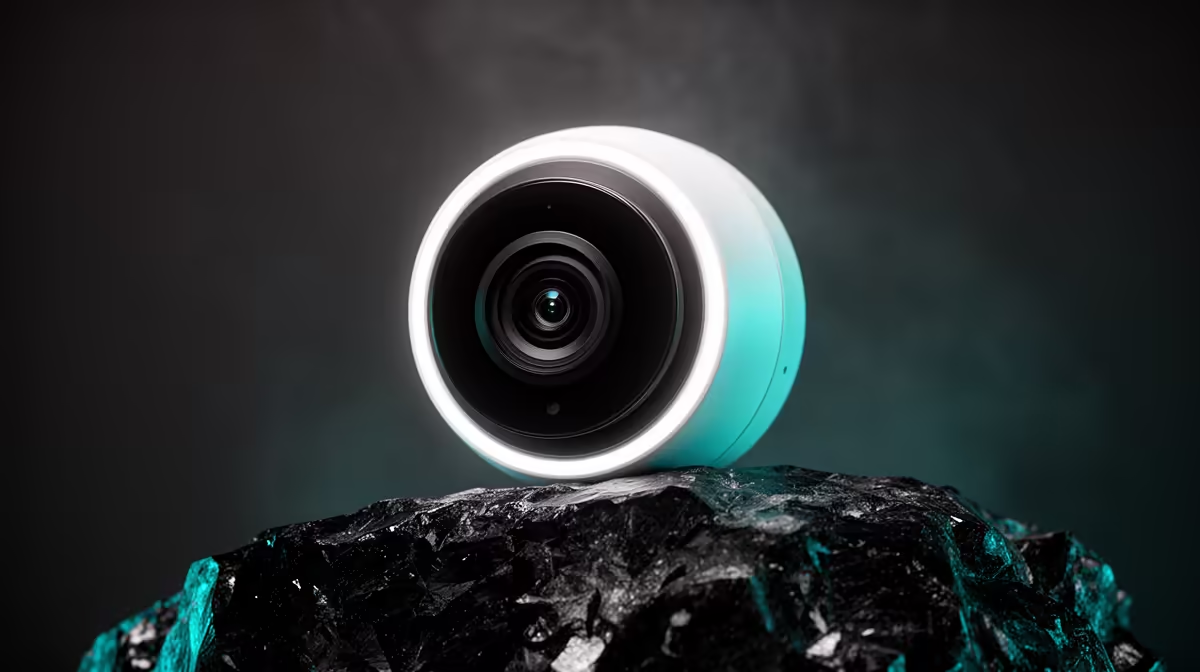
A smart-home camera can consume a capped data plan through cloud uploads, remote viewing, firmware downloads and repeated motion clips. Buyers should estimate traffic from the chosen settings before leaving a camera online all month. Local storage may reduce cloud transfer, but remote access and alerts can still use data.
Measure one ordinary day
Evetech lists the pan-and-tilt TP-Link Tapo C212 Wi-Fi camera at R451. Check its current resolution choices, storage support, clip behaviour and app controls before purchase. Install the camera, note router or provider usage, then run it through a day with normal household movement. Extrapolate from that sample and leave headroom for remote checks.
Reduce waste without hiding events
Aim motion zones at doors or defined areas instead of busy windows, trees or television screens. Choose the lowest resolution that still identifies the needed detail. Limit remote live viewing and review how long the service retains clips. Keep local cards or storage within the supported specification and test playback after an event.
Use a unique account password, current firmware and multi-factor authentication when available. Place the camera with household consent and avoid private spaces. A data cap should shape alert frequency and cloud settings, never weaken access security or erase essential evidence without review. Record the chosen resolution and retention period beside the router account.
Adding a camera on capped data? > Compare Evetech smart-home options by local storage, resolution and notification controls.