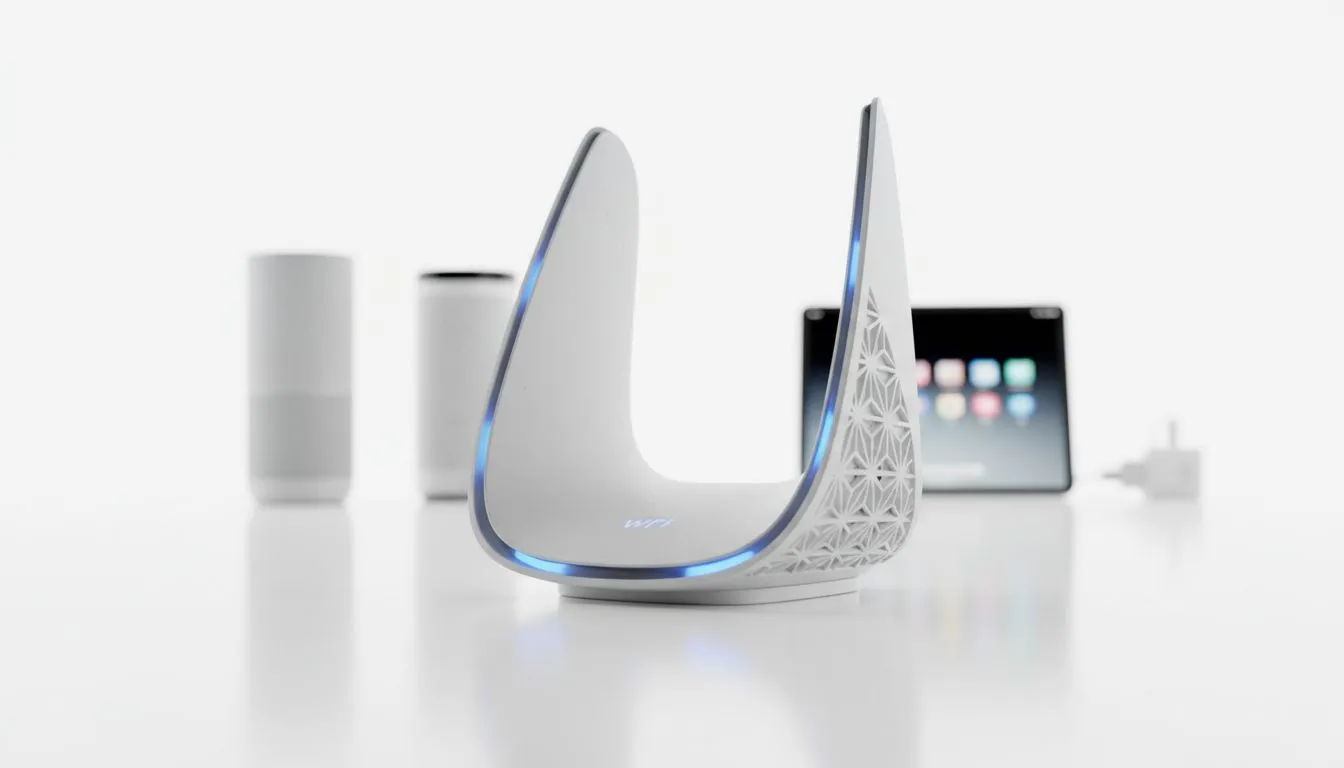
Smart home devices disconnecting: Causes & fixes
There is nothing more frustrating than your smart lights refusing to turn on while you are mid-raid. In South Africa, our thick brick walls and local interference often lead to smart home devices disconnecting. Whether it is your security camera dropping out or your smart plug going rogue, these drops ruin the vibe. Let’s look at why your gear keeps failing and how to fix it for good 🔧.
Identifying why your smart home devices disconnect
The primary culprit is usually your router’s capacity. Most entry-level units struggle when you connect more than fifteen devices. Between your gaming PC, smartphones, and smart bulbs, the bandwidth gets spread thin. If your connection drops every time someone starts a 4K stream, it is time to buy wireless routers that feature modern MU-MIMO technology. This allows the router to talk to multiple devices at once without queuing data.
Another common issue in South African homes is the 2.4GHz frequency congestion. Most smart home gear only uses this band. Because it has a long range, it also picks up interference from your neighbour’s WiFi or even your microwave. Moving your hub to a more central location can help... but sometimes hardware is the only real fix.
Overcoming physical barriers and signal interference
South African architecture loves thick brick and mortar. While great for insulation, these walls are kryptonite for WiFi signals. If you find your smart home devices disconnecting in the far corners of your house, you likely have a dead zone. You can easily fix this when you buy wireless range extenders to push that signal through those stubborn walls.
Smart Home Stability Tip ⚡
Assign static IP addresses to your most important smart devices through your router settings. This prevents IP conflicts that often happen after a power cycle or load shedding bout, ensuring your hub always knows exactly where to find your devices on the network.
Optimising your network for long-term stability
If you manage your smart home ecosystem from a dedicated media PC or a gaming rig, your internal connection matters just as much as the external one. Using high-performance wireless adapters can stabilise the link between your control centre and the router. A shaky adapter can cause the whole dashboard to lag... making it seem like the devices are the problem when the PC is actually dropping the ball.
For those building a serious automated home, look at your entire wireless networking setup. Upgrading to a Mesh system or adding dedicated access points ensures that every smart sensor stays online. This setup is particularly useful if you have outdoor security cameras that need to penetrate exterior walls. Stable connectivity is the foundation of any smart home... without it, you just have expensive, offline gadgets ✨.
Ready to Fix Your Connection?
Don't let a weak signal ruin your smart home experience. Whether you need a high-speed router or a range-extending mesh system, we have the gear to keep you online. Explore our massive range of networking specials and reclaim control of your home today.