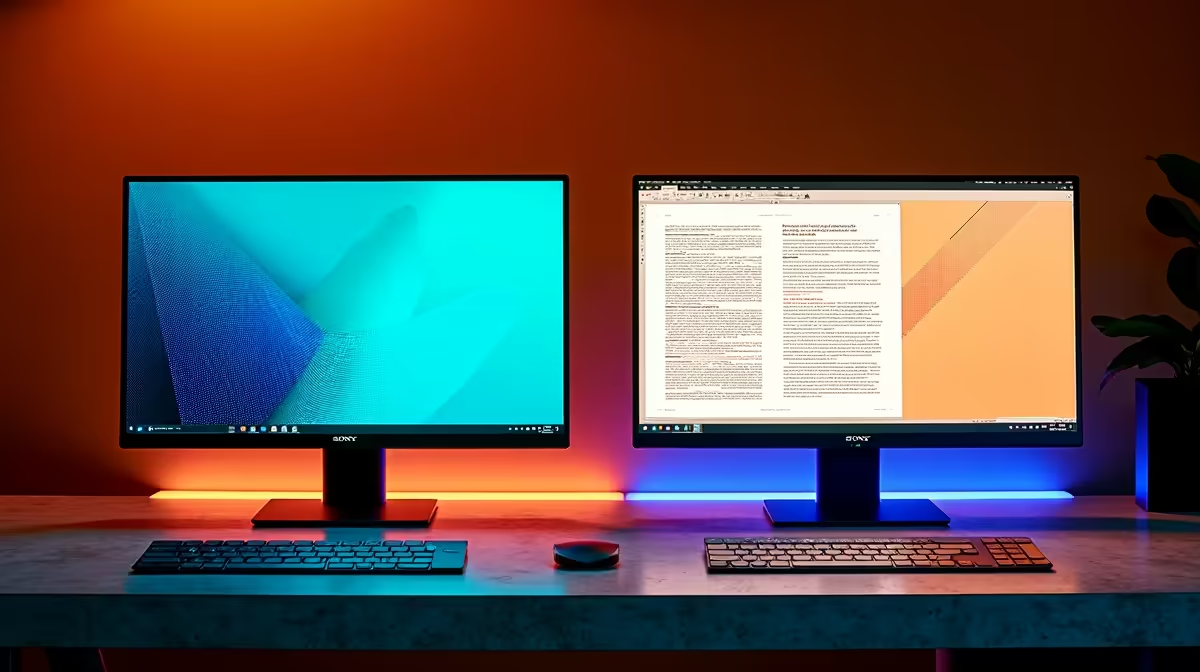
Is your home office desk looking a bit cluttered? In South Africa, where the line between work and home is blurrier than ever, choosing the right screen is crucial. The debate of smart monitor vs regular monitor isn't just about specs... it's about your workflow. A smart monitor promises an all-in-one hub for productivity and streaming, while a regular monitor offers pure, focused performance. So, which is truly the best for your work setup? Let's dive in.
What's the Big Deal with Smart Monitors?
Think of a smart monitor as a TV and a computer monitor that had a very clever baby. At its core, it's a high-quality display with its own brain 🧠. It runs an operating system (like Samsung's Tizen or LG's webOS), connects directly to your Wi-Fi, and comes with built-in apps like Netflix, YouTube, and even Microsoft 365.
This means you can stream your favourite show after work or even edit a document in the cloud without ever turning on your PC. It’s the ultimate device for a minimalist desk, combining multiple functions into one sleek package. These versatile screens are becoming a popular part of the modern PC monitors lineup.
The Tried-and-True Regular Monitor
A regular monitor does one job, and it does it exceptionally well: it displays whatever you plug into it. It has no built-in operating system or apps. It's a pure, unadulterated canvas for your PC, laptop, or gaming console.
Why would you choose this? Focus and performance. Because they don't have the extra cost of "smart" components, you often get more performance for your money. For professionals and gamers, this can mean higher refresh rates, faster response times, and better colour accuracy for the same price. If you demand raw power for competitive play, our range of all gaming monitors is where you'll find your perfect match.
Smart Monitor vs Regular Monitor: The Showdown
So, how do they stack up in the areas that matter most for work? Let's break down the key differences in the smart monitor vs regular monitor comparison.
Convenience & Connectivity
A smart monitor wins on sheer convenience. With Wi-Fi, Bluetooth, and built-in apps, it can function independently. You can connect a wireless keyboard and mouse directly to it. A regular monitor is entirely dependent on a source device, which isn't a problem if your PC is always on, but it lacks that standalone flexibility. For ultimate flexibility on the go, however, nothing beats dedicated portable monitors that are designed for travel.
Performance & Productivity
For pure work performance, the answer depends on your job. A graphic designer or video editor might prefer a high-end regular monitor for its uncompromising colour accuracy and speed. Many high-resolution 4K monitors fall into this category, prioritising pixel-perfect detail over smart features. That said, a smart monitor is perfectly capable for most office tasks like email, spreadsheets, and web browsing.
Productivity Pro Tip ⚡
Many Samsung Smart Monitors support Wireless DeX. This lets you connect your Samsung smartphone and get a full desktop-like experience on your monitor—without any cables! It’s perfect for quickly checking documents or giving a presentation when your laptop isn't around.
Cost & Value
Initially, a smart monitor might seem more expensive than a regular one with similar panel specs. But consider the value. It can replace a separate smart TV or streaming stick in your office or bedroom. Always keep an eye on the best PC monitor deals in South Africa, as you can often find both types at a fantastic price.
So, Which Monitor is Best for Your Work?
The right choice in the regular monitor vs smart monitor debate comes down to your personal needs.
Choose a Smart Monitor if:
- You want a single screen for work, streaming, and light computing.
- You value a clean, minimalist desk with fewer devices and cables.
- You use services like Samsung DeX or want to access cloud documents without a PC.
Choose a Regular Monitor if:
- You are a gamer, creative professional, or developer who needs maximum performance.
- You're on a tighter budget and already have a great PC setup.
- You want a specialised display, like one of the ultra-immersive curved monitors that enhance focus during long work sessions.
- You plan on customising your setup with specific monitor accessories like VESA arms.
Ultimately, both are excellent tools. The "best" monitor is the one that seamlessly integrates into your daily routine, whether that involves intense coding sessions or a quick Netflix break between meetings. ✨
Ready to Upgrade Your View?
Whether you need the all-in-one convenience of a smart monitor or the focused power of a regular one, the perfect screen for your work is waiting. Explore our massive range of PC monitors and find the perfect display to boost your productivity.