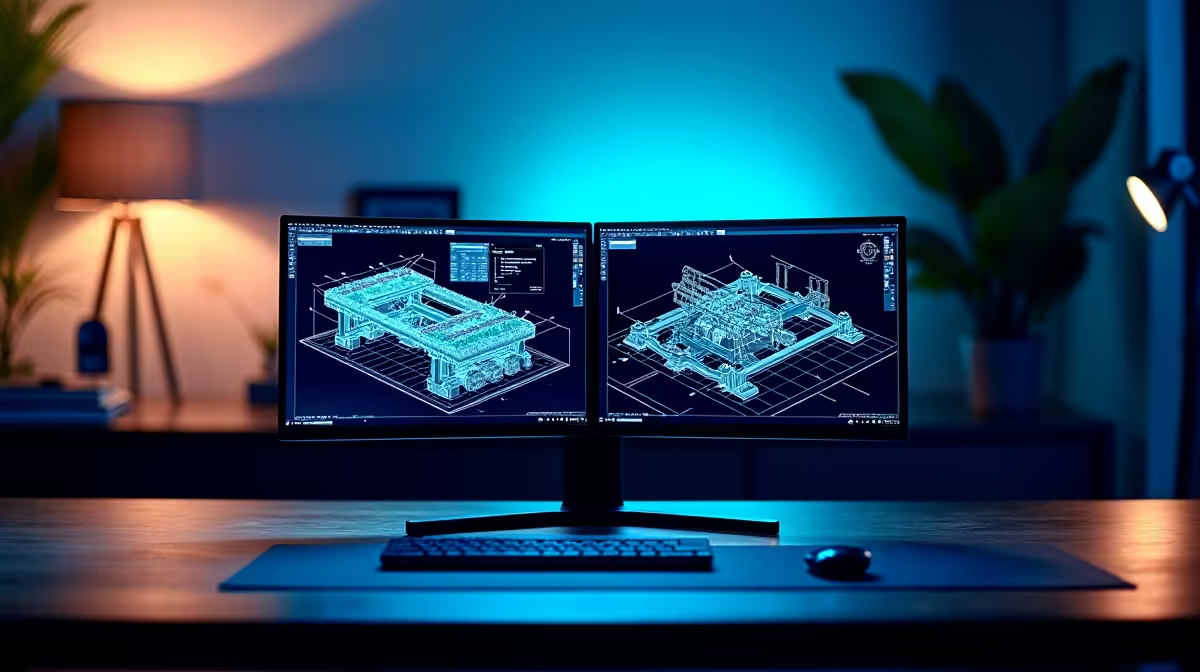
A photo and SolidWorks workstation needs supported CAD graphics, enough memory and storage, plus a detailed display for image work. Photo-editing labels do not prove SolidWorks certification. Choose the system from the largest assembly and RAW batch. Driver compatibility matters more than decorative creator branding.
Balance model and image workloads
The Leadtek RTX A1000 8GB at R6,900 supplies verified professional graphics for a compatible workstation. A compatible SolidWorks platform can use the verified Intel Core Ultra 7 270K processor, priced at R5,300.
The Dell S2725QC 27-inch 4K USB-C monitor at R6,128 offers verified detailed screen space for compatible image and CAD work.
Test both delivery paths
Open the largest SolidWorks assembly, rebuild it and produce a drawing, then import and export a representative RAW batch. Record memory use, graphics warnings, export time and fan noise. Confirm SolidWorks driver support and photo-editor acceleration before choosing parts. Keep CAD versions and camera originals on separate project paths with independent backups. Preserve one reference image and drawing for post-upgrade comparison. The right PC completes each workflow without forcing a risky driver switch before a deadline.
Check SolidWorks certification needs separately from Lightroom acceleration because the two applications may favour different graphics drivers. Preserve room for memory and project storage. Driver support deserves written confirmation.
Combining SolidWorks and photography? > Share the application versions, model size and RAW workload with Evetech.