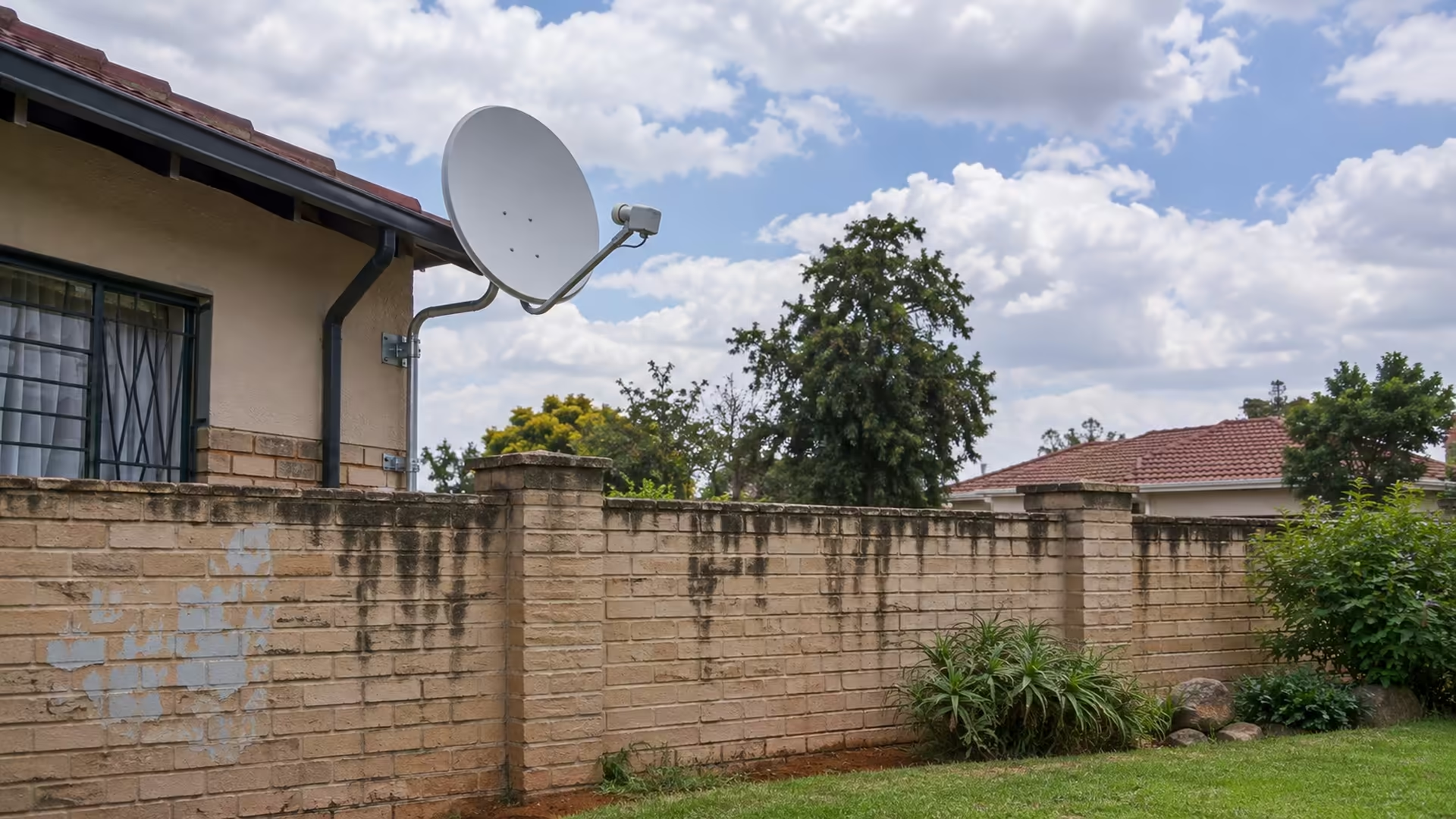
The E48-32 DStv error can interrupt a match while the rest of your home stays online. On a satellite decoder, it points to a reception problem. Start with the affected channels and ask whether heavy weather is passing over you. A Wi-Fi test is useful for a streaming problem, but it won't tell you how much satellite signal is reaching a decoder.
Quick Answer
E48-32 on a DStv satellite decoder points to a signal problem. Note which channels are affected and whether conditions improve after heavy rain passes. You can make those checks at R0 from indoors before arranging any inspection of the dish or cabling.
📡 Read the message at the source
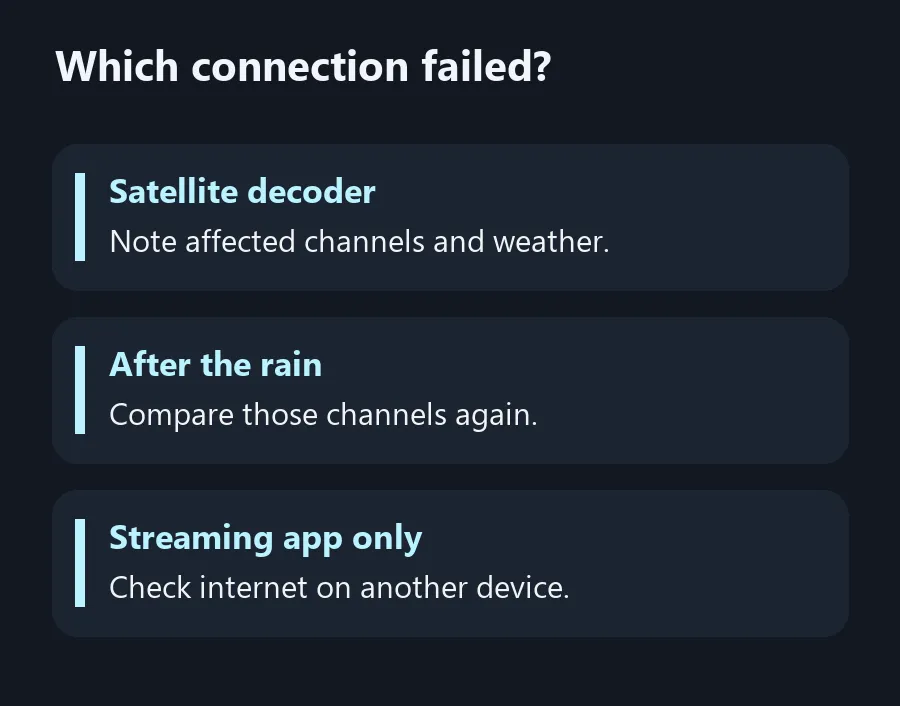
Check whether the message is on the decoder's output or on a streaming app. If it's on the decoder, switch to a few other channels and write down which ones work. Keep a list of working and affected channels so you can check the same ones after the rain. If the household has another decoder using the same dish system, ask whether it is affected too.
Heavy rain can reduce the satellite signal. If the timing matches a storm, compare the same channels after conditions clear. Persisting problems on a dry day give you a useful detail for support or an installer. Make a note of anything you recently moved indoors, such as the decoder or a cabinet that its cable runs behind.
🧭 Check what you can see from indoors
Find the decoder model and use its support instructions to locate any signal information screen. Record the readings alongside which channel you were watching, without changing installation settings. You can also check whether the cable behind the decoder was disturbed, provided it's accessible and there's no damage or electrical hazard. Ask an installer to examine any outdoor cabling or dish position.
When the symptom clears after a storm, keep the observation rather than trying different settings to make it clear faster next time. If it returns repeatedly in clear conditions or only affects some channels, report that pattern. It gives the technician more detail than saying the service sometimes goes away.
🌐 Treat streaming as its own service
If the trouble is actually in a streaming app, check another device on the same connection and compare whether another app plays video. If the problem only occurs far from the access point, move the device closer for a test or connect it by cable if supported. Wireless Routers and Fibre Routers apply to that part of the setup if you later establish a network fault. They play no role in restoring signal to a satellite dish.
Before you spend money on any change, label the two paths in your head. The decoder gets satellite signal by cable from the dish. A streaming device uses an internet connection. Keeping those paths separate can save an unnecessary upgrade and helps you tell support which source showed the error.
Frequently Asked Questions
What does E48-32 mean on a decoder?
It indicates a satellite signal problem.
Can heavy rain cause it?
Yes. Check whether the affected channels return after heavy rain passes.
Why do some channels still work?
Record the working and affected channels and give the pattern to support or an installer. The code alone cannot establish the cause.
Will a Wi-Fi extender clear the decoder error?
A Wi-Fi extender helps a Wi-Fi link. It does not restore satellite signal at the decoder.
Should I move the dish myself?
Keep checks indoors and let a qualified installer check the outdoor installation.
What do I tell support before arranging a visit?
Give the decoder model, affected channels, any signal readings and whether the fault persists in clear weather.
Which connection failed?
Distinguish dish reception from streaming connectivity before paying for equipment.