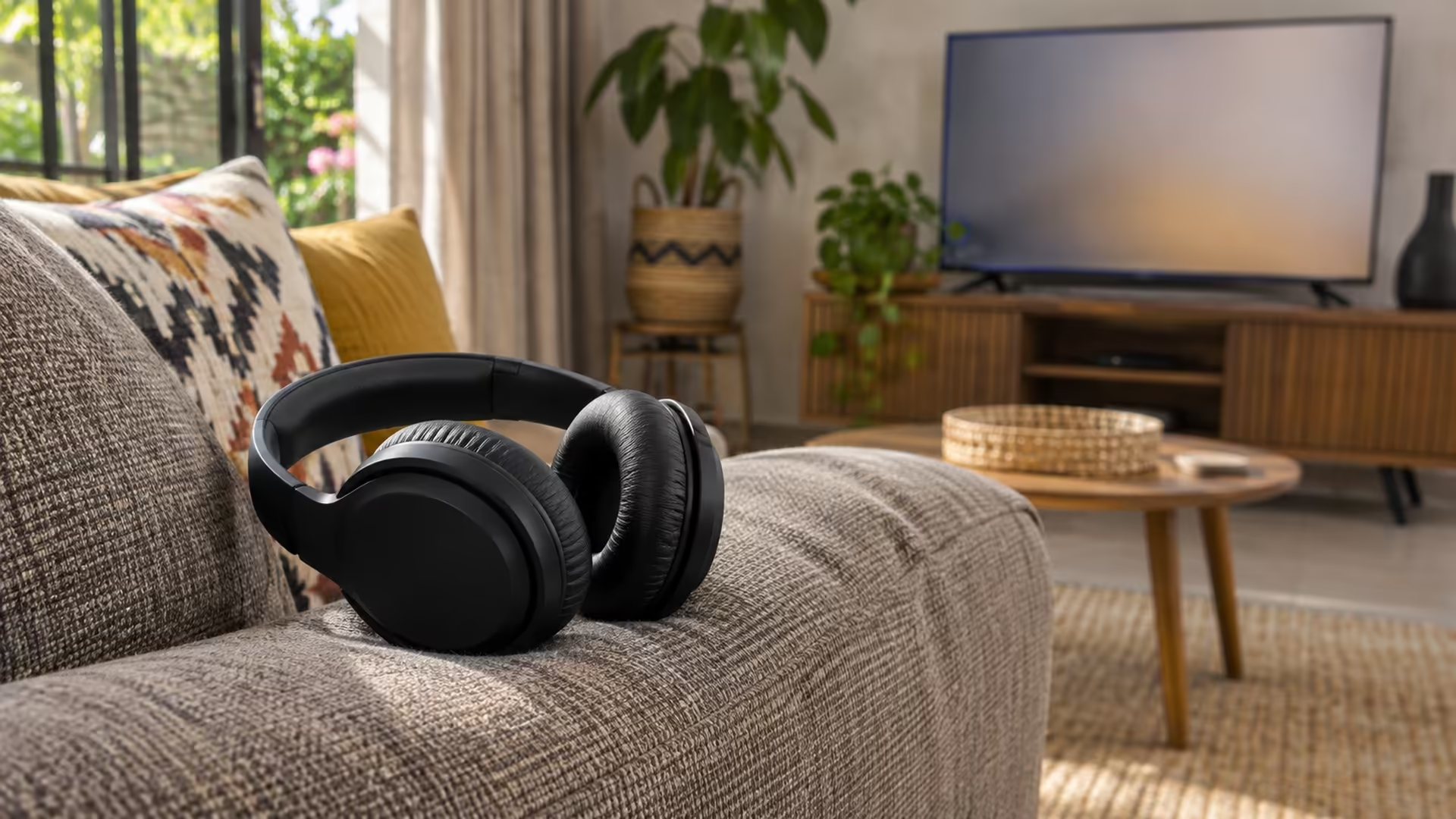
If the television has no headphone pairing option, a Bluetooth transmitter can send its sound to headphones you already own. Check the direction of audio first. A receiver for playing your phone through old speakers does a different job. A receiver may pair with a phone exactly as intended while your headphones stay silent.
Quick Answer
A Bluetooth transmitter takes audio out of a TV or another source and sends it to compatible wireless headphones. Look at the TV's available audio output and check the transmitter supports that connection. If your TV already offers Bluetooth headphone audio, testing it with headphones you own costs R0.
🔀 Draw the path from the TV to your ears
The television is the source. The headphones receive the wireless signal. The adaptor in between must be able to transmit audio. Some models can switch between sending and receiving, so check the mode on the box and in its manual. Devices advertised for a car stereo may be receivers that let a phone send sound to the car. Those won't send TV audio to headphones unless they also have a transmitter mode.
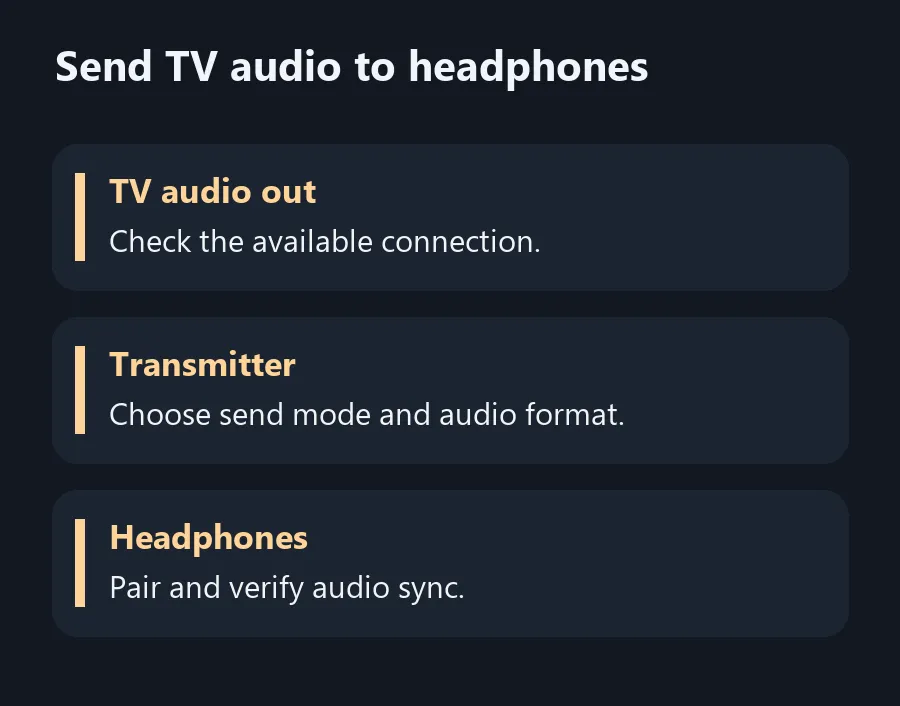
Find the television's audio output label before buying the adaptor. A headphone jack or an optical audio out may be usable when the transmitter supports it. Some optical connections require a compatible audio format selected on the TV. Use the transmitter's manual to check what it accepts. If it expects stereo PCM, look for the TV's digital audio format setting and test that mode before assuming the optical cable is faulty.
🎧 Pair the new link on its own
Follow the transmitter and headphone instructions for pairing. Start close to the TV and disconnect other devices from the headphones temporarily if the headphones keep reconnecting elsewhere. Listen to speech and see if the words still line up with the picture. Test from the seat where you'll use them. If you're buying for a games console or sharing the screen with another listener, check latency and simultaneous audio support before paying.
If you hear sound through a built-in TV speaker but nothing through the new link, revisit the TV's audio output selection. When the new connection works but the room goes quiet, check whether your television supports sending audio to its speakers and through that output at the same time. That varies by device and matters if one person wants headphones while others watch with the speakers.
🛋️ Compare with the connections you already own
Try your TV's built-in pairing menu first if the manual lists one. When you need new headphones as well, compare Bluetooth Headset and All Headsets and check if your preferred pair uses standard Bluetooth audio or a proprietary USB receiver. That extra dongle may work well on a PC while failing to give you the television connection you bought it for.
Keep a note of the actual ports and pair of devices that gave you sound. That makes it easier to set up the same room again after replacing a TV or using a new pair of headphones. If you only have the Bluetooth receiver option on a device you already own, check whether there is a built-in TV connection you can use before buying a second box.
Frequently Asked Questions
Can a Bluetooth transmitter work with a smart TV?
Yes, when the TV has an audio output the transmitter can accept.
What is the difference between a transmitter and a receiver?
A transmitter sends sound over Bluetooth. A receiver accepts a wireless signal from a source such as a phone.
Does optical output always work straight away?
Check which audio formats the transmitter accepts and select a compatible output format on the TV.
Can I use any Bluetooth headphones?
Check compatibility and listen for delay. Some wireless headsets use their own USB receiver.
Will the TV speakers still play?
That depends on the TV model and its output settings.
Should I buy a transmitter if the TV already has Bluetooth audio?
Test your current headphones using the TV's pairing settings first.
Send TV audio to headphones
Check which way sound must travel and whether the TV has a usable output.