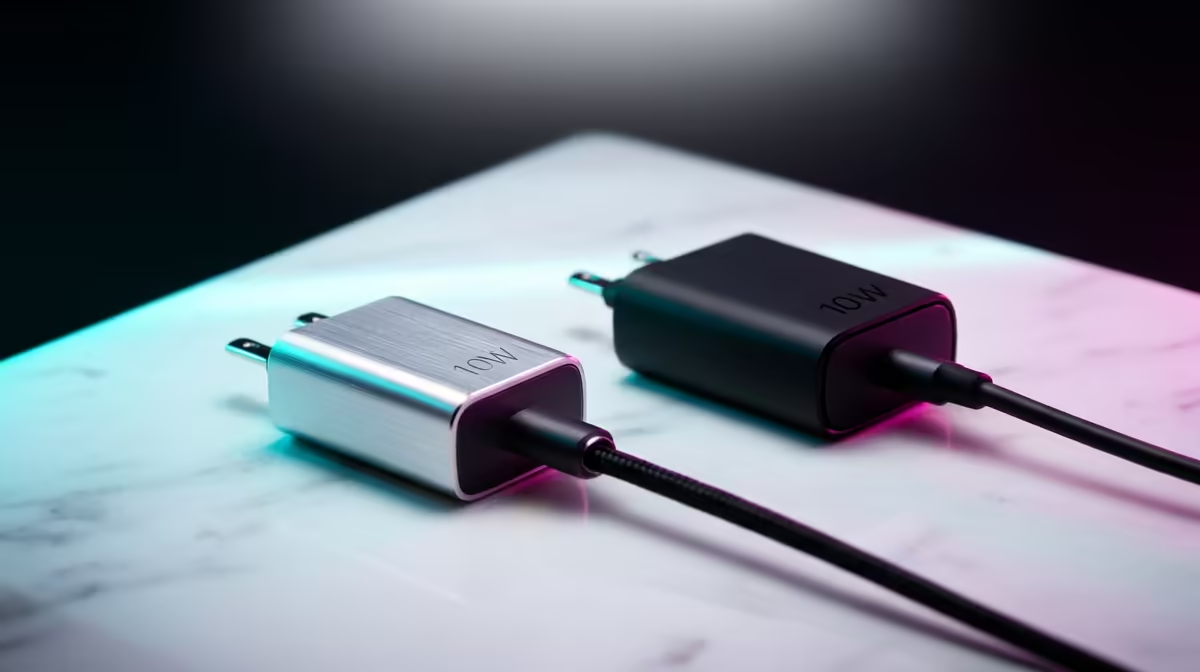
A smart plug set can be useful for podcast lights or other approved low-risk accessories, but it is excessive when purchased to automate equipment that already has simple controls. It should never cut power to a computer, recorder or storage device while files are being written. The supplied factpacks verify no smart-plug SKU or price.
Assign each outlet a safe job
List every proposed load and check its maximum demand, start-up behaviour and manufacturer guidance. Decide whether scheduling or remote control solves a recurring studio problem. Test manual override and what happens when Wi-Fi or the vendor service fails. Keep heaters and excluded high-demand devices away from the set.
The NearStream USB and XLR microphone is factpack-verified at R676. The HyperX SoloCast 2 microphone appears at R690. The Seagate Expansion 2TB external hard drive is listed at R1,399. Verify current connections, power needs, software and warranty. None should be switched off through a plug before a proper software shutdown or safe eject.
Secure smart-home accounts and apply supported firmware. Keep the studio backup routine independent of automation. Buy plugs only for clearly suitable accessories where scheduling reduces setup friction. If the goal is preventing missed takes or lost files, improve session checklists, microphone placement and backup practice first. Automation should simplify a stable studio, not introduce another failure point.
Simplifying a podcast studio? > Compare verified microphones and storage with Evetech while evaluating smart plugs separately.