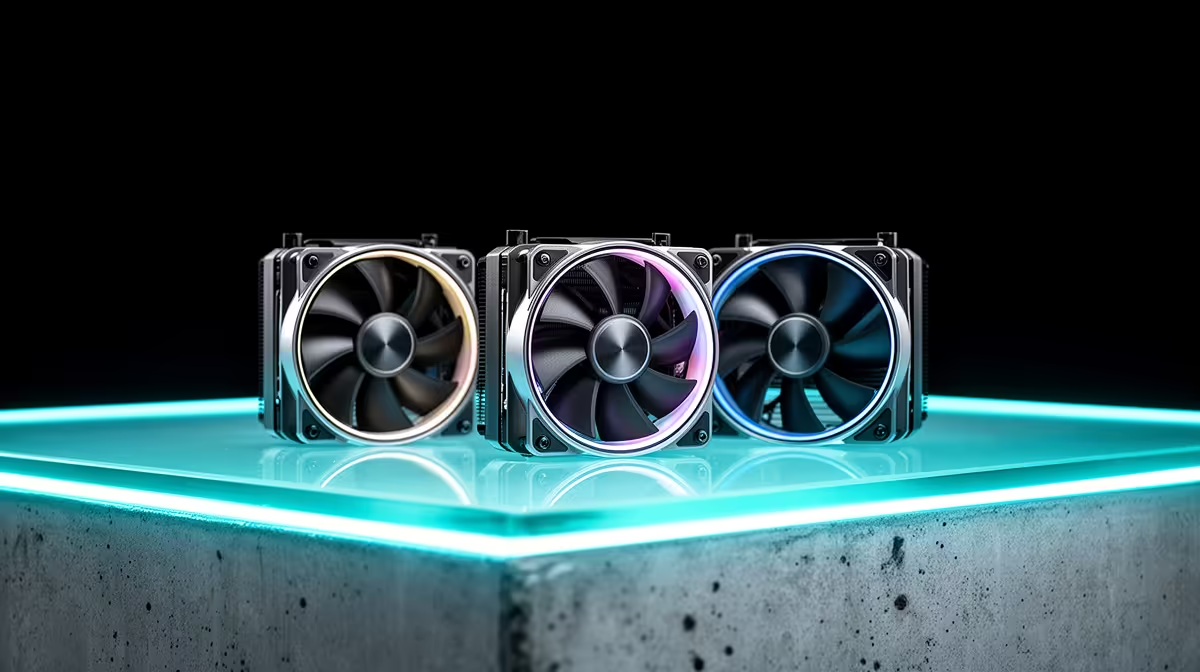
A set of case fans should solve a measured temperature or noise problem in a web-development PC. Browsers, local servers and code editors rarely demand elaborate cooling on their own. Start with airflow, dust and the processor cooler before filling every mount.
Measure heat through a full build
Run the local development stack, test suite and browser workload used on a long day. Record processor temperature and fan noise after the case warms up. Check that front intakes receive clear air and rear or top fans can exhaust it. A blocked filter or cable bundle may cause more trouble than a missing fan.
The supplied facts do not verify an individual case-fan SKU or price. The GameMax ARGB PWM hub is verified at R85 as a fan-control accessory, not as a pack of fans. Confirm motherboard header limits, connector type, fan current and PWM support before using any hub. Lighting compatibility should remain separate from speed control.
Add airflow in stages
Fit a balanced intake and exhaust arrangement, then repeat the same workload. Listen near the video-call microphone as well as beside the case. More fans at lower speed can help in some enclosures, while crowded mounts can add turbulence. Keep fingers and loose cables away from moving blades and disconnect power before physical changes.
Buy only the number of compatible fans that improves the measured result. Web work benefits more from a quiet, stable computer than from unused cooling capacity.
Cooling a development desktop? > Ask Evetech to match fan-control parts and cases to the installed motherboard.