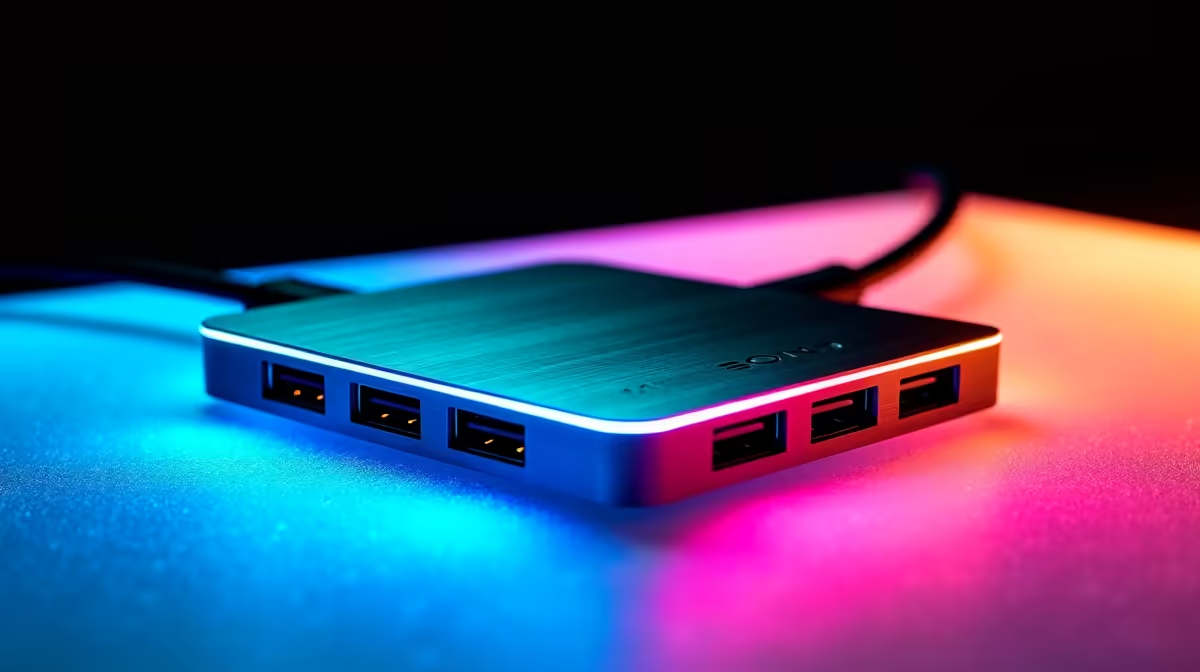
A live-streaming hub should connect the required camera, network link and storage without forcing high-bandwidth devices through one weak upstream port. Port quantity can hide shared bandwidth and power limits. The computer must also support video output, charging and the selected USB data modes.
Draw the signal map
Evetech verifies the Promate EZHUB-7 at R270 as the entry hub reference. The VersaHub-MST costs R1,500, while the Minisforum TB4-01 Thunderbolt 4 dock is R2,600. Compare upstream standard, Ethernet speed, display support and power delivery. A premium dock cannot add Thunderbolt capability to an ordinary USB-C port, so check the computer manual first.
Load every stream device
Connect the camera or capture card, microphone, network cable and external storage one at a time. Run a private stream while saving a local file, then watch dropped frames, USB resets and charging warnings. Use direct computer ports for the most demanding devices when possible. Secure the hub so a cable tug cannot end the broadcast.
Choose a compact hub for a simple mobile setup and a dock for a fixed desk with several displays. Keep a direct Ethernet or charger fallback ready. Save scene collections and device settings outside the streaming application before changing hardware.
Reserve one direct laptop port for the capture device during critical broadcasts.
Connecting a live-stream desk? > Ask Evetech to match hub bandwidth and power to the exact computer and device list.