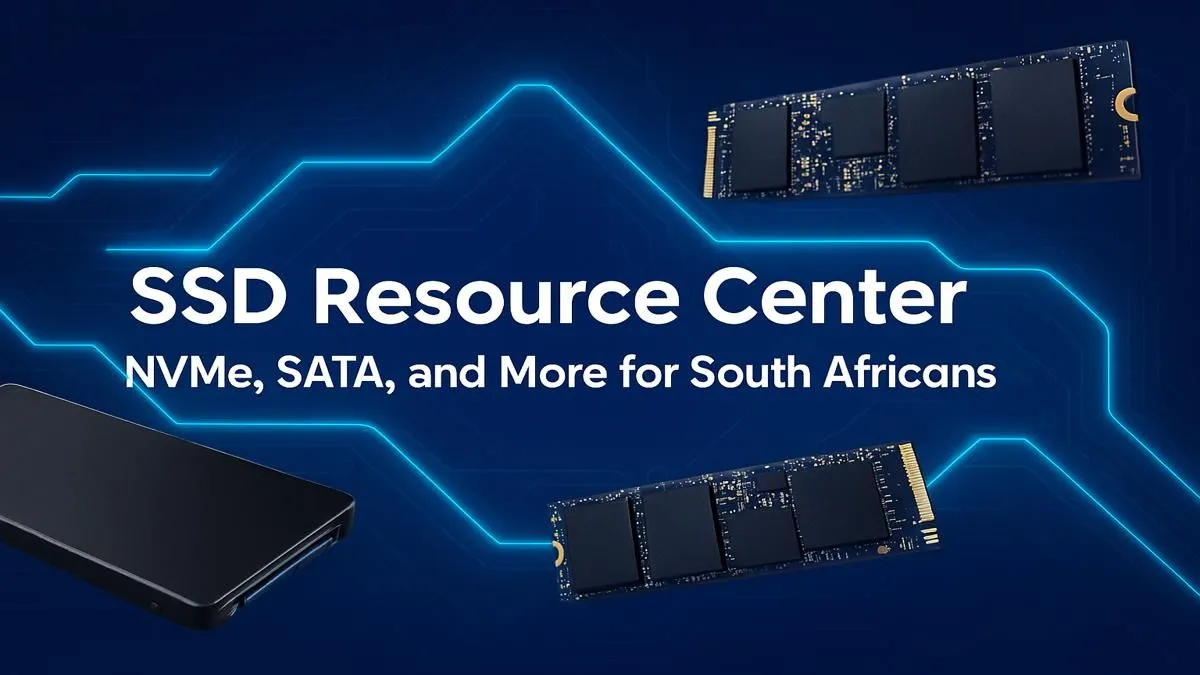
Staring at a loading screen while your mates are already dropping in? We've all been there. Choosing the right Solid State Drive (SSD) can feel like decoding a secret language... NVMe, SATA, M.2... what does it all mean for your gaming rig? This is the no-nonsense SSD guide South Africa has been waiting for. We'll break down everything you need to know to slash load times and get back in the game, faster. ⚡
Why an SSD is Your PC's Best Upgrade
If you're still running your operating system or favourite games from a traditional Hard Disk Drive (HDD), you're leaving a massive amount of performance on the table. Think of an HDD as a library where a mechanical arm has to find a physical book. An SSD, on the other hand, is like having a digital index that pulls up the data instantly.
The difference is night and day. We're talking boot times cut from a minute to mere seconds, and game levels loading before you can even read the on-screen tips. For anyone serious about their PC performance, a move to the wide world of SSDs isn't just an upgrade; it's essential.
Understanding the SSD Alphabet Soup: NVMe vs. SATA
Not all SSDs are created equal. The two main types you'll encounter in South Africa are SATA and NVMe. Choosing the right one depends on your budget, motherboard, and what you'll be using it for.
SATA SSDs: The Reliable Workhorse 🔧
SATA SSDs are the veterans of the flash storage world. They typically come in a 2.5-inch rectangular casing and connect to your motherboard via a SATA cable (the same kind your old HDD uses).
- Speed: They are leagues faster than any HDD, usually topping out around 550MB/s.
- Best For: Storing your game library, media files, or as a cost-effective boot drive for an older PC.
- Bottom Line: For pure value and capacity, a 2.5-inch SATA SSD is an unbeatable choice for expanding your storage without breaking the bank.
NVMe SSDs: The Need for Speed 🚀
NVMe (Non-Volatile Memory Express) SSDs are the current champions of speed. They look like small sticks of RAM and plug directly into an M.2 slot on your motherboard, using the super-fast PCIe bus to communicate with your CPU.
- Speed: This is where things get wild. Entry-level NVMe drives start around 2,000MB/s, with high-end Gen4 and Gen5 models pushing past 12,000MB/s.
- Best For: Your operating system, core applications, and the competitive games you play most often.
- Bottom Line: If you want the absolute fastest loading times and a supremely snappy system, nothing beats an NVMe SSD.
Check Your Motherboard!
Before buying an NVMe SSD, always check your motherboard's specifications. Make sure you have a compatible M.2 slot. Some boards have multiple slots, but they might run at different speeds (e.g., PCIe Gen3 vs. Gen4), so install your fastest drive in the primary slot for best performance!
A Practical SSD Guide for South African Gamers
So, what should you actually buy? Let's make this simple.
- The Smart Budget Build: Get the best of both worlds. Use a smaller, affordable 500GB NVMe SSD for your Windows installation and your favourite game (like Valorant or Apex Legends). Then, add a larger 1TB or 2TB SATA SSD for the rest of your Steam library. This is the most popular and cost-effective strategy.
- The Performance Chaser: If your budget allows, go all-in on NVMe. A 1TB or 2TB NVMe drive as your primary storage means everything on your PC is lightning-fast. No compromises. ✨
- The Content Creator: Video editing or 3D rendering? You need both speed and capacity. A high-end, high-capacity NVMe drive is non-negotiable for your project files and scratch disks to ensure a smooth workflow.
This SSD guide for South Africa aims to demystify your options, helping you make an informed choice that matches your rig and your wallet.
Ready to Banish Loading Screens?
Now that you know the difference, you can find the perfect drive for your needs. Check out the best SSD deals in South Africa for performance that leaves lag in the dust.