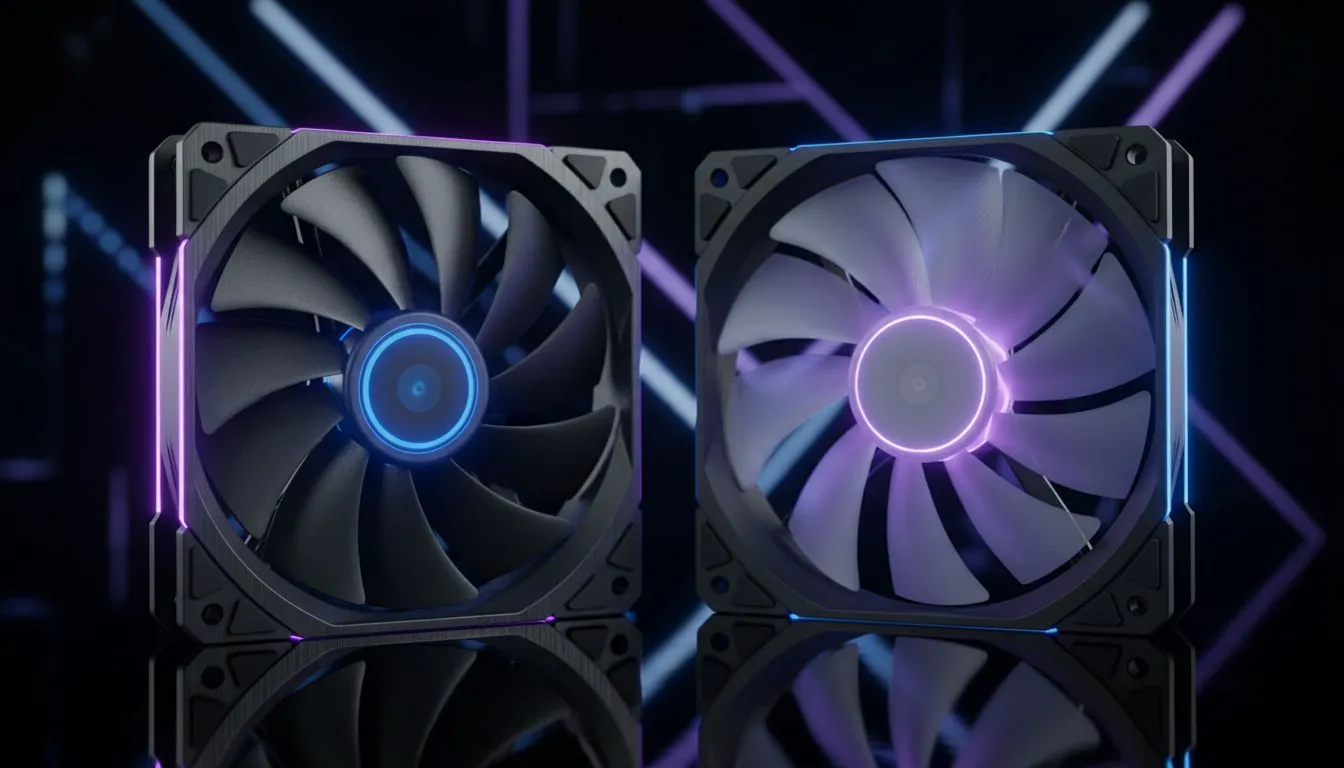
Static Pressure vs Airflow Fans: Quick answer for South African gamers 🔧
If you game on a compact case or run a radiator, static pressure fans usually win. If your rig lives in an open-air or mesh-front case, airflow fans make more sense. Want to shop straight away? Browse Evetech's case fan range to compare models and specs. ⚡
Static Pressure vs Airflow Fans: When to pick static pressure
Static pressure fans push air through obstacles: dense radiators, front dust filters, and tight fan grills. They concentrate airflow and keep radiator fins cool. Look for blades designed to slice through resistance. If you're mounting fans on an AIO or custom loop, consider models purpose-built for radiators — like the Corsair radiator-friendly models Evetech stocks — to keep temps lower under load.
Static Pressure vs Airflow Fans: When to pick airflow fans
Airflow fans move the largest volume of air in an open path. They’re ideal for cases with mesh fronts or lots of open vents. If your primary goal is case-wide convection, choose high-CFM (cubic feet per minute) fans with wide blades. Deepcool offers several high-airflow designs that suit large intakes and exhausts if you want maximum movement with lower RPMs.
Static Pressure vs Airflow Fans: Size, noise and lighting choices ✨
Fan diameter affects both airflow and noise. 140mm fans often move similar air at lower RPMs than 120mm models, so they can be quieter while pushing more air. If you want the smaller form factor, check the popular 120mm options; for quieter high-volume airflow, browse the 140mm category to compare thrust and decibel levels. Evetech lists both size choices for easy comparison.
When aesthetics matter, RGB or no-light fans change the vibe. RGB gives that streamer-ready glow; plain fans keep focus on function. See the RGB selections and no-light options to match your build’s look and budget.
Fan Installation Tip ⚡
When fitting fans on a radiator, align the arrow on the fan frame with the airflow direction. Tighten mounting screws gradually and evenly to avoid pinching the gasket. For pressure-sensitive setups, run a short stress test while monitoring temps and adjust fan curves in BIOS or your motherboard software.
Static Pressure vs Airflow Fans: Tuning, curves and final checks 🚀
Tune fan curves based on case thermals, not arbitrary RPMs. PWM control yields finer adjustments than voltage-only setups. Measure intake versus exhaust balance to avoid positive or negative pressure extremes. Want specific brands, sizes or looks? Compare Deepcool's range for performance designs, and explore RGB finishes or unlit conservative options to match your build.
Ready to try different combos? Start with a pair of intake fans matched to your front panel, and a pair of exhaust fans at the top and rear. Monitor GPU and CPU temps during a gaming session. Swap in a static pressure fan if radiator or filter temps spike. Swap in airflow fans if case-wide circulation is the issue.
Links for browsing:
Ready to Find Your Perfect Match?
The Mac vs Windows debate is complex, but for maximum power, choice, and value in South Africa, Windows is hard to beat. Explore our massive range of laptop specials and find the perfect machine to conquer your world.