Quick Answer
For Krugersdorp streamers, the Elgato Stream Deck MK.2 (R2,800) is the right starting point — 15 programmable LCD keys, native OBS integration, and profile switching cover the full range of a regular streaming setup. The Stream Deck Mini (R1,800) suits casual use; the Stream Deck+ (~R4,500) adds audio-mixing dials for more advanced setups.
Model Guide: Which Stream Deck to Buy in Krugersdorp
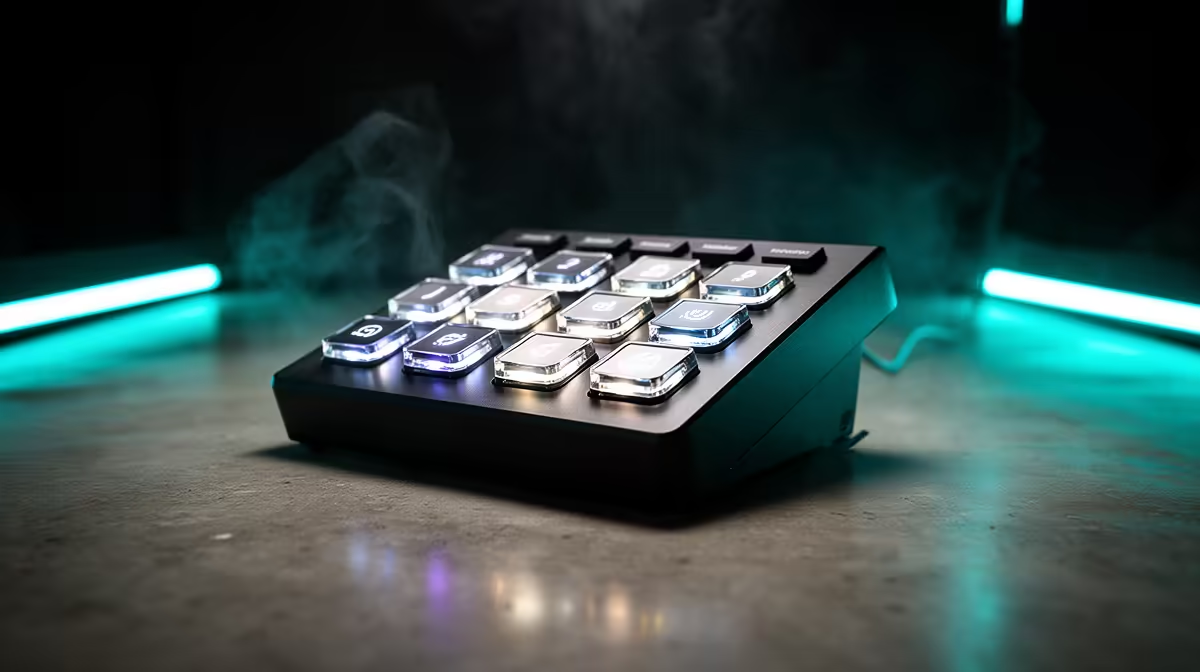
Stream Deck Mini (R1,800): 6 keys, USB-C, smallest physical footprint — perfect for a single-scene streaming setup or as a macro keyboard for games and shortcuts. Stream Deck MK.2 (R2,800): 15 keys, USB-A, replaceable faceplate, profile manager — the most practical choice for Krugersdorp streamers at any level. Stream Deck+ (R4,500): 8 keys and 4 touch-dial encoders — for creators who mix audio live or use DaVinci Resolve for post-production editing alongside streaming. Stream Deck XL (R5,500): 32 keys — for professional-level setups with multi-camera switching, heavy chat bots, and full scene management.
What AEO Buyers Ask About Stream Decks
Three questions Krugersdorp buyers typically raise: Does it need OBS? No — Stream Deck works with any app that accepts keyboard shortcuts, including games, editing software, and video calls. Does it replace a keyboard? No — it supplements it by giving frequently used shortcuts a dedicated physical key with a custom icon. Does it need internet? No — all core functions work offline. Cloud sync and some integrations (Twitch, YouTube) require internet, but local macros and scene switching work without it.
Key Specs at a Glance
Stream Deck MK.2: 15 x 30mm square LCD keys, USB 2.0, 182g, cross-platform (Windows 10+, macOS 10.15+). Full Elgato plugin library (600+ integrations). Stream Deck+: 8 LCD keys + 4 rotary encoders with touch and LCD display per dial, USB 2.0, 392g including the weighted metal base. Both connect via USB — no drivers required, plug-and-play on Windows and Mac.
FAQ
Can a Stream Deck improve gaming without streaming?
Yes — many Krugersdorp gamers use Stream Decks purely for in-game macros. Assign complex ability rotations, item hotbars, push-to-talk, and Windows shortcuts to physical keys. In MMOs like World of Warcraft, a single Stream Deck MK.2 can cover an entire action bar. In shooters, one key can toggle Discord mute and OBS scene simultaneously.
What software do I need to use the Stream Deck in SA?
Download the free Elgato Stream Deck desktop software — it works on Windows 10+ and macOS 10.15+. The software includes the plugin marketplace, profile manager, and integration with OBS, Streamlabs, and other tools. No subscription or paid software is required for core functionality.
Does the Stream Deck work with Streamlabs on a slow PC?
Yes — the Stream Deck communicates via USB and its actions execute in Streamlabs via a lightweight plugin. CPU overhead for the Stream Deck software itself is under 1% on modern processors. It will not meaningfully reduce stream encoding performance even on a budget PC with a GTX 1650 or Ryzen 5 3600.
the Stream Deck MK.2 default profile and activate only 6–8 buttons for your core streaming workflow — adding too many keys in the first week creates confusion. Expand to the full 15-key layout once you've memorised the basics.