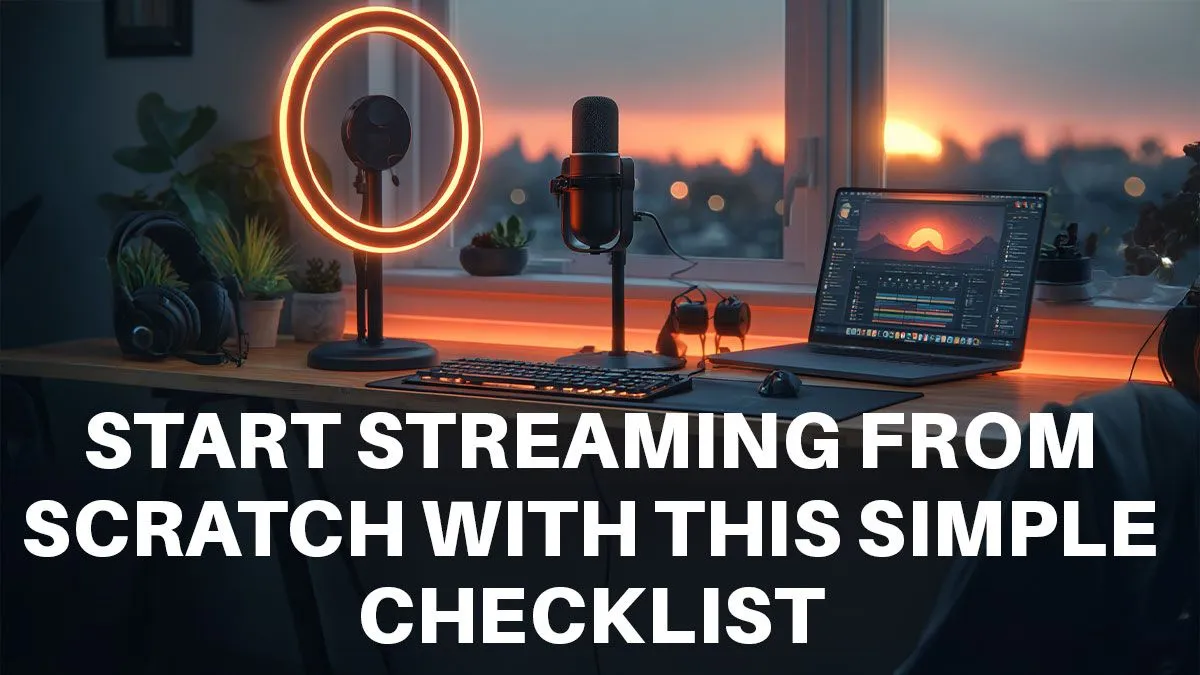
Ever watched a local streamer slaying in Warzone and thought, "I could do that"? You absolutely can. But figuring out where to start can feel like a boss battle on its own. This isn't just another gear list; it's your practical, 7-day roadmap. We'll break down exactly how to start streaming from scratch, taking you from zero to "going live" in just one week. Let's get you set up. 🚀
Day 1-2: Plan Your Conquest
Before you even think about a webcam, you need a plan. A great stream isn't just about good gameplay; it's about personality and purpose. This is the foundation for anyone looking to start streaming from scratch.
Find Your Niche
What makes you unique? Are you a god-tier VALORANT player, a hilarious Fall Guys fumbler, or a creative genius building masterpieces in Minecraft? Your niche is your identity. It’s what makes viewers choose your stream over thousands of others. Don't try to be everyone; be unapologetically you.
Choose Your Platform
For most South Africans, the choice is between Twitch and YouTube.
- Twitch: The king of live streaming. It has a massive built-in gaming audience and great tools for community interaction (emotes, channel points).
- YouTube: Excellent for discoverability thanks to its powerful search algorithm. If you plan on creating VODs (Videos on Demand) or edited highlights, YouTube is a powerhouse.
Spend these two days watching streamers in your chosen niche. See what works, what doesn't, and how you can bring your own flavour to the scene.
Day 3-4: The Tech & Budget Audit 🔧
Now for the fun part: the hardware. You don't need a R50,000 rig to get started, but you do need to know what your current PC can handle.
Your PC's Streaming Potential
The most important components for streaming are your CPU and GPU. The CPU handles game logic and encoding the stream, while the GPU renders your game. A modern 6-core processor (like an AMD Ryzen 5 or Intel Core i5) and a graphics card like an NVIDIA RTX 3060 or newer is a fantastic starting point for a smooth 1080p stream.
Set a Realistic Budget
Starting your stream doesn't have to break the bank. Your smartphone can be a decent starting webcam! Prioritise your spending on what impacts the viewer experience most: audio. A clear microphone is more important than a 4K camera. You can find plenty of great streaming gear under R6000 to kickstart your journey without needing a massive budget.
Quick Audio Tip
Your viewers will forgive pixelated video, but they won't tolerate bad audio. A crackling or muffled mic is the fastest way to make someone click away. Invest in a decent USB microphone first!
Day 5-6: Setting the Scene & Software
With your gear sorted, it's time to build your studio and configure your software. This is where your beginner streaming setup comes to life.
Master Your Audio & Lighting
A clear voice is non-negotiable. Look into quality microphones from brands like CORSAIR that offer USB plug-and-play simplicity with excellent clarity.
Lighting is just as crucial. You don't need professional studio lights. A simple ring light can work wonders. For some extra personality, a bit of background colour can make your stream pop. Smart lighting options like Cololight panels are awesome for creating a signature look that viewers will remember. ✨
Install and Configure OBS
Streamlabs OBS or OBS Studio are the go-to free software options.
- Download & Install: Grab OBS Studio (it's powerful and lightweight).
- Auto-Configuration: Run the auto-configuration wizard. It will test your hardware and internet to suggest the best settings.
- Set Up Scenes: Create a few basic scenes: a "Starting Soon" screen, your main "Gaming" scene (with game capture + webcam), and a "Be Right Back" screen.
- Add Alerts: Use a service like StreamElements or Streamlabs to add follower and subscriber alerts. It's a great way to thank your community live on stream.
Day 7: Go Live!
You've done the prep work. The gear is ready, the software is configured... all that's left is to hit that button.
Your first stream will not be perfect, and that's okay! The goal today is simply to get comfortable. Talk about your game, interact with anyone who pops into chat (even if it's just one person), and most importantly, have fun. This is the first step in your new adventure. Welcome to the world of streaming.