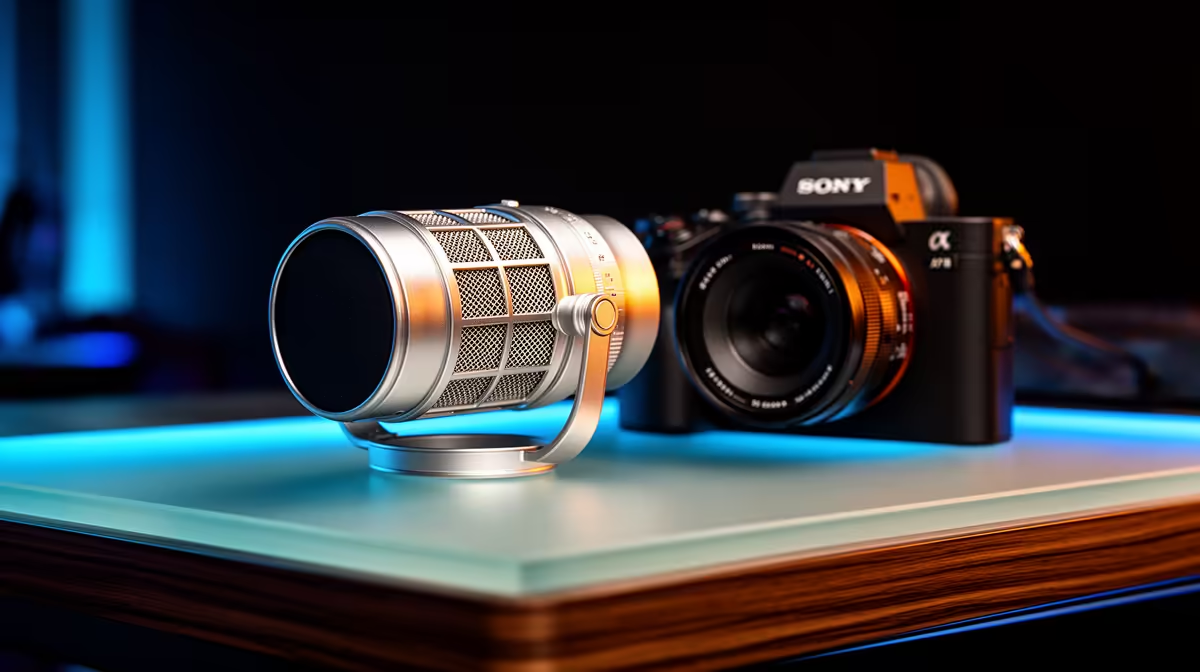
HyperX SoloCast 2 at R690 suits a postgraduate researcher who needs a cleaner microphone for online supervision meetings, interview recordings, presentation practice, and narrated research updates without building a full studio setup.
Why a streaming mic makes sense for research work
A HyperX SoloCast 2 at R690 is a sensible middle pick when the desk has to handle papers, a laptop, and long writing sessions. Its streaming-mic focus fits spoken work where voice clarity matters more than flashy extras, such as explaining methodology on a video call or recording a short abstract walkthrough.
The NearStream AM10X-P USB/XLR at R730 is the better choice if the setup may grow later. The USB/XLR spec gives a researcher room to start with a straightforward computer connection, then move toward a more serious recording chain for interviews, webinars, or department media work without replacing the mic immediately.
The MARVO MIC-07 at R351 is the budget-conscious option for a student desk where the main goal is to sound clearer than a laptop mic. At R351, it keeps the spend low while still matching the core need: a dedicated microphone for calls, voice notes, and presentation rehearsals.
Postgrad Desk Setup In SA
For a postgraduate researcher, the right microphone is less about streaming as a hobby and more about being consistently understandable. A small desk in res, digs, or a shared home office needs gear that can stay connected, work quickly before a meeting, and not dominate the workspace. The HyperX SoloCast 2 at R690 fits that role well, while the NearStream AM10X-P USB/XLR at R730 makes sense for someone who expects more recorded interviews or public-facing academic content.
Ready to choose the right microphone?
Start the microphone shortlist shortlist with HyperX SoloCast 2 at R690, especially if streaming microphone right choice postgraduate points you toward its listed spec.