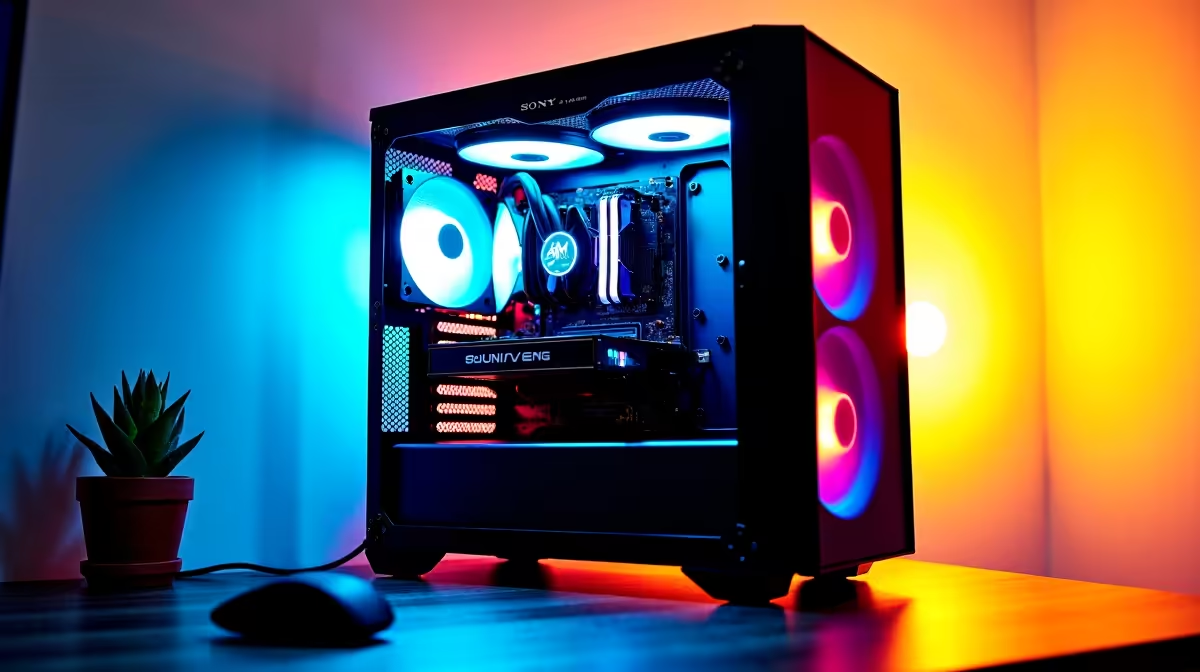
A streaming PC can run Plex when its processor, storage and network suit the media library and the number of simultaneous viewers. Live broadcasting and media serving can compete for encoding resources, so one machine should not be assumed capable merely because both tasks work separately. Test the combined peak workload.
Count streams and conversions
List each playback device, media format, resolution and expected concurrent use. Direct play is lighter than converting unsupported video in real time. Subtitles, remote access and bandwidth can change demand. Confirm current Plex requirements and hardware-acceleration support for the operating system and processor.
A compact Plex and stream candidate is the GEEKOM A8 Max with a Ryzen 9 8945HS processor, 32GB memory and 1TB storage; its verified price is R12,900. The Minisforum NAB6 Lite provides a Core i5-12600H processor, 8GB memory and 512GB storage for a verified R4,150. Treat both as compact-computer references pending codec, port, cooling and software checks.
A verified 4TB external hard drive reference costs R2,057. Confirm the current model, interface and warranty before using external storage. Keep another copy of irreplaceable media and configuration files, since a library drive is not automatically a backup.
Protect the live broadcast
Run the busiest Plex playback while conducting a private stream with camera and microphone active. Watch encoder use, memory, temperature, network throughput and dropped frames. Schedule library scans outside broadcast hours.
One PC is reasonable when that test remains stable. Separate the server when household viewing can interrupt production or when continuous availability matters.
Planning a compact media system? > Ask Evetech to compare processors, network ports and storage for your stream count.