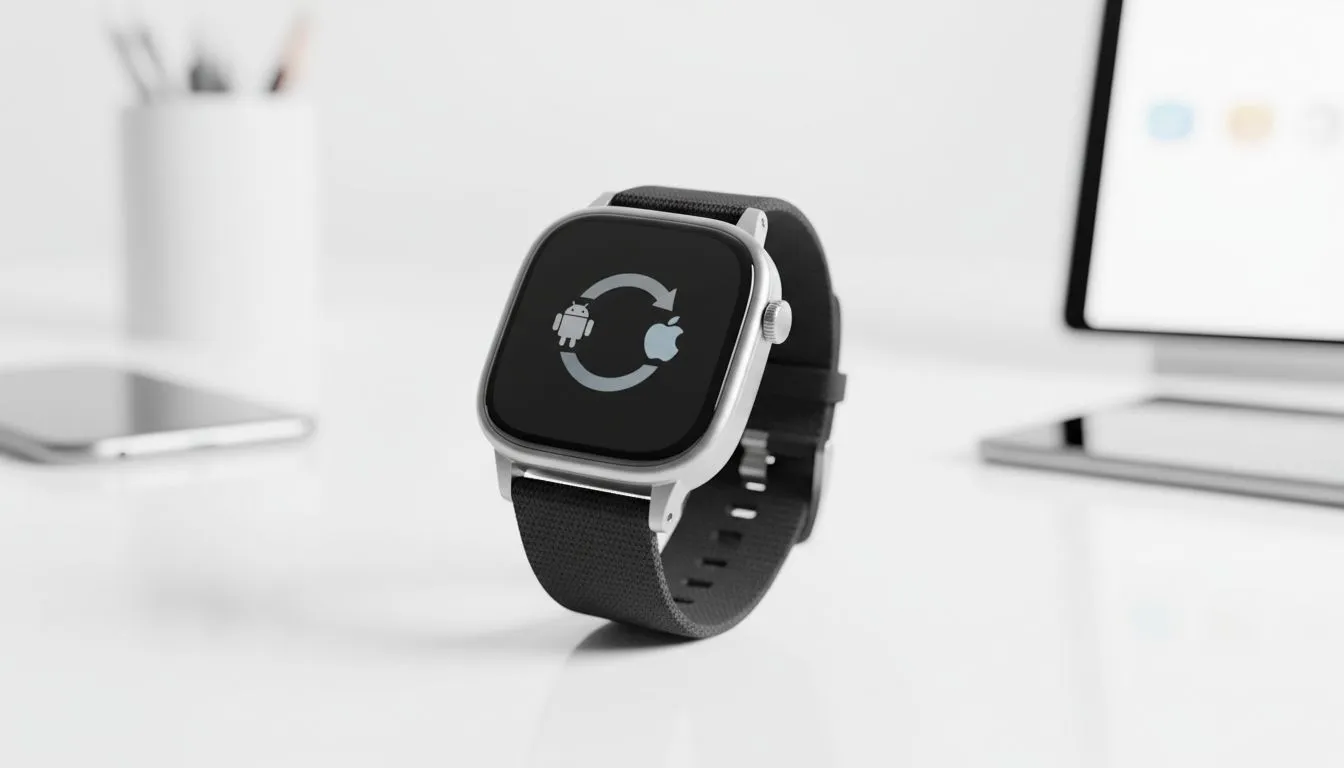
Sync Smartwatch Between Android and iOS: Complete Guide
You just bought a shiny new iPhone, but your trusty Android-compatible watch is still strapped to your wrist. Perhaps you’ve moved to a Samsung Galaxy but can't let go of your stylish iOS wearable. In the South African tech scene, we value flexibility and getting the most out of our gear. This guide shows you how to bridge the gap and keep your notifications flowing... regardless of your phone's OS. 🚀
Understanding Cross-Platform Compatibility
The first step to sync smartwatch between Android and iOS is knowing what hardware plays nice. While Apple Watches are notoriously locked to iPhones, many other brands offer incredible cross-platform support. Most modern smart watches use dedicated apps to bypass operating system restrictions.
Brands like Huawei, Garmin, and Promate have spent years refining their apps for both the Google Play Store and the Apple App Store. This means you can enjoy fitness tracking and call alerts without being forced into a specific mobile ecosystem.
How to Sync Smartwatch Between Android and iOS Successfully
To get started, you usually need a bridge application. For Wear OS devices, the "Wear OS by Google" app is your best friend on an iPhone. If you are using third-party brands, the process is even more straightforward.
- Download the proprietary app: Look for the specific app mentioned in your watch manual on your new phone.
- Enable Bluetooth: Ensure your phone’s Bluetooth is active and "visible" to new devices.
- Pair through the app: Never pair directly through the phone's Bluetooth settings first... always use the app to initiate the handshake.
- Grant permissions: South African users often skip this... but you must allow access to contacts and notifications for the sync to work perfectly.
Connection Pro Tip ⚡
If your watch refuses to show up in the search list, try a full factory reset on the wearable. Most smartwatches can only "talk" to one master device at a time. Clearing the old cache ensures the new handshake with your different OS happens without any digital hiccups.
Choosing the Right Hardware for Multi-OS Homes
If you frequently swap between devices, choosing a versatile brand is essential. We have found that Promate smartwatches offer some of the most consistent experiences across both platforms. They use unified apps that look and feel the same on an iPhone 15 as they do on a Galaxy S24. ✨
This versatility is great for families where different members use different phones but want to share chargers or bands. It also protects your investment if you decide to switch brands during your next upgrade cycle.
Performance and Feature Trade-offs
While you can sync smartwatch between Android and iOS, some "deep" features might be limited. For example, responding to an iMessage directly from a non-Apple watch on an iPhone can be tricky due to Apple’s sandboxing rules. Similarly, some advanced health metrics might stay locked within the brand's own health cloud.
However, for 90% of users, the core features like heart rate monitoring, step counting, and WhatsApp notifications work flawlessly. If you are looking for a bargain that doesn't compromise on these basics, there are excellent affordable smartwatches under R1000 that handle cross-platform duties with ease. 🔧
Final Connection Check
Before you head out, always ensure your watch firmware is updated. Manufacturers often release patches that improve stability between different operating systems. A quick update can be the difference between a dropped connection and a seamless digital life.
Ready to Find Your Perfect Match?
Staying connected shouldn't depend on which phone you carry in your pocket. Whether you're an Android enthusiast or an iOS power user, we have the wearable tech to suit your lifestyle. Explore our massive range of smartwatch specials and find the perfect companion for your wrist today.