Quick Answer
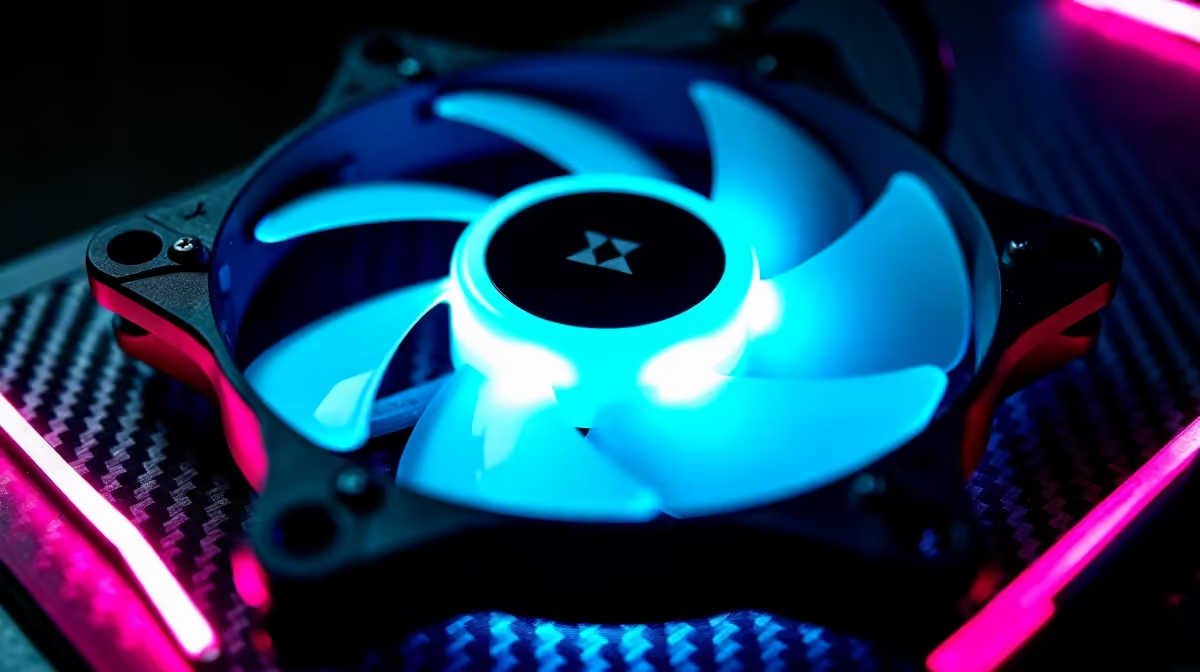
For controller-first PC gaming, your case fans only need to keep components cool and quiet, since a controller setup is often in a living room. A short list: 120mm fans around R150 to R400 each for balanced airflow, or premium 120mm/140mm fans at R400 to R900 for lower noise. Target component temperatures under 80C and aim for quiet operation near the couch.
Why Quiet Matters For Controller Setups
Controller-first gaming usually means sitting back, often in a shared living space, so fan noise is more noticeable than at a desk. Choose fans with a low noise rating (under 25dBA at moderate speed) and good static pressure for radiators or airflow for open cases. Quiet, steady cooling keeps the experience relaxed without a jet-engine PC beside the TV.
The Short List By Need
Budget 120mm fans (R150 to R400) move enough air for a mid-range build and keep temperatures sensible. Premium 120mm or 140mm fans (R400 to R900) spin slower for the same airflow, so they run quieter, ideal near a couch, and each draws only about 2W to 4W so a full set adds little to a R20,000 build's power. For an AIO radiator, pick higher static-pressure fans; for case intake and exhaust, prioritise airflow.
Setting Up For Cool And Quiet
Aim for slight positive pressure (more intake than exhaust) to reduce dust, and tune a fan curve so fans stay low until the CPU or GPU heats up. Target under 80C under load for healthy, quiet operation.
FAQ
How many case fans do I need for controller-first gaming?
Two to three quality 120mm or 140mm fans usually suffice: one or two intake and one exhaust. That keeps a mid-range build under 80C while staying quiet near the couch.
Are quieter fans worth the extra cost?
For a living-room controller setup, yes. Premium 120mm/140mm fans (R400 to R900) move the same air at lower RPM, so they run quieter, which matters more in a shared space than at a desk.
What temperature should my components run at?
Aim for under 80C under load for the CPU and GPU. Good fans and a sensible fan curve keep temperatures there while staying quiet, which protects performance and longevity.
living-room controller PC, pick quiet 120mm or 140mm fans (under 25dBA), set slight positive pressure to cut dust, and tune a fan curve to keep components under 80C. Quiet cooling matters most near the TV.