



PCIe 5.0 vs PCIe 4.0 for Video editing in 4k in SA
PCIe 5.0 vs PCIe 4.0 for video editing in 4k is mainly about fit, features, compatibility, cost, and upgrade path, not one automatic winner. SA buyers should match the choice to the setup.
Read moreGPU-first intelligent voltage stabilisation prioritises GPU rails during transients to lock in stable overclocking. Voltage stability and cooling headroom decide how far an overclock holds without crashes or throttling.
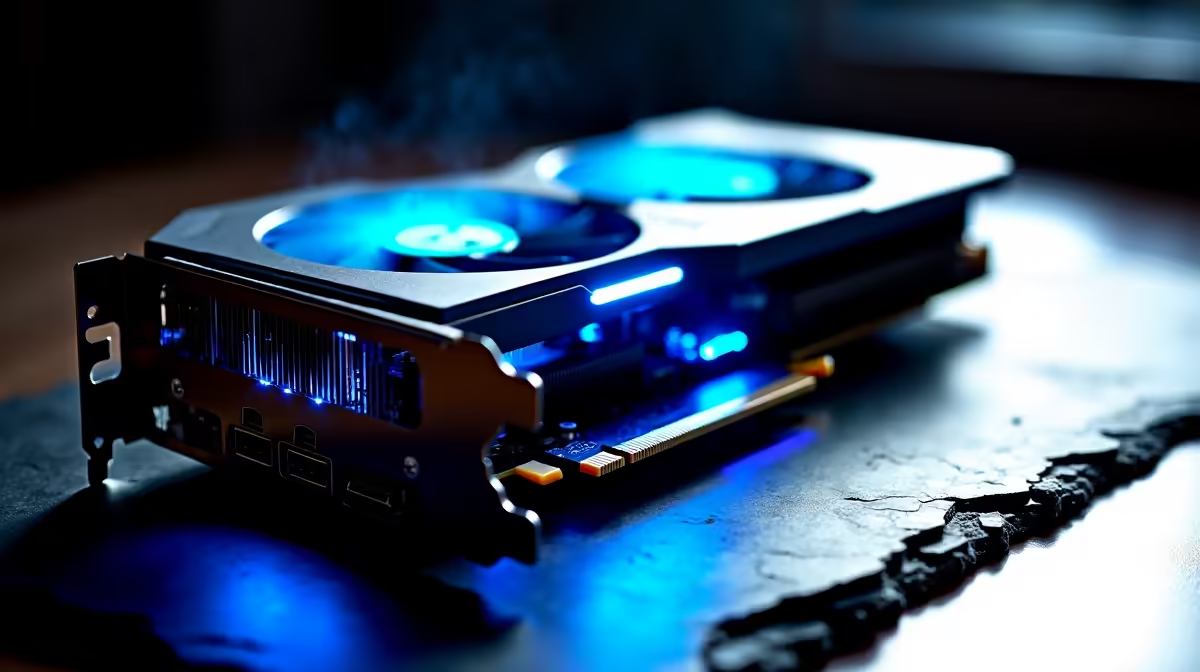
GPU-first intelligent voltage stabilization gives the GPU rail priority current during transient spikes, reducing 12V sag from as much as 5% down to under 2% during overclocking. Tighter voltage translates to a more stable overclock ceiling, fewer GPU resets, and better sustained boost clock behaviour.
When you push a GPU overclock, the card's power management unit monitors 12V input quality and adjusts its power target accordingly. A voltage sag below approximately 11.6V can trigger the GPU to throttle its boost clock or reset the power delivery circuit, appearing as a driver crash or black screen. GPU-first intelligent stabilization counters this by pre-biasing the 12V converter to maintain at least 11.8V even at spike peaks. For an RTX 5080 overclocked to 3.1 GHz core at 110% power limit, this rail quality difference can mean the line between a stable 24-hour run and a crash within 20 minutes.
For serious overclocking, PSU topology matters as much as wattage. Full-bridge LLC resonant converters with synchronous rectification offer the best dynamic response because the resonant tank inherently smooths transients. Hybrid digital-analogue control loops, as used in Seasonic Prime and Corsair HX series units, respond to load steps in under 100 microseconds, fast enough to catch GPU power spikes before they drag down the rail. Budget group-regulated designs may take 500 to 800 microseconds to respond. In South Africa, PSUs in the R4,000 to R7,000 range from Seasonic, Corsair, and MSI MEG offer the digital control loops needed for confident overclocking. Budget R600 to R1,000 more on the PSU than you would for a non-overclocking build to protect a GPU investment that may cost R15,000 to R35,000.
Before touching GPU overclock settings, stress-test the PSU for 30 minutes under combined GPU and CPU load and confirm the 12V rail stays above 11.8V. If it drops lower, reconsider the PSU. Once confirmed stable, increment GPU power limit in 5% steps and run a 15-minute synthetic benchmark after each step. If rail variance increases above 115% power limit, that is the PSU approaching its useful limit and a signal to stop.
Use HWiNFO64 sensor logging to record 12V rail values during a 10-minute GPU stress run before touching any overclock settings. Save the baseline log. If instability appears later, compare live rail readings to that baseline to determine whether the PSU or the overclock is the culprit.
Not always. A 1000W budget group-regulated unit can have worse voltage stability than a well-designed 750W LLC unit at the same load level. Wattage headroom matters, but topology and control loop response time are equally important.
PSU warranties cover manufacturing defects, not damage caused by operating outside rated specifications. Stay within 80% of PSU rated wattage during sustained overclocked loads as a practical safeguard against excessive current draw.
RTX 50-series AIB models from ASUS ROG STRIX and MSI SUPRIM X allow power limits up to 120 to 125% of reference TDP in software. These higher-tier variants are currently stocked at Evetech and are worth the premium if overclocking is a build priority.
Ready to push your GPU to its limit? A quality PSU is the foundation of every stable overclock. Browse Evetech's power supply range to find units with the voltage stability and wattage headroom your overclocking build needs.
PCIe 5.0 vs PCIe 4.0 for video editing in 4k is mainly about fit, features, compatibility, cost, and upgrade path, not one automatic winner. SA buyers should match the choice to the setup.
Read more
Wi-Fi 7 vs Wi-Fi 6e for competitive esports comes down to router support, latency goals, device compatibility, and coverage. SA buyers should match the choice to the real network setup.
Read more
ATX 3.1 vs ATX 3.0 for mMO and live-service games buyers - what changes is mostly about compatibility, budget, upgrade path, and setup fit. SA buyers should check device support and real needs before expecting a clear win from either option.
Read more
LGA 1851 vs LGA 1700 can affect Twitch and YouTube streaming when gaming and encoding share CPU resources. For SA creators, the real-world difference depends on encoder choice, memory support, motherboard cost, thermals, and upgrade plans.
Read more
X870E vs X670E for aaa single-player gaming is mainly about fit, features, compatibility, cost, and upgrade path, not one automatic winner. SA buyers should match the choice to the setup.
Read more
Hall Effect switches vs Mechanical switches for mMO and live-service games is mostly about compatibility, budget, upgrade path, and setup fit. SA buyers should check device support and real needs before expecting a clear win from either option.
Read more
A fake 113GB GTA VI ISO reportedly used empty padding around a small malware payload. SA gamers should delete unofficial builds, keep Windows security active and wait for official channels.

Wi-Fi 6E vs Wi-Fi 6 matters for 4K video editing when files move across a network. The real-world difference between Wi-Fi 6E and Wi-Fi 6 for video editing in 4K depends on NAS access, cloud uploads, router range, and SA creator workflows.

The difference between PCIe 5.0 and PCIe 4.0 for SA gamers is mostly bandwidth headroom. Compare GPU slot needs, NVMe speed, motherboard support, and upgrade timing before paying extra for a newer platform.

Gaming PC stuck pixel checks in South Africa should confirm the monitor fault first. Use colour tests, screenshot comparison, cable swaps, display menu checks, and clear photos before deciding on support.

Shokz OpenFit Air 2 earbuds weigh 7.2g each and use a redesigned dual-driver open-ear layout. SA buyers should choose them for comfort and awareness, not maximum isolation.

AMD's current driver now lists a Radeon RX 9050 4GB, while product coverage details a narrowed memory system. SA buyers should weigh the low VRAM ceiling against current local Radeon options.

Samsung Display has demonstrated a 16-inch 2.5K OLED laptop panel running at 300Hz. SA buyers should wait for a named notebook, full panel specifications and a local price before planning an upgrade.

Microsoft says some Windows 11 game crashes after recent updates are linked to RGB-related drivers. Affected SA gamers should confirm the update and driver before using the published registry workaround.

Minisforum's M2 Pro pairs Core Ultra X7, Arc B390 graphics and 32GB onboard memory in 1.8 litres. SA buyers should weigh its fixed memory and $1,439 launch offer against local mini PCs.

Smart monitors can add apps and convenience, but they also add privacy settings and unwanted-software risk. SA buyers should audit the operating system before paying for extras.

Lenovo says Legion Go failures linked to BIOS N3CN42WW are not user error. Affected SA owners should stop retrying the update, preserve proof and open a support case.

The ROG Gjallar gaming soundbar is now listed in the US at $599.99. SA buyers should compare its 2.1.2 audio, wireless bass and built-in chat controls with simpler local options.