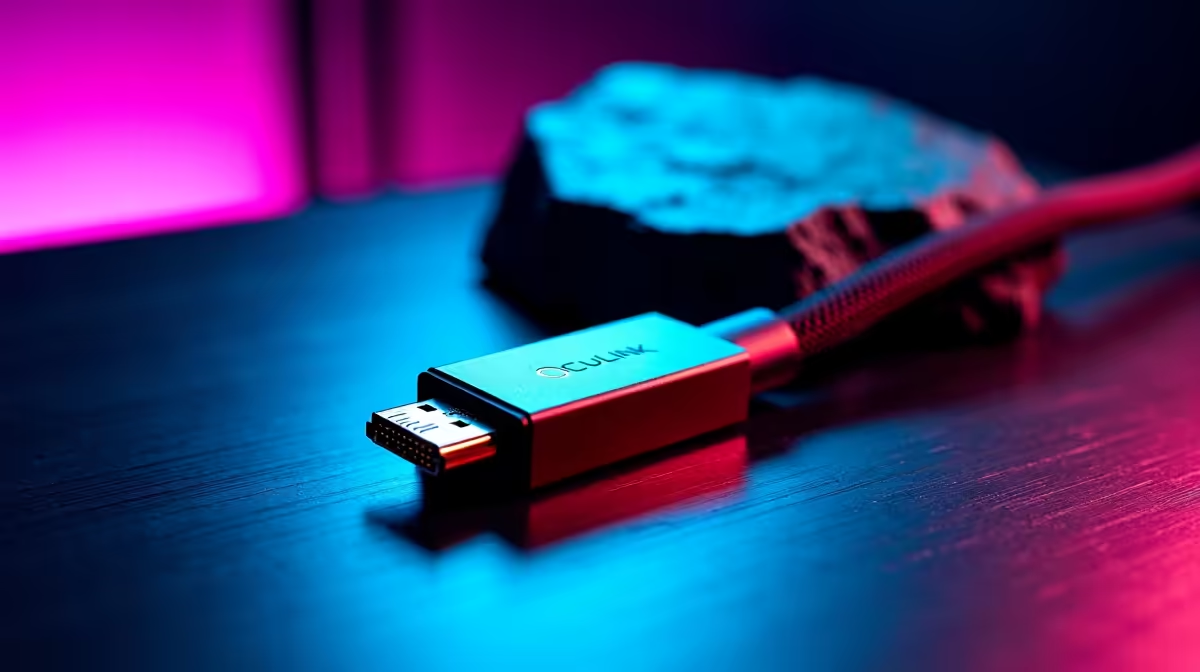
The cable is the part of an eGPU build people skimp on, and it is the part most likely to cost you bandwidth. The right OCuLink cable and adapter for your eGPU decides whether your external graphics card runs at full PCIe speed or quietly drops frames and disconnects under load. OCuLink uses the SFF-8611 and SFF-8612 connector family to carry PCIe 4.0 x4, and the length and shielding of the cable you choose are what hold that link together once a game starts pulling hard.
Quick Answer
OCuLink eGPU links run PCIe 4.0 x4 at up to roughly 63 to 64 Gbps over SFF-8611 and SFF-8612 connectors. Keep the cable short, around 25 cm or 50 cm, and choose one with full-coverage EMI shielding. Longer or poorly shielded cables risk speed drops or disconnects, so the cable is not the place to cut corners.
What SFF-8611 And SFF-8612 Actually Are
OCuLink is a connector standard, and the eGPU world uses two members of its family. SFF-8611 and SFF-8612 are the two connector types, one used on the host side and the other on the device side of the link. In practice an eGPU dock kit ships with a cable terminated to mate with the adapter that plugs into your laptop or mini PC on one end and the dock on the other.
The reason these matter is that they carry the raw PCIe signal directly, with very little protocol overhead. That is what gives OCuLink its strong bandwidth-per-Rand compared to some alternatives. But a direct high-speed PCIe signal over an external cable is also fussier about signal integrity, which is exactly why the cable's physical quality is so important.
The Bandwidth You Are Working With
An OCuLink eGPU connection runs PCIe 4.0 across four lanes, x4, which tops out at roughly 63 to 64 Gbps. That is a generous pipe for an external link and enough to feed a capable graphics card for most gaming, though it is narrower than the full x16 a card would get inside a desktop. The practical effect is that the very fastest cards lose a little performance compared to a desktop slot, but mid-range and upper mid-range cards run close to their potential.
Why x4 Is Usually Enough
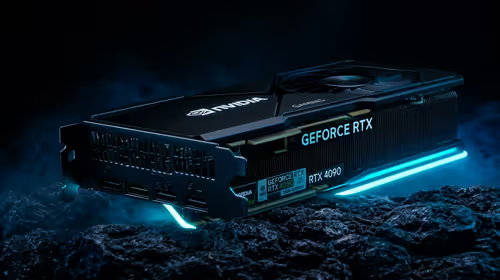
Games rarely saturate even a x4 PCIe 4.0 link continuously. The bottleneck shows up most in scenarios that stream large amounts of data across the bus, and even then the loss is a fraction rather than a collapse. For the typical user pairing a laptop or mini PC with an external card, the x4 link is a sensible balance of bandwidth and the simplicity OCuLink offers. The card itself still does the heavy lifting, so choosing a strong GPU matters more than chasing the last few percent of bus bandwidth. The graphics cards selling fastest at Evetech are a useful shortlist of what people are actually putting in these docks.
Length Is The First Thing To Get Right
Cable length is the single most important variable after picking the correct connectors. High-speed PCIe signals degrade as the cable gets longer, and OCuLink is no exception. The common, reliable lengths are 25 cm and 50 cm, and these are what most quality dock kits ship with for good reason. One-metre cables exist, but at that distance you are relying entirely on excellent shielding and construction to hold the signal.
The rule of thumb is to use the shortest cable that physically reaches. A 25 cm cable gives the cleanest signal; a 50 cm cable adds useful reach with a small margin still in hand. Stretching to a metre or beyond is where speed drops and intermittent disconnects start to appear, especially once a card is drawing power and the link is under sustained load.
Plan Your Desk Layout Around The Cable
Because length is constrained, position the dock close to the laptop or mini PC rather than across the desk. A short, well-routed cable that is not bent sharply or draped near interference sources will outperform a longer one every time. Treat the cable run as part of the build, not an afterthought once everything else is placed.
Shielding Separates Good Cables From Bad
Two cables of the same length can perform very differently depending on shielding. Quality OCuLink cables use full-coverage EMI shielding along the entire length to keep electromagnetic interference from leaking in or out, which is what preserves a clean signal at these speeds. Better cables also use a thin, flexible flat-cable design that maintains that shielding while staying manageable on a desk.
When you are choosing, prioritise a cable that explicitly states full-coverage shielding over a cheaper unshielded one, even at the same length. The difference does not show up at idle; it shows up as the dropped link or the frame stutter that appears only when a game pushes the bus. The dock and adapter you build around the cable matter too, and the docking station and adapter range at Evetech is the place to match the right enclosure to your card and cable.
Putting The Right Kit Together
A solid OCuLink eGPU setup comes down to three matched parts: the correct SFF-8611 and SFF-8612 cable for your dock, a length kept to 25 or 50 cm, and full-coverage shielding. Get those right and the x4 PCIe 4.0 link runs stable at its full roughly 63 to 64 Gbps, your graphics card delivers close to its potential, and you avoid the random disconnects that plague poorly chosen cables. Spend on the cable proportionally to the card, because a strong GPU throttled by a weak cable is a false economy.
Frequently Asked Questions
What is the maximum bandwidth of an OCuLink eGPU link?
It runs PCIe 4.0 across four lanes, x4, for up to roughly 63 to 64 Gbps. That is narrower than a desktop x16 slot, so the fastest cards lose a little, but mid-range and upper mid-range cards perform close to their potential.
How long can the OCuLink cable be?
Keep it short. The reliable lengths are 25 cm and 50 cm, with 25 cm giving the cleanest signal. One-metre cables exist but depend entirely on excellent shielding, and beyond that you risk speed drops and disconnects.
What is the difference between SFF-8611 and SFF-8612?
They are two connectors in the OCuLink family, one used on the host side and the other on the device side of the link. An eGPU dock kit pairs them with the adapter that plugs into your laptop or mini PC.
Why does my eGPU disconnect under load?
The usual culprits are a cable that is too long or poorly shielded. High-speed PCIe signals degrade over distance, so a short, fully shielded cable solves most random disconnects that appear only when a game pushes the bus.
Does the x4 link bottleneck my graphics card?
Only slightly, and mostly with the very fastest cards. Games rarely saturate a x4 PCIe 4.0 link continuously, so the loss is a fraction rather than a collapse, and choosing a strong card matters more than the bus width.
Building an eGPU rig that holds full bandwidth? Match the right enclosure and cable from the docking station range at Evetech and keep your external graphics card running at its best.