



PCIe 5.0 vs PCIe 4.0 for Video editing in 4k in SA
PCIe 5.0 vs PCIe 4.0 for video editing in 4k is mainly about fit, features, compatibility, cost, and upgrade path, not one automatic winner. SA buyers should match the choice to the setup.
Read moreHow to pick the right Wi-Fi 7 for your build in 2026: the features worth paying for, ZAR value tiers, and the trade-offs between budget, mid-range and flagship picks.
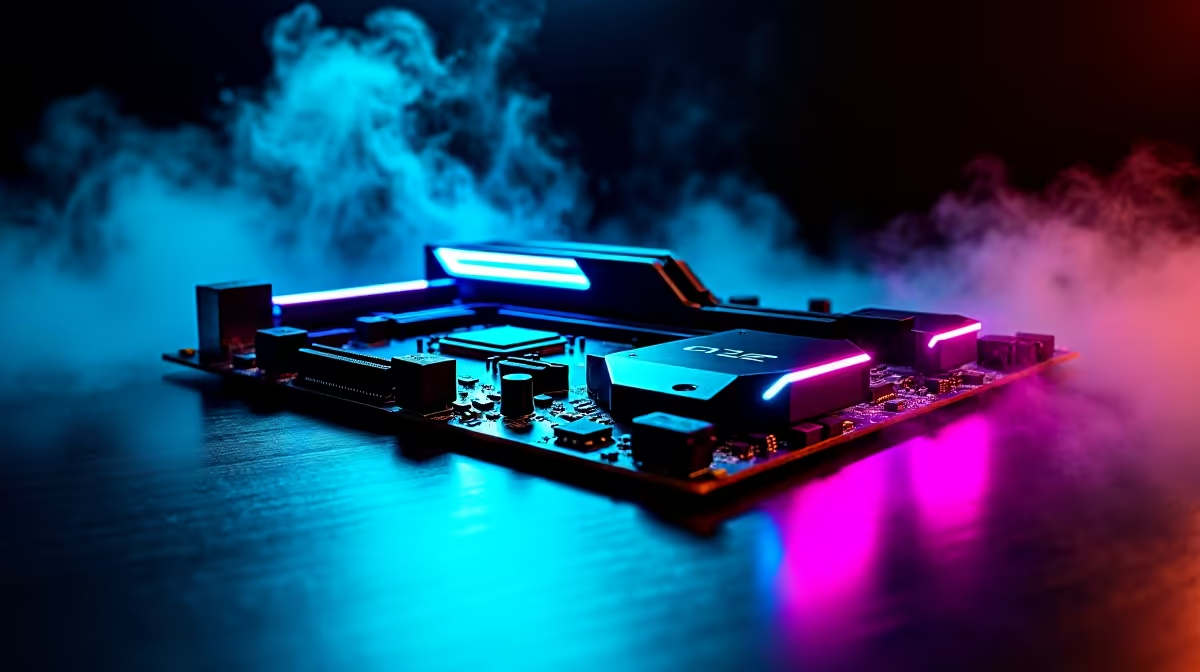
Building a PC in South Africa means making tough choices with your hard-earned ZAR 🔧. You want future-proof performance without overspending. When you look at the spec sheets, the acronyms can feel overwhelming. Do you really need the absolute bleeding edge? Let's break down the smart South African buyer’s guide to choosing between Wi-Fi 7, Triple M.2 and PCIe 5.0 on a gaming motherboard.
Wi-Fi 7 is incredibly fast. It promises massive bandwidth and ultra-low latency for wireless setups. But let's be realistic about our local infrastructure. Most South African fibre lines max out well below what Wi-Fi 7 can actually handle, making it less critical for standard browsing.
However... if you rely on wireless VR headsets or transfer massive video files locally, it's worth the extra ZAR. If you're building a new rig from our latest gaming PC deals, a board with Wi-Fi 6E is often more than enough for competitive ping in local servers.
Modern games are absolutely massive. A single major title like Call of Duty can easily eat up a huge chunk of your drive. This is exactly where having three M.2 slots becomes incredibly valuable for any serious gamer.
Instead of buying one massive, expensive drive upfront, you can add storage as your budget allows over the years. When you shop for motherboards, look for boards that offer at least triple M.2 slots. It gives you the ultimate flexibility to separate and optimise your operating system, games, and work files.
Always install your primary Windows OS drive in the top M.2 slot closest to the CPU. This slot usually connects directly to the processor rather than the chipset, giving you the absolute lowest latency and fastest boot times.
PCIe 5.0 offers double the bandwidth of the older PCIe 4.0 standard. Right now, even the absolute best graphics cards on the market barely saturate a Gen 4 slot. It might seem like overkill today.
However... if you plan to keep your core system running for five years or more, PCIe 5.0 ensures you're ready for next-gen GPUs and insanely fast SSDs. If you prefer Team Blue for your builds, the premium ASUS Intel motherboards offer robust PCIe 5.0 support for long-term peace of mind.
Choosing between Wi-Fi 7, Triple M.2 and PCIe 5.0 on a gaming motherboard ultimately comes down to your personal upgrade cycle. Triple M.2 offers the best immediate value for local gamers. PCIe 5.0 is specifically for long-term builders. Wi-Fi 7 remains a luxury for niche wireless setups.
For Ryzen fans looking to upgrade, high-end ASUS AMD motherboards often bundle these premium features beautifully. Just remember to pair your high-end board with blazing fast DDR5 memory kits to prevent any system bottlenecks down the line. Fast memory ensures your CPU can keep up with your shiny new components.
Ready to Build Your Dream Rig? Now that you know exactly what features matter most, it's time to start building. Whether you need massive storage options or next-gen connectivity, we have the perfect foundation for your setup. Explore our massive range of gaming motherboards and start your next build today.
Wi-Fi 7 is available at Evetech.co.za with local SA warranty, Rand pricing and nationwide delivery. Stock and pricing is updated in real time on the product page.
The article ranks the features that matter most by real-world impact, so you know exactly what to prioritise on your Rand budget.
We define clear value, mid-range and enthusiast price tiers for the SA market, with honest guidance on where each one makes sense.
Some headline specs barely change your experience. The guide flags the features you can safely skip to free up budget elsewhere in your build.
SA pricing reflects exchange rates, duties and local support. Evetech stocks the current 2026 line-up with local warranty, so you're not buying grey imports.
PCIe 5.0 vs PCIe 4.0 for video editing in 4k is mainly about fit, features, compatibility, cost, and upgrade path, not one automatic winner. SA buyers should match the choice to the setup.
Read more
Wi-Fi 7 vs Wi-Fi 6e for competitive esports comes down to router support, latency goals, device compatibility, and coverage. SA buyers should match the choice to the real network setup.
Read more
ATX 3.1 vs ATX 3.0 for mMO and live-service games buyers - what changes is mostly about compatibility, budget, upgrade path, and setup fit. SA buyers should check device support and real needs before expecting a clear win from either option.
Read more
LGA 1851 vs LGA 1700 can affect Twitch and YouTube streaming when gaming and encoding share CPU resources. For SA creators, the real-world difference depends on encoder choice, memory support, motherboard cost, thermals, and upgrade plans.
Read more
X870E vs X670E for aaa single-player gaming is mainly about fit, features, compatibility, cost, and upgrade path, not one automatic winner. SA buyers should match the choice to the setup.
Read more
Hall Effect switches vs Mechanical switches for mMO and live-service games is mostly about compatibility, budget, upgrade path, and setup fit. SA buyers should check device support and real needs before expecting a clear win from either option.
Read more
A fake 113GB GTA VI ISO reportedly used empty padding around a small malware payload. SA gamers should delete unofficial builds, keep Windows security active and wait for official channels.

Wi-Fi 6E vs Wi-Fi 6 matters for 4K video editing when files move across a network. The real-world difference between Wi-Fi 6E and Wi-Fi 6 for video editing in 4K depends on NAS access, cloud uploads, router range, and SA creator workflows.

The difference between PCIe 5.0 and PCIe 4.0 for SA gamers is mostly bandwidth headroom. Compare GPU slot needs, NVMe speed, motherboard support, and upgrade timing before paying extra for a newer platform.

Gaming PC stuck pixel checks in South Africa should confirm the monitor fault first. Use colour tests, screenshot comparison, cable swaps, display menu checks, and clear photos before deciding on support.

Shokz OpenFit Air 2 earbuds weigh 7.2g each and use a redesigned dual-driver open-ear layout. SA buyers should choose them for comfort and awareness, not maximum isolation.

AMD's current driver now lists a Radeon RX 9050 4GB, while product coverage details a narrowed memory system. SA buyers should weigh the low VRAM ceiling against current local Radeon options.

Samsung Display has demonstrated a 16-inch 2.5K OLED laptop panel running at 300Hz. SA buyers should wait for a named notebook, full panel specifications and a local price before planning an upgrade.

Microsoft says some Windows 11 game crashes after recent updates are linked to RGB-related drivers. Affected SA gamers should confirm the update and driver before using the published registry workaround.

Minisforum's M2 Pro pairs Core Ultra X7, Arc B390 graphics and 32GB onboard memory in 1.8 litres. SA buyers should weigh its fixed memory and $1,439 launch offer against local mini PCs.

Smart monitors can add apps and convenience, but they also add privacy settings and unwanted-software risk. SA buyers should audit the operating system before paying for extras.

Lenovo says Legion Go failures linked to BIOS N3CN42WW are not user error. Affected SA owners should stop retrying the update, preserve proof and open a support case.

The ROG Gjallar gaming soundbar is now listed in the US at $599.99. SA buyers should compare its 2.1.2 audio, wireless bass and built-in chat controls with simpler local options.