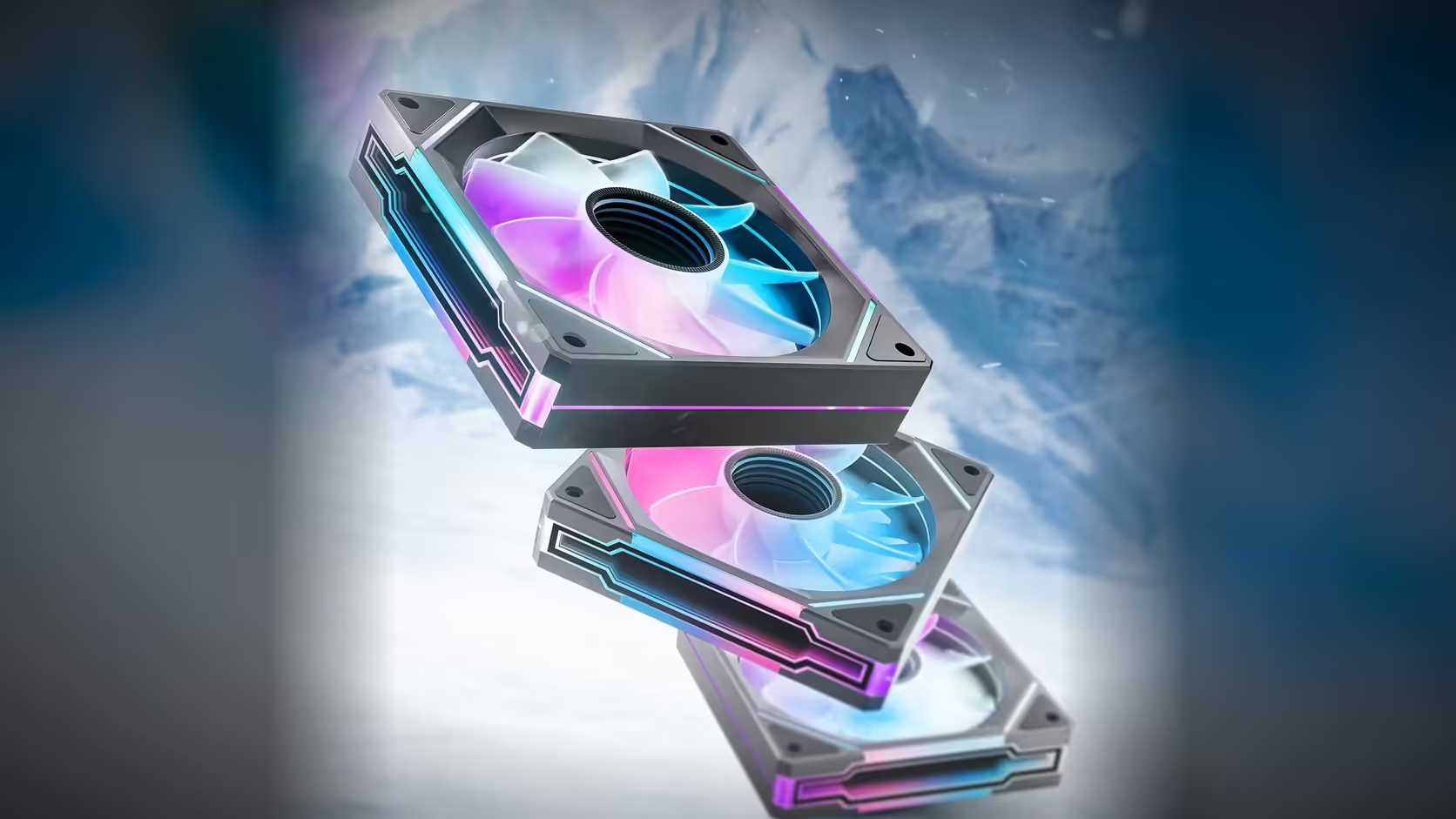
A build calling for four linked fans is asking something slightly different from a build calling for three, even though both sit inside what AsiaHorse states the Amici 5GT's ARGB chain can handle. The gap between "within range" and "comfortably within range" is worth understanding before wiring a run at either number.
Quick Answer
The Amici 5GT's product description specifies that its ARGB leads can be linked across three to four fans. A run of three sits in the middle of that stated range; a run of four sits at its upper edge. Both are within what is described, but neither figure says anything about what a specific motherboard header can supply, which is a separate limit that still has to be checked.
What the stated range actually says
"Three to four fans" is the exact language the product description uses for how many Amici 5GT units can be linked on one ARGB chain. It is not a soft suggestion with headroom baked in; it is the range the manufacturer states, and nothing beyond it is described for this specific model. A three-fan chain and a four-fan chain are both legitimate uses of the feature as documented.
Reading "up to four" correctly
There is a meaningful difference between "up to four fans works" and "four fans is the safe middle of a wider range." The description gives no indication that five or six would also work; it states three to four as the range, full stop. Treating four as the ceiling rather than as a comfortably-inside number is the more accurate reading, and it changes how a build should be planned if it is close to that number.
The header's own limit is a second, separate constraint
Beyond what the fan itself supports, the motherboard's addressable header has its own rated current capacity, typically stated in the board's manual or specification sheet. A chain that sits within the fan's stated three-to-four range can still exceed what a particular header is rated to supply, especially if other addressable devices, such as a strip or a lit cable cover, are drawing from the same header. The two limits are independent: passing one does not guarantee passing the other.
Finding the header's rated capacity
Board manufacturers generally publish the current rating for each addressable header in the motherboard's specification sheet or manual, usually expressed in amps or milliamps per header. Checking that figure against what a four-fan chain, plus anything else sharing the header, would draw is the only way to confirm the header side is not the bottleneck.
What happens if either limit is exceeded
Exceeding the fan's stated chain range is uncharted territory the description does not cover, so outcomes are unpredictable rather than defined. Exceeding a header's rated current more commonly shows up as unstable or inconsistent lighting along the chain, though most modern boards include some protection against genuine damage. Neither outcome is desirable, which is why checking both limits before wiring a four-fan chain is worth the few minutes it takes.
Splitting a larger build across two chains
A build that needs more lighting than a single chain of three or four fans can provide should split across two addressable headers rather than push past the stated range on one. Most current motherboards provide more than one addressable header specifically for this kind of layout, so a six or eight-fan build typically divides into two chains of three or four rather than attempting one long run.
The speed side is unaffected by any of this
None of the chain-length discussion touches the PWM side of the fans. Every Amici 5GT keeps its own 4-pin PWM cable independent of how the lighting is chained, so a four-fan lighting run still needs its own separate count of fan headers, worked out on its own terms rather than inferred from the lighting chain. A four-fan build, whichever combination of packs and singles delivers it, still needs a plan for up to four PWM connections alongside the one addressable header the lighting chain uses. For anyone planning a chain at either three or four fans, the current Amici 5GT range sits in Evetech's case fans section, with case accessories covering splitters and extension leads for boards short on headers.
Deciding between a three-fan chain and a four-fan chain
Where a build genuinely has the choice, whether to run three fans on a chain with a fourth wired separately, or to bring all four into the same chain, the deciding factor should be the header's own rated capacity rather than a preference for tidier cabling. A header with ample headroom makes four fans on one chain an entirely reasonable choice; a header running close to its rated limit with other addressable devices already attached is better served by keeping the chain at three and giving the fourth fan its own connection elsewhere on the board.
Buying to match a three or four-fan chain
Whether a build settles on three or four linked fans, the fans themselves come from the same range regardless of chain length: R199 for a single, R449 for a three-pack, in black or white, standard or reverse blade. A three-fan chain typically comes from one three-pack bought outright; a four-fan chain usually means a three-pack plus one matching single, chosen for the same colour and blade direction so the chain looks consistent once it is lit and running.
Frequently Asked Questions
Does the product description actually allow four fans on one chain?
Yes, three to four fans is the stated range, so four sits at the top of what is described rather than beyond it.
Is four fans as safe as three, given both are "within range"?
Both are within the stated fan-side range, but four sits at its edge, and the header's own current rating is a separate check that applies regardless of where in the range the chain sits.
How do I find my motherboard's addressable header current rating?
It is usually published in the board's manual or specification sheet, typically listed in amps or milliamps per addressable header.
What if other lit devices share the same header as the fan chain?
Anything drawing from the same addressable header counts toward its total current draw, so a strip or lit cable cover on the same header reduces the headroom left for the fans.
What symptoms suggest a header is overloaded?
Inconsistent or unstable lighting behaviour along the chain is the more commonly reported symptom, though most boards include some protective measures against genuine damage.
How should a build needing more than four linked fans be wired?
Split across two separate addressable headers rather than attempting to extend one chain past the stated three-to-four range.
Does the lighting chain limit affect how many fan headers a build needs?
No, those are separate systems. Each fan's PWM cable is independent of the ARGB chain, so the fan header count has to be worked out on its own terms.
Planning a four-fan lighting chain for your build?
Check Evetech's case fans and case accessories ranges before finalising the wiring.