A campus residence room is small and shared, so a gaming desk has to fit, function and not dominate the space. A three-tier plan helps South African students spend wisely, from a compact starter desk to a feature-rich setup. This guide maps the tiers so your res room works for both gaming and study within tight limits.
Quick Answer
For a campus res room, plan around R1,200 for a compact starter desk (100 to 120cm wide), R2,500 for a balanced desk with cable management and a monitor shelf, and R4,500-plus for a height-adjustable premium desk. A 120cm desk with good cable management fits most res rooms while leaving space for both gaming and coursework.
Budget Tier: Compact And Sturdy (around R1,200)
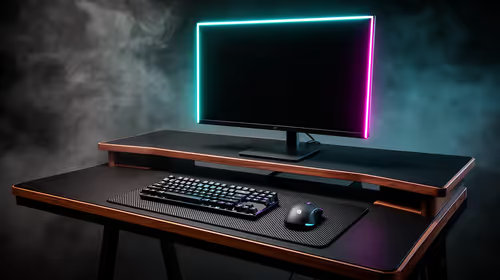
Start with a compact 100 to 120cm-wide desk that fits a res room without crowding it. Prioritise a stable frame and a surface deep enough (around 60cm) to sit a comfortable arm's length from your monitor. At this tier, skip extras and focus on a solid, non-wobbling desk that holds a monitor, keyboard and mouse. A sturdy compact desk is the foundation of a workable res setup on a student budget.
Balanced Tier: Cable Management And Shelf (around R2,500)
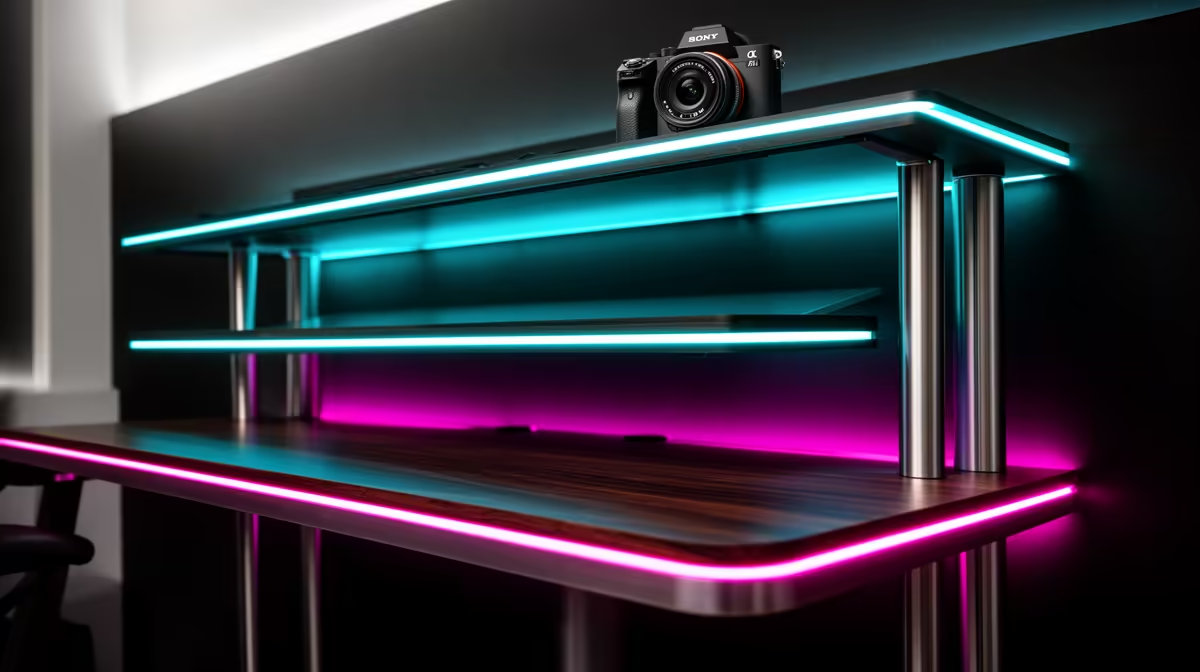
The mid tier adds practical features: built-in cable management to tame the clutter common in a small room, a monitor shelf or riser to free desk space, and a slightly larger or carbon-textured surface. These touches make a res desk more livable, keeping cables off the floor and the surface usable for both gaming and study. This tier suits a student who wants a tidy, functional space without overspending.
Premium Tier: Height-Adjustable (R4,500-plus)
At the top, a height-adjustable (sit-stand) desk lets you alternate between sitting and standing, which helps during long study and gaming sessions in a room where you spend most of your time. Electric or crank adjustment, a sturdy frame and a memory preset add comfort and versatility. It costs more and takes space, so reserve this tier for students who want a long-term, ergonomic res setup and have the room for it.
FAQ
What gaming desk fits a campus res room?
A compact 100 to 120cm-wide desk with around 60cm depth fits most res rooms without crowding them. Prioritise a stable frame so it holds a monitor, keyboard and mouse comfortably for gaming and study.
Is cable management worth it in a res desk?
Yes, in a small shared room it keeps clutter off the floor and the surface usable. A balanced desk around R2,500 with built-in cable management and a monitor shelf makes a res setup far tidier.
Are sit-stand desks worth it for res?
They are for students who spend most of their time at the desk and want to alternate sitting and standing during long sessions. They cost more and need space, so they suit a longer-term res setup.
start with a sturdy 120cm desk that fits the room, then prioritise built-in cable management to keep a small shared space tidy. Save the sit-stand upgrade for when you want a long-term ergonomic setup.