



PCIe 5.0 vs PCIe 4.0 for Strategy and Sim Games in SA
PCIe 5.0 and PCIe 4.0 differ most in lane support, compatibility, and upgrade value for strategy and sim games. SA buyers should match the choice to their actual hardware and games.
Read moreStreaming Microphones for low-latency online should be shortlisted around the job it must do. South African buyers should compare audio quality, mic clarity, comfort, and connection type, warranty path, and upgrade room before treating any pick as best.
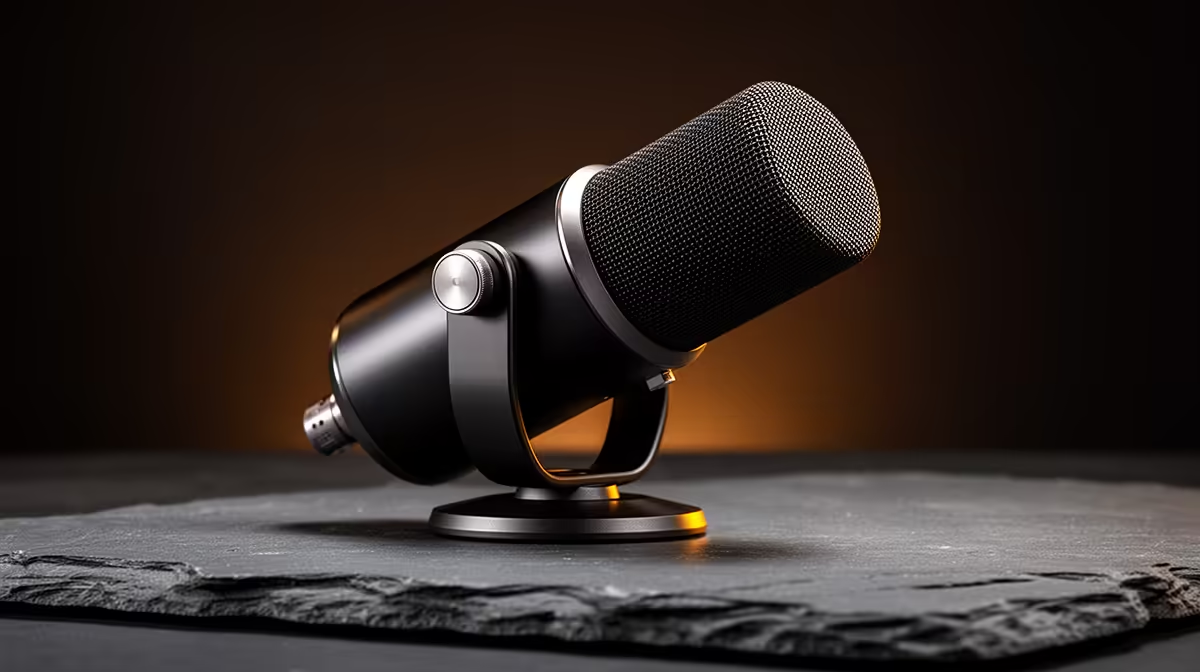
Low-latency online gaming demands comms that stay crisp and in sync, and a microphone upgrade path lets you improve audio without ever adding noticeable delay. This guide maps the tiers for South African gamers, from a clean starter USB mic to a serious setup, while keeping the focus on what actually affects latency in voice chat.
For low-latency online gaming, start with a USB cardioid mic (around R1,500), step up to one with zero-latency monitoring (R2,500), then an XLR interface (R4,500-plus). USB mics add only a few milliseconds, so latency is rarely the mic's doing; the upgrade path improves voice clarity and control, not network ping.
Start with a USB cardioid mic like the HyperX SoloCast at around R1,500. For voice chat, its processing latency is a handful of milliseconds, far below what affects comms timing. The cardioid pattern keeps callouts clear over fans and keyboard clatter. This tier gives competitive players everything they need; clear, prompt voice that teammates hear without delay, since real lag comes from the network, not the mic.
The mid tier adds zero-latency headphone monitoring and onboard gain, on mics like the Razer Seiren or HyperX QuadCast. Monitoring lets you hear your own voice with no delay so you can keep levels consistent during fast-paced matches. Pair it with a software noise gate near -35dB so the channel stays clean between callouts. This tier suits players who also stream and want better control without XLR complexity.
At the top, an XLR mic and audio interface provide direct hardware monitoring with effectively zero latency and the cleanest signal. This suits players who also create content and want broadcast-grade voice. For pure low-latency gaming comms it is unnecessary, since a USB mic already delivers prompt, clear audio. Reserve this tier for when audio quality beyond gaming justifies the extra cost and setup time.
No, a USB mic adds only a few milliseconds of processing, which is negligible for voice chat. Real comms lag comes from your network and audio buffer settings, not the microphone.
A tight cardioid pattern for clear callouts over fan noise, plus zero-latency monitoring on the mid tier so you keep your voice level consistent. A software noise gate keeps the channel clean between calls.
No, a USB mic already delivers prompt, clear comms. XLR gives the cleanest signal and is worth it only if you also create content and want broadcast-grade audio quality.
For low-latency gaming comms, start with a R1,500 USB cardioid mic from Evetech and a noise gate; the mic adds negligible delay, so put effort into your network before stepping up to XLR.
PCIe 5.0 and PCIe 4.0 differ most in lane support, compatibility, and upgrade value for strategy and sim games. SA buyers should match the choice to their actual hardware and games.
Read more
AM5 vs AM4 for video editing in 4K Difference explained is mostly about compatibility, budget, upgrade path, and setup fit. SA buyers should check device support and real needs before expecting a clear win from either option.
Read more
OLED vs QD-OLED for strategy and sim games buyers - what changes is mostly about compatibility, budget, upgrade path, and setup fit. SA buyers should check device support and real needs before expecting a clear win from either option.
Read more
DisplayPort 2.1 and 1.4 differences matter when SA PC builders match GPUs, monitors, and refresh targets. Use this difference between displayport 2 1 and displayport 1 4 explained pc builders guide to avoid mismatched parts.
Read more
Ray tracing vs Path tracing depends on Strategy and sim games needs, platform limits, and budget fit. Compare compatibility, latency, upgrade path, and real setup constraints before choosing for an SA build.
Read more
wireless mouse guide for Gqeberha gamers should be shortlisted around the job it must do. South African buyers should compare sensor, shape, weight, and wireless latency, warranty path, and upgrade room before treating any pick as best.
Read more
From 1 October 2026, WhatsApp Business Platform service replies in South Africa are expected to cost about $0.0076, or 12 cents, per delivered message.

DDR5-8000 RAM Kits pros and cons depend on the build, budget, and workload. Weigh gaming needs, platform fit, power, cooling, warranty support, and South African pricing context before shortlisting it.

Wi-Fi 6E vs Wi-Fi 6 depends on AAA single-player gaming needs, platform limits, and budget fit. Compare compatibility, latency, upgrade path, and real setup constraints before choosing for an SA build.

Ryzen 9 9950X3D dead pixel checks should isolate the panel first. Run colour fills, inspect the monitor menu, test another cable or input, and capture proof before linking it to the SA CPU upgrade.

YouTube will count public views from the first frame across video formats from 24 August, while earnings and eligibility remain tied to engaged viewing.

Canonical expects Ubuntu on WSL users to outnumber native Ubuntu desktop users before the end of 2026. The software is open source and runs inside supported Windows PCs.

Telkom's daily bundles pair WhatsApp access with 10 all-network voice minutes. The R15 option includes 300MB, while the R17 option uses a fair-use threshold.

A 10,000-hour test found similar image retention across older and newer OLED TVs, while newer panels were brighter and more efficient. Local OLED monitors started at R9,999.

Windows 11 update KB5121003 is linked to crashes in several multiplayer games on versions 24H2 and 25H2. Check the build, report the fault and avoid risky file or update changes unless the problem is confirmed on your PC.

Comsol's standalone 5G network covers about one million Gauteng homes and starts commercial ISP service in September. Early packages range from R275 to R875 a month, but coverage and fair-use rules still decide the real value.

Sennheiser's Momentum True Wireless 5 adds user-replaceable batteries, 12-hour playback and a $299.95 launch price. There is no confirmed South African date, so compare longevity with live earbuds from R199 to R2,999.

AVerMedia's GC531 and GC535 are professional HDMI capture devices for continuous streaming, with RGB24 capture up to 2K30 and 4K30. South African creators should compare them with live 4K capture cards from R2,099.