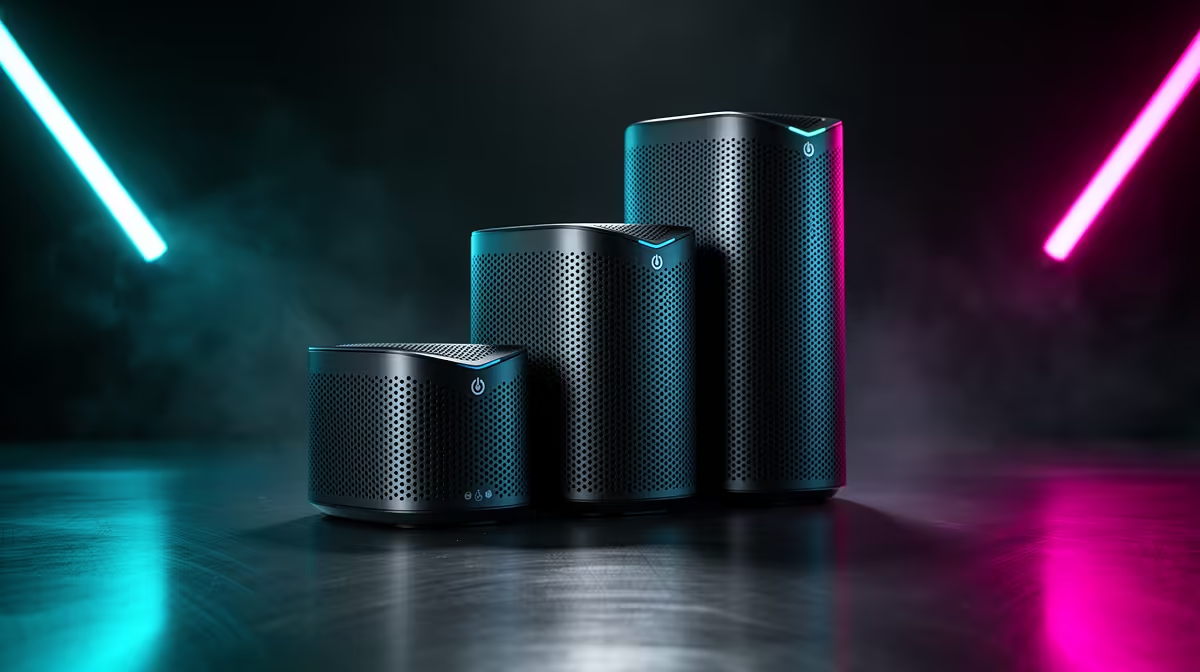
In a shared gaming space, a mesh Wi-Fi kit matters because several people game and stream from the same area, so coverage and capacity decide whether everyone gets a smooth connection. The three tiers below scale band and node count to your setup.
Quick Answer
Budget mesh kits around R2,500 to R4,000 (Wi-Fi 6, 2 nodes) cover a shared flat, balanced kits at R4,500 to R7,000 (Wi-Fi 6E, 2 to 3 nodes) add a clear 6GHz band for multiple gamers, and premium Wi-Fi 7 kits above R8,000 handle a large shared house. With several simultaneous users, capacity and a wired-backhaul node near the gaming area matter most.
Budget, balanced and premium mesh tiers
Budget Wi-Fi 6 two-node kits (R2,500 to R4,000) cover a shared flat where a few people game. Balanced Wi-Fi 6E kits (R4,500 to R7,000, 2 to 3 nodes) add a 6GHz band so multiple gamers and streamers do not choke the network. Premium Wi-Fi 7 kits (R8,000+) suit a large shared house with many simultaneous devices. In a shared space the number of active users, not just floor area, decides which tier keeps everyone smooth.
Share bandwidth fairly
When several people game from one space, a 6GHz band (Wi-Fi 6E or 7) gives the busy 5GHz band room, so no one's session stutters. Place a node near the shared gaming area with a wired Ethernet backhaul for the lowest latency, and pair with a fibre line. Some mesh systems let you prioritise gaming traffic, which helps when a flatmate streams 4K video. Matching node count and band to the shared load keeps every player connected without the evening slowdown.
FAQ
What mesh kit suits a shared gaming space?
Match it to user count and size: budget Wi-Fi 6 (R2,500 to R4,000) for a shared flat, balanced Wi-Fi 6E (R4,500 to R7,000) for multiple gamers, premium Wi-Fi 7 (R8,000+) for a large shared house.
How does mesh Wi-Fi help multiple gamers?
A 6GHz band on Wi-Fi 6E or 7 adds capacity so several simultaneous gamers and streamers do not choke the network. A node near the shared area with a wired backhaul keeps latency low for everyone.
Can I prioritise gaming on a mesh network?
Many mesh systems offer traffic prioritisation, which helps when a flatmate streams 4K while you game. Combined with a wired-backhaul node, it keeps gaming sessions smooth in a shared space.
shared space, pick a Wi-Fi 6E or 7 kit so a 6GHz band adds capacity, wire a node near the gaming area, and enable gaming traffic prioritisation so one flatmate's 4K stream does not stutter everyone.