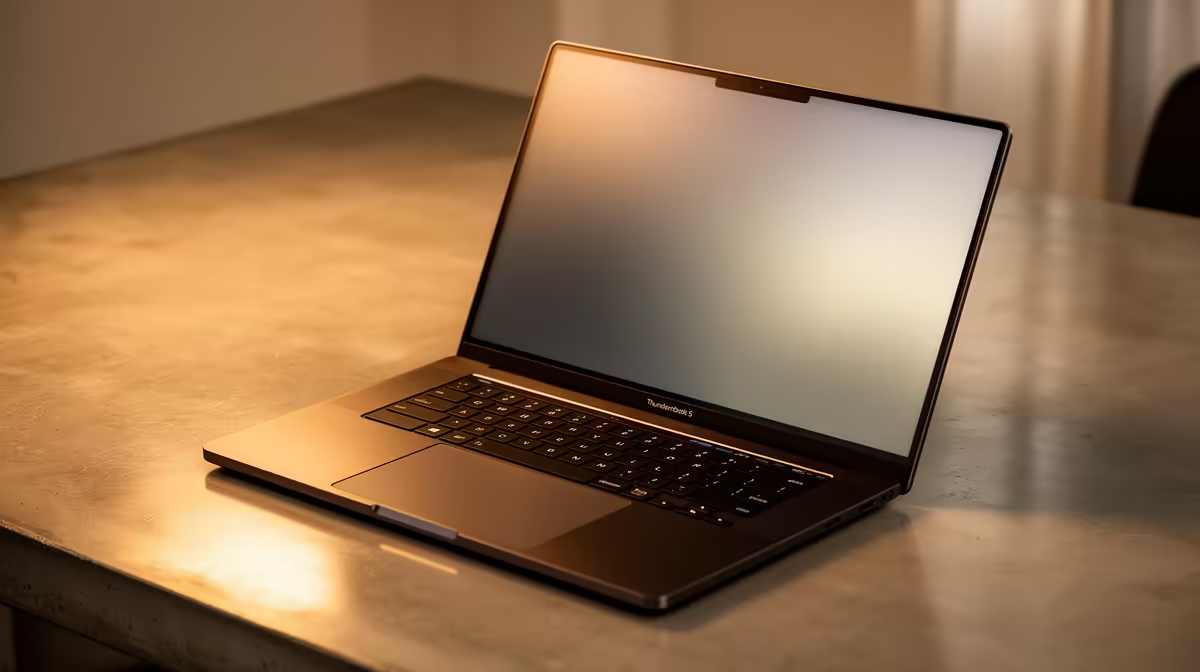
So, you’ve heard the buzz. Whispers of a new connection standard so fast it makes everything else feel like dial-up. We're talking about Thunderbolt 5, and if you're a gamer, creator, or power user in South Africa, this is the tech you need to know about. Forget frustratingly slow file transfers or juggling cables for your multi-monitor setup. Thunderbolt 5 laptops are here to simplify and supercharge your entire workflow. Ready for a serious upgrade?
What Exactly is Thunderbolt 5?
At its core, Thunderbolt 5 is the next generation of connectivity, built on the familiar USB-C connector. Developed by Intel, it represents a massive leap in data transfer speeds and display capabilities. While Thunderbolt 4 was impressive, Thunderbolt 5 doubles the baseline performance.
According to Intel's official specifications, it delivers a staggering 80 Gigabits per second (Gbps) of bi-directional bandwidth. What does that mean in the real world? It’s fast enough to transfer a full-length 4K movie in just a few seconds. For professionals and gamers who demand peak performance, this new standard is a true evolution, often found in premium devices like versatile Intel Core i7 laptops and above.
But it gets even better. With a feature called Bandwidth Boost, Thunderbolt 5 can push up to 120 Gbps for video output, making it capable of driving multiple 8K displays or high-refresh-rate gaming monitors without breaking a sweat.
The Real-World Benefits for South African Users
Okay, the numbers are impressive, but how do laptops with Thunderbolt 5 actually improve your daily life here in SA? Let's break it down.
For the Gamers 🎮
Imagine your entire Steam library on a lightning-fast external SSD. With Thunderbolt 5, loading screens become a relic of the past. You can run massive open-world games directly from an external drive with speeds that rival internal NVMe storage. This is perfect for high-end gaming rigs, especially the powerful Intel Core i9 laptops designed for maximum frames. Plus, a single cable can connect your laptop to a high-refresh-rate monitor, mechanical keyboard, and gaming mouse through a dock, creating the ultimate clean and powerful battle station.
For the Content Creators ✨
Picture this: You’ve just finished a shoot in the Drakensberg and have hours of 4K RAW footage to edit. Instead of waiting an eternity for files to copy, a Thunderbolt 5 connection moves gigabytes in seconds. This speed transforms your workflow, allowing you to spend more time creating and less time waiting. This technology is a perfect match for the new wave of efficient Core Ultra 7 laptops, which balance immense processing power with portability.
Multi-Monitor Pro Tip ⚡
A Thunderbolt 5 dock is your best friend for a sprawling workspace. You can drive two 6K monitors and still have bandwidth left for high-speed storage and peripherals, all through a single cable. Use Windows PowerToys' FancyZones to create custom screen layouts and master your digital real estate.
Is Your Next Laptop Ready for Thunderbolt 5?
Thunderbolt 5 is the new benchmark for high-performance laptops. You'll find it featured in the latest machines, particularly those built around Intel's newest platforms. If you’re considering an upgrade, looking for a laptop with this port is one of the smartest ways to ensure your investment lasts for years to come. The most advanced systems, like the cutting-edge Intel Core Ultra 9 laptops, are among the first to pioneer this incredible technology. Keep an eye on the latest models to find one that fits your needs and budget.
Future-Proofing Your Setup in SA
Choosing a Thunderbolt 5 laptop isn't just about the speed you get today; it's about preparing for the technology of tomorrow. The next generation of external GPUs, ultra-fast storage arrays, and professional-grade monitors will all be designed to leverage this immense bandwidth. By getting a compatible laptop now, you ensure you won't be left behind when those peripherals become the new standard. It's a strategic move to keep your setup at the top of its game for years.
Ready to see what's on offer? You can often find great deals on Intel laptops that pack the latest technology. Whether you're a professional, a creator, or a dedicated gamer, you can explore our full range of Intel laptops on special to find the perfect fit.
Ready to Harness the Speed of Thunderbolt 5?
The future of connectivity is here, and it's unbelievably fast. Don't let old technology slow you down. Explore our massive range of high-performance Intel laptops and find the perfect machine to conquer your world.
Browse Evetech's Intel Laptop Specials Now